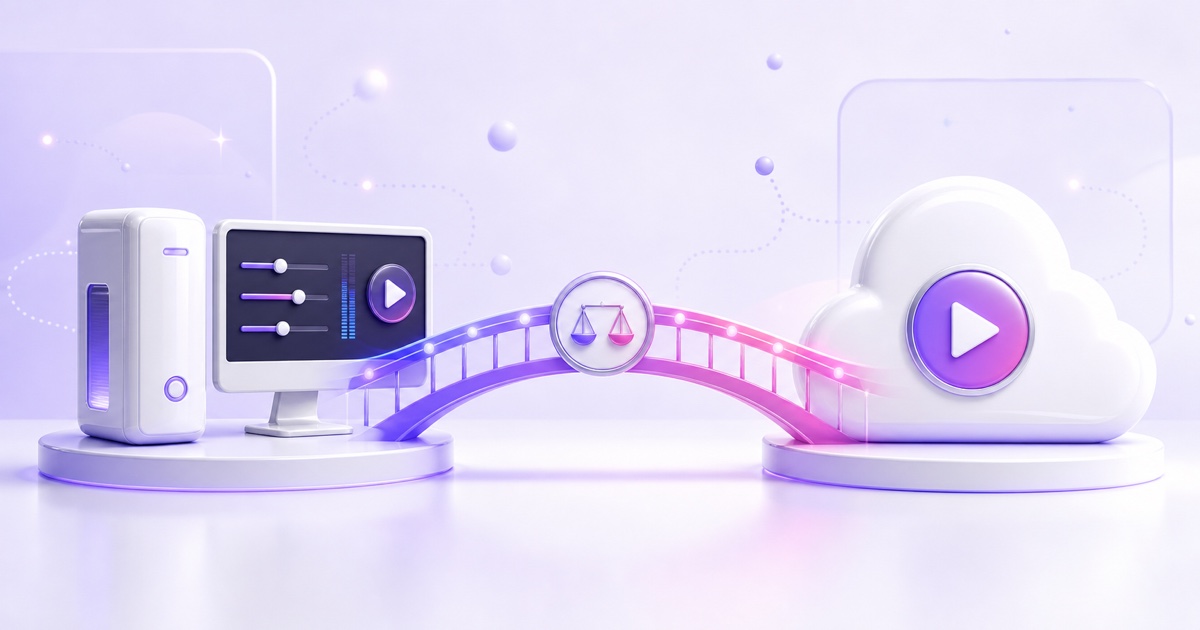
OBS is free. A cloud streaming service charges you every month. Case closed?
Not quite. "Free software" and "free streaming" are different things — OBS needs a computer that stays on, electricity that stays paid, and an internet connection that never hiccups, for every hour you're live. For a two-hour evening stream that's trivial. For a 24/7 stream it's a second utility bill plus an on-call job. This comparison puts real numbers on both options and is honest about where each one wins, because they genuinely serve different use cases.
What each option actually is
OBS + your PC: OBS Studio (free, open source) encodes your video/scenes on your hardware and pushes RTMP to YouTube, Facebook, or Twitch through your home internet. Total flexibility: live cameras, overlays, scene switching, chat interaction, alerts.
A cloud streaming service: you upload a pre-recorded video or playlist to the provider's servers; their datacenter encodes and pushes RTMP to the platform around the clock. Your PC and internet are only needed to upload the file and check the dashboard. StreamNeo (this site's product) is one such service; there are others, and a DIY VPS with ffmpeg is the self-hosted cousin.
The fundamental trade: OBS gives you real-time control; cloud gives you unattended reliability. Everything else follows from that.
True cost: the math nobody does
Let's cost a 1080p, 24/7 stream for one month, in India and internationally.
The OBS + PC route
| Cost item | India (₹/month) | International ($/month) |
|---|---|---|
| Electricity: PC at ~120W × 720 hrs = ~86 kWh | ₹690 (at ₹8/kWh) | $13.80 (at $0.16/kWh) |
| Hardware wear: ₹50,000/$600 PC amortized over 3 yrs of 24/7 duty | ~₹1,390 | ~$16.70 |
| UPS/inverter capacity for outages (amortized) | ₹200–400 | $3–5 |
| Upload bandwidth: 4,500 kbps ≈ 1.4 TB/month upstream | usually included; plan upgrades common | overage/caps on many ISPs |
| Realistic total | ₹2,300–2,500 | $33–38 |
You can argue the amortization down if the PC was already sitting idle — but running any machine at constant load 24/7 measurably shortens fan, PSU, and drive life, and it also means you can't use that PC for anything demanding while it streams. The full breakdown, including Raspberry Pi and VPS variants, is in How Much Does 24/7 Streaming Really Cost?
The cloud route
| Cost item | India | International |
|---|---|---|
| StreamNeo, per 24/7 stream slot | ₹999/month (or ₹49/day) | $9.99/month |
| Electricity, hardware, UPS, upload bandwidth | ₹0 | $0 |
| DIY alternative: small VPS + ffmpeg (self-managed) | ₹300–800/month | $4–10/month |
For continuous streaming, the managed cloud option costs roughly 40–55% of what the "free" OBS setup really costs — and the DIY VPS undercuts both if your time is free and you're comfortable maintaining a Linux box.
For occasional streaming the math flips completely: if you stream 10 hours a week, your marginal electricity cost is about ₹40/month and OBS is unbeatable. Cloud services only make financial sense when the stream runs most of the day, most days.
Reliability: where 24/7 setups actually fail
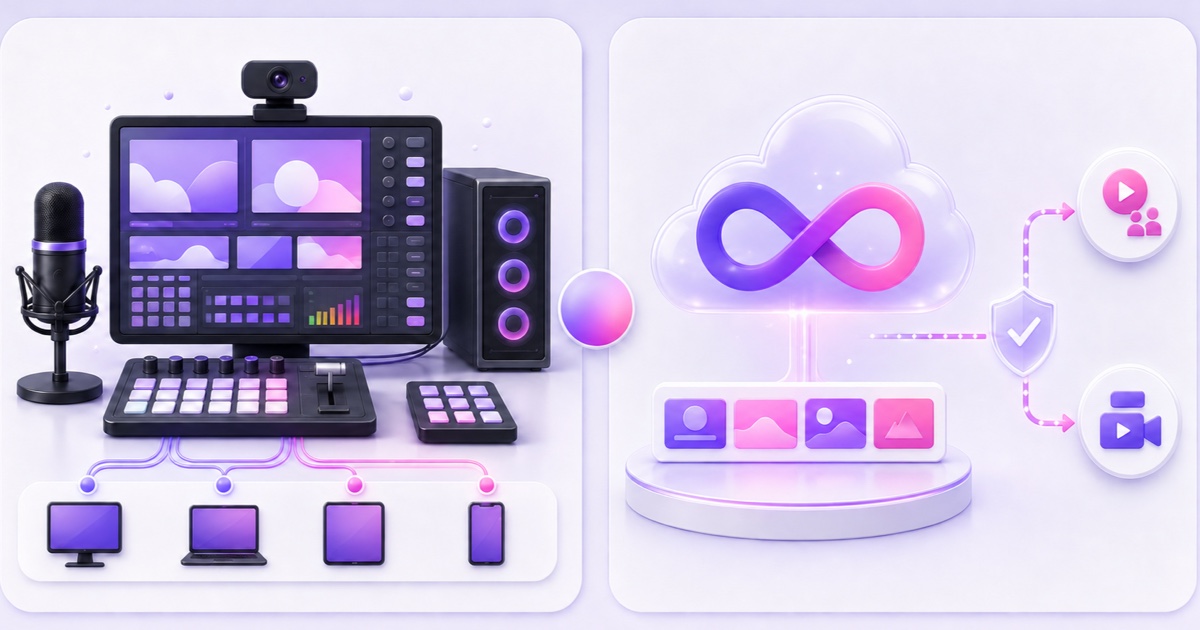
A 720-hour month gives failure a lot of chances. What takes down each setup:
OBS + home PC failure modes
- Windows Update reboots overnight (you can defer it, until you can't).
- Power cuts — in much of India a daily reality; a UPS buys minutes, not hours.
- ISP drops and Wi-Fi flakiness — the single biggest cause of "stream keeps disconnecting" complaints; we catalog the fixes in this troubleshooting guide.
- Thermal throttling and dust — encoder overload creeps in as fans clog.
- Human error — someone needed the PC, or unplugged the wrong cable.
None of these are OBS's fault — OBS itself is excellent software. The fragile part is the environment: home power, home internet, shared hardware.
Cloud service failure modes
- Provider outages — datacenters fail too, just far less often than houses; reputable hosts run at 99.9%+ uptime with redundant power and multi-gigabit uplinks.
- Process crashes — an encoder process can still die; this is why automatic crash recovery matters. StreamNeo, for instance, watches the stream and reconnects automatically, and because YouTube's persistent stream key holds a broadcast open through brief drops, viewers typically see a short buffer rather than a dead stream.
- Your mistake — wrong stream key, expired subscription, a source file with a broken index. The dashboard surfaces these; nobody can fix a wrong key for you.
A realistic uptime comparison for an unattended month: a well-run home setup might achieve 95–98% (that's 14–36 hours of downtime, usually at the worst possible times); a competent cloud setup with crash recovery typically runs 99.5%+.
Quality: encoding is where cloud quietly wins for loops
With OBS you re-encode in real time, so quality depends on your CPU/GPU headroom — and every re-encode costs fidelity. A cloud service streaming a pre-encoded file can skip encoding entirely: if your file is already H.264/AAC (YouTube's required codecs for RTMP), copy-mode streaming passes your bits through untouched. Your 4,500–9,000 kbps 1080p export arrives at YouTube exactly as you rendered it, with no generational loss and no encoder overload — a genuine advantage for music and ambience streams where fidelity is the product.
When OBS + your PC is clearly the right choice
Be honest with yourself here, because for these cases no cloud looping service can substitute:
- You interact live — reading chat, reacting, playing games, hosting shows. Cloud loop services stream recorded files; they cannot be "you, live."
- You need dynamic production — scene switching, browser-source overlays, alerts, guests via video call.
- You stream a few hours at a time. Marginal cost near zero, full creative control.
- You already own capable hardware and enjoy tinkering. An OBS + old-PC setup for a daily 4-hour stream is a perfectly good system.
When a cloud service is clearly the right choice
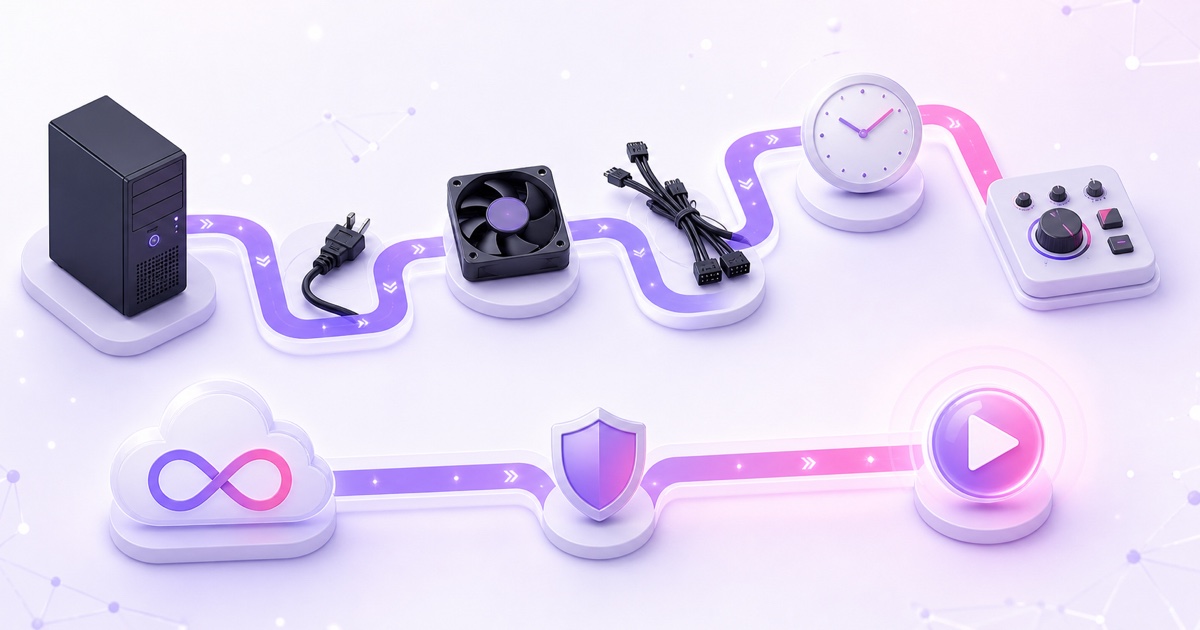
- The content is pre-recorded and the goal is uptime: lofi radio, sleep sounds, ambience, podcast reruns, course loops, business demo channels (idea list: 12 profitable 24/7 stream ideas).
- Your power or internet is unreliable — the datacenter's isn't.
- You need your computer for actual work, or don't own one; a phone browser is enough to manage a cloud stream.
- You're running multiple platform endpoints (YouTube + Facebook + Twitch) and don't want one home connection carrying three simultaneous 5 Mbps feeds.
The hybrid most growing channels end up with
This isn't either/or. A common mature setup: OBS for scheduled interactive streams (where the human is the content), plus a cloud slot keeping a 24/7 radio/replay stream alive between them. The loop stream feeds discovery and watch time; the live sessions build community. Each tool does the job it's actually good at.
One caveat that applies to both paths: 24/7 looped content must be content you own, honestly presented, within YouTube's spam and reused-content policies — infrastructure choice doesn't change policy exposure, and monetization is never guaranteed either way.
If your use case lands on the cloud side, StreamNeo is a straightforward way to test the model: upload a file (resumable, up to your storage quota), paste your stream key, and it loops with copy-mode quality and auto-recovery — the free demo slot (email verification required) lets you run a real broadcast before paying ₹999/$9.99 for a month. And if you try it and realize you actually want live interaction, OBS is free and will be glad to have you back.
FAQ
Is OBS good enough for 24/7 streaming?
The software is; the environment usually isn't. OBS will happily run for weeks, but home power, ISP stability, OS updates, and shared hardware make multi-week unattended uptime hard. If you attempt it, use a dedicated machine, wired Ethernet, a UPS, disabled automatic updates, and OBS's auto-reconnect settings.
Is a cloud streaming service cheaper than running my PC 24/7?
For genuinely continuous streaming, usually yes: electricity plus hardware wear on a ~120W PC runs ₹2,000+/month in India (roughly $30+ internationally), versus ₹999/$9.99 for a managed slot. For part-time streaming (a few hours a day), your PC is cheaper.
Can a cloud streaming service use my webcam or show live chat?
No — that's the honest limitation. Cloud loop services broadcast pre-recorded video from their servers. Anything requiring real-time input from your room (camera, mic, chat reactions, gameplay) needs OBS or similar software on a local machine.
Do I lose video quality with a cloud service?
Not if it supports copy-mode passthrough and your file is already H.264/AAC — the stream is bit-identical to your export. You lose a generation of quality only when re-encoding happens, which is also true (continuously) of every OBS stream.
What about a VPS with ffmpeg instead of a paid service?
A ₹300–800/month VPS running ffmpeg -re -stream_loop -1 -i video.mp4 -c copy -f flv rtmp://a.rtmp.youtube.com/live2/KEY is the cheapest 24/7 option and works well — if you can set up systemd auto-restart, monitor it, and debug ffmpeg edge cases. You're trading a dashboard, upload tooling, and support for a lower bill.
Can I run OBS itself on a cloud server?
Yes — OBS on a Windows/Linux cloud VM is a valid power-user setup, but a VM with enough CPU/GPU for comfortable OBS encoding typically costs $20–50+/month, and you'll manage it over remote desktop. For looping a file, it's overkill; ffmpeg or a managed service does the same job lighter.