StreamNeo update — 19 September 2026: Every slot streams whatever you upload — any quality, up to 4K 60fps — at one price per billing term, so the prices below are the whole story. The 24-hour trial includes one YouTube stream, your videos in their original quality, and 10 GB of storage. See current plans.
Disclosure: StreamNeo publishes this comparison, and StreamNeo is our product.We will use OneStream Live’s own public pricing and help pages for its limits, give it credit where it is stronger, and avoid pretending these two tools were designed for exactly the same job.
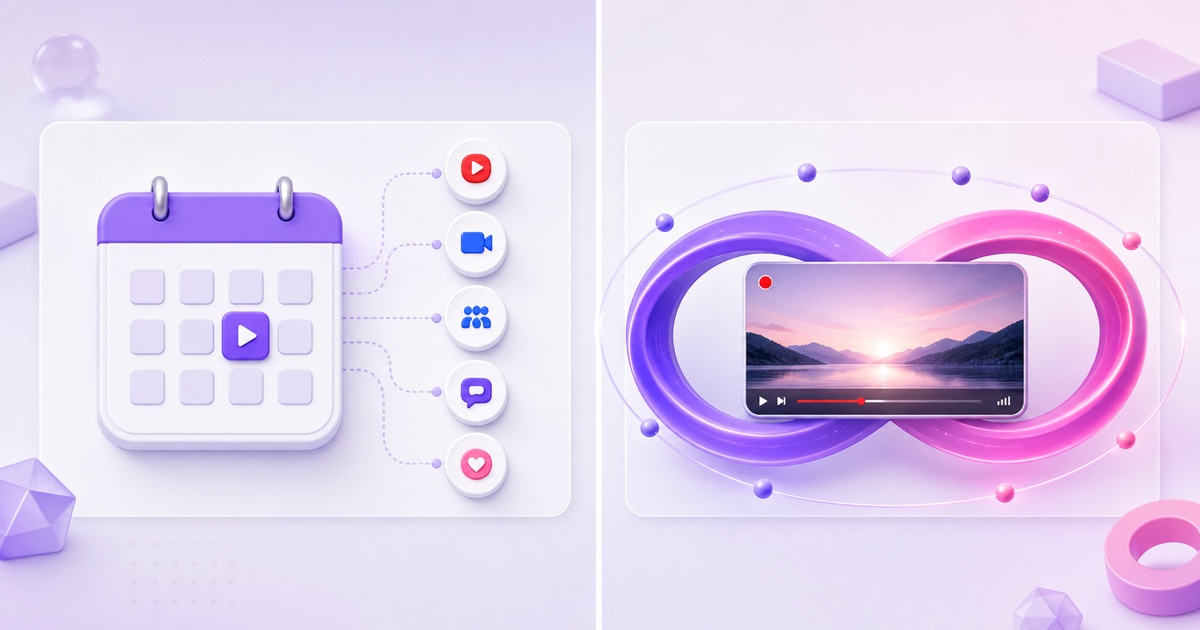
The short version is simple.OneStream Live is a broad live-production and multistreaming platform that also offers a separate 24/7 YouTube mode.StreamNeo is a narrower service built around keeping pre-recorded videos looping.Your choice should follow the job, not the longer feature list.
The one-screen verdict
Choose OneStream Live when your week includes scheduled launches, interviews, team-produced events, streams to many destinations, or an embedded player on your own website.It combines several live-video workflows in one account, so an agency or production team can avoid stitching together separate tools.
Choose StreamNeo when the job is one or more always-on loops, especially if you want a phone-first dashboard, direct ₹ pricing, UPI checkout in India, or a lower monthly starting point.It is the specialist rather than the production suite.
One important correction to many older comparisons: OneStream Live can run 24/7 pre-recorded streams.Its current documentation says that mode is for YouTube and each configured run can last up to 30 days.Regular pre-recorded looping is a different feature and remains subject to plan-specific duration caps.
If you are still building a broad shortlist, start with our comparison of 24/7 live streaming services.If the decision is specifically OneStream Live vs StreamNeo, keep reading—the duration and pricing details below decide most cases.
What OneStream Live does well
OneStream Live deserves its generalist label in the positive sense.Its official product documentation lists pre-recorded scheduling, real-time streaming, a browser studio, team management, unified chat, hosted live pages, an embed player, cloud-storage imports, and custom RTMP destinations.It says the service connects to 45+ social and web destinations.
That breadth matters.A small agency can schedule a client’s recorded webinar, bring guests into a later live show, let teammates manage events, and embed a branded player without changing platforms.Standard and higher plans add more destinations and team seats; Professional and Enterprise add playlist streaming.StreamNeo is not trying to replace that production stack.
OneStream also gives creators several ways to supply media.You can upload from a device or import from services such as Google Drive, Dropbox, OneDrive and Box.Scheduled streams can be prepared in advance, and event-announcement tools help when the broadcast is an appointment rather than a permanent channel.
For creators producing weekly shows, launches or interviews, these are not side features.They are the work.The same distinction explains why a service such as Restream can be excellent yet still solve a different problem; our guide to live-production tools versus loop services explores that category split.
The 24/7 test: does it loop endlessly?
There are two OneStream workflows that look similar from the outside but have different limits.
Regular pre-recorded streaming: OneStream’s looping control repeats a video only as many times as will fit inside the plan’s maximum stream duration.Its looping help article explains that relationship.The current pricing page, checked in July 2026, lists maximum pre-recorded stream lengths of 15 minutes on Free, one hour on Basic, three hours on Standard, eight hours on Professional, and 20 hours on Enterprise.
For example, a 20-minute video on Standard can fill a three-hour event with nine plays.That is useful for a scheduled block, but it is not an endless channel.
Dedicated 24/7 streaming: OneStream separately documents a 24/7 pre-recorded mode.It is currently limited to YouTube and lets you choose a run length of up to 30 days.Basic, Standard and Professional do not include it by default, but OneStream sells a 24/7 stream add-on.Enterprise includes three concurrent 24/7 streams.
So the accurate answer is: OneStream can loop around the clock, but “forever” is not the same as “one unbounded run.” Its documented 24/7 workflow has a 30-day maximum per run, after which you need the next run ready.It also does not turn the regular plan-duration allowance into an endless event.
StreamNeo has no separate event-duration ladder for its core use case.You upload a video or playlist, connect the destination key, and the loop continues until you stop it or the destination rejects the connection.The product is built around this being the default workflow rather than an add-on mode.
Pricing side by side
The figures below use each company’s public pricing as of July 2026.OneStream prices are its monthly USD list prices; annual billing shows lower effective monthly rates, but that requires a year’s commitment.StreamNeo’s prices are ₹49/day or ₹999/month in India and $9.99/month internationally.
| Decision point | OneStream Live | StreamNeo |
|---|---|---|
| Primary fit | Scheduling, multistreaming, live studio, teams and embeds | Always-on pre-recorded loops |
| Free access | Free-forever plan, no card; 15-minute pre-recorded stream limit; no 24/7 stream included | 24-hour trial, no card, for testing the loop workflow |
| Regular pre-recorded cap | 15 min / 1 hr / 3 hr / 8 hr / 20 hr by plan | No event-duration tier; the slot is designed to keep looping |
| Dedicated 24/7 behavior | YouTube only; maximum 30 days per configured run | One YouTube stream per slot; the loop continues while the slot remains active |
| Cheapest monthly path for one 24/7 stream | Basic $15 + one 24/7 add-on $30 = $45/month | $9.99/month internationally or ₹999/month in India |
| India payment options | Official help lists cards, PayPal and Google Pay; it does not list UPI | UPI and cards through Razorpay, with native ₹ pricing |
| Broader production features | Strong: teams, studio, hosted pages, embed player, many destinations | Deliberately focused; not a browser studio or website player suite |
The $45 OneStream calculation is the lowest public monthly combination for one dedicated 24/7 YouTube stream: Basic at $15 plus the $30 add-on.It also means accepting Basic’s surrounding limits, including 720p and 5 GB of included storage.Enterprise is $99/month and includes three concurrent 24/7 streams, making its economics more relevant for teams running several channels.
OneStream’s public page advertises a free plan rather than a time-limited premium trial.That is generous for testing its interface and short pre-recorded events, but it does not let you validate a full overnight 24/7 run.StreamNeo’s trial is shorter in calendar time—24 hours—but it is aimed at testing the actual loop, including the seam and overnight behavior.See the current StreamNeo pricing before buying.
Indian buyers should not reduce the payment comparison to “card versus UPI.” OneStream’s current payment document lists credit/debit cards, PayPal and Google Pay.It does not list UPI.StreamNeo uses Razorpay for Indian checkout, including UPI, which avoids a USD conversion and international-card friction.
Setup walkthrough contrast
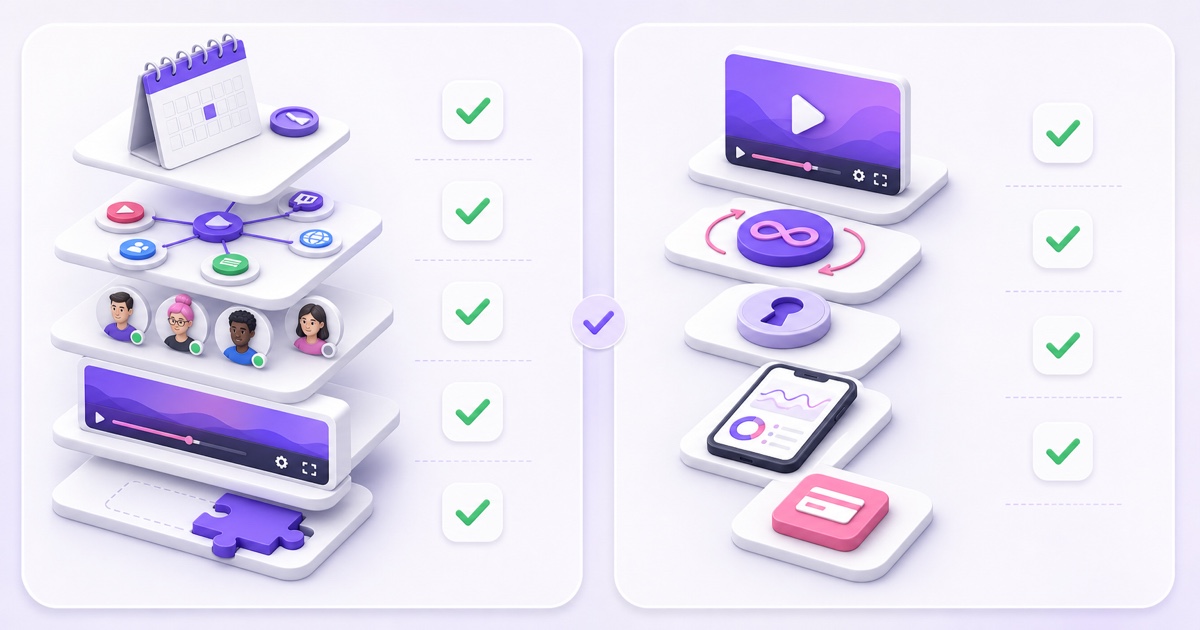
OneStream’s own 24/7 help article lays out an eight-step path.In the dashboard, choose Create Stream, select 24/7 Stream under the pre-recorded options, choose and optimize the video, select the run duration, choose the YouTube channel, decide whether to schedule it for later, configure the event announcement, and then schedule the stream.
That flow is not needless complexity if you want scheduling and announcement controls.It is a production workflow, and it makes the choices explicit.It also reveals why “24/7” there is a specific mode rather than what every uploaded video does automatically.
With StreamNeo, once your trial or paid slot is active, the streaming path is three actions:
- Open Videos → Upload and add the MP4 you want to loop.
- Open Streams, select the slot, paste the stream key, and choose the uploaded video.
- Select Start Stream, then verify the live page at the destination.
That shorter path comes with fewer production controls.There is no guest studio to configure and no hosted website player to design.If those are requirements, OneStream’s extra steps are buying you real capability.If the only objective is “keep this bhajan, lofi mix or ambience video live,” the specialist workflow removes decisions you would otherwise make once and never revisit.
What happens at 3 a.m.
A 24/7 service is defined less by how it starts than by what it does after an encoder process exits, a network route flaps, or a platform refuses a key.This is also where comparison articles often overreach.
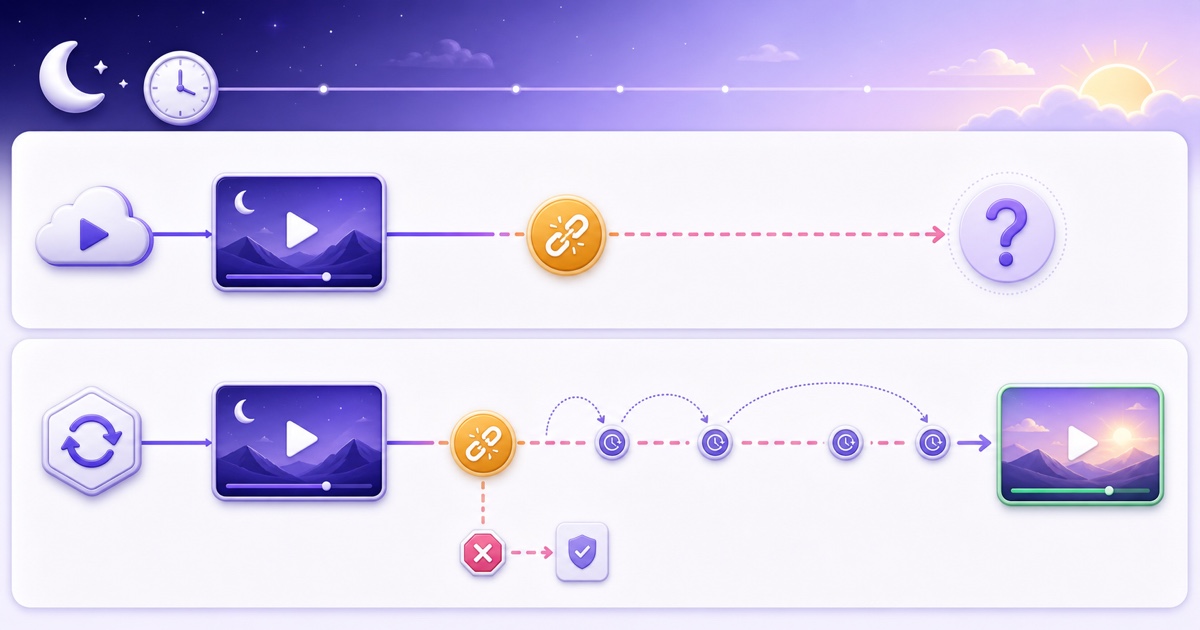
OneStream’s public 24/7 setup and pricing pages explain how to configure the stream, its 30-day run limit, and the plan/add-on structure.They do not spell out an exact retry schedule or backoff policy for a dropped push.We therefore will not invent one.Before committing, ask support: Does an unexpected encoder exit restart automatically?How long are retry gaps?Does a rejected key eventually stop retrying?Can one failed destination recover independently?Then test the answers with a private or unlisted stream.
StreamNeo watches its own encoder processes.If a running process exits unexpectedly, it schedules a restart with increasing delays instead of hammering the destination continuously.A healthy run resets that backoff.Each YouTube channel it publishes to runs as its own process, so one channel recovering does not disturb another.
There is an important boundary: automatic recovery cannot repair a revoked or mistyped stream key.After repeated fatal rejections, StreamNeo stops the failed primary stream and asks for a fresh key rather than retrying all night.That is recovery logic, not an uptime promise.The deeper mechanics are covered in our guide to how 24/7 stream auto-restart should work.
Pick OneStream if… / pick StreamNeo if…
Pick OneStream Live if:
- You schedule several kinds of live events, not only permanent loops.
- You need a browser studio, guests, team seats, unified chat or an embedded website player.
- You want to send normal live and pre-recorded events to many destinations from one platform.
- You plan to run three concurrent YouTube 24/7 feeds and Enterprise’s bundle fits the rest of your workflow.
- You are comfortable preparing a new run around the documented 30-day boundary.
Pick StreamNeo if:
- Your main job is a video or playlist that should loop until you stop it.
- You want the lower one-slot monthly price for the dedicated 24/7 job.
- You operate from a phone and prefer a small dashboard over a full production suite.
- You pay in India and want ₹ pricing with UPI through Razorpay.
- You want to test an actual overnight loop during a no-card trial.
You can also use both.An agency might produce launches and scheduled client events in OneStream while keeping a separate always-on replay or devotional channel in StreamNeo.Stream keys do not lock a channel permanently to one vendor; just make sure only one encoder publishes to a particular key at a time.
The final test is practical: run the exact file, destination and overnight window you intend to use.Check the loop seam, audio sync, stream health, phone controls, and what the dashboard says after a deliberate failure.The right tool is the one whose operating model matches your week after launch, not the one with the longest homepage.
Start free — 24-hour trial, no card
FAQ
Does OneStream Live loop videos 24/7?
Yes, through its dedicated 24/7 pre-recorded mode, which OneStream currently documents as YouTube-only and limited to a maximum of 30 days in one configured run.Basic, Standard and Professional require a paid 24/7 add-on; Enterprise includes three concurrent 24/7 streams.Regular video looping is separate and must fit within the plan’s 15-minute to 20-hour event cap.
Which is cheaper for a month of nonstop streaming?
For one dedicated 24/7 stream at current monthly list prices, OneStream’s lowest route is Basic at $15 plus a $30 24/7 add-on, or $45/month.StreamNeo is $9.99/month internationally or ₹999/month in India.Compare surrounding needs too: OneStream includes broader production features, while StreamNeo concentrates the price on loop streaming.
Can I use both together?
Yes.OneStream can handle scheduled events, guest shows, multistreaming and embedded players, while StreamNeo runs an always-on loop.Keep separate stream keys or schedules so two encoders never publish to the same key simultaneously.A one-day overlap test is sensible when moving an established channel from one workflow to another.