
StreamNeo update — 19 September 2026: Every slot streams whatever you upload — any quality, up to 4K 60fps — at one price per billing term, so the prices below are the whole story. The 24-hour trial includes one YouTube stream, your videos in their original quality, and 10 GB of storage. See current plans.
A nonstop YouTube channel does not need an expensive studio.It needs one unglamorous thing: an encoder that keeps sending your video when you are in class, at work or asleep.The cheapest option depends on which bill you are willing to pay—electricity, server rent or your own attention.
For a budget-first Indian creator, the useful question is not “Which tool is free?” It is “What will this cost for a full month, and who fixes it at 3 a.m.?” Here is the math with the assumptions left visible.
What you are actually paying for: an encoder that never sleeps
Every 24/7 setup has four costs.Compute runs the encoder.Electricity powers a home machine.Bandwidth carries the stream to YouTube.Attention covers setup, monitoring and recovery.
- Home PC + OBS: no software fee, but your hardware, power and home upload do the work.
- VPS + ffmpeg: a rented Linux server replaces the PC, while you become its operator.
- Managed loop service: a provider runs the encoder and recovery workflow behind a dashboard.
Do not compare only monthly plan prices.Compare all four costs over the same 30 days.For a broader breakdown, see the full OBS-at-home vs VPS vs cloud cost guide.
Option A: your own PC + OBS
OBS is free and capable.If you already have a desktop, this looks like the cheapest way to stream 24/7 on YouTube.The catch is that a machine drawing power only for the stream has a real daily bill.
The electricity calculation
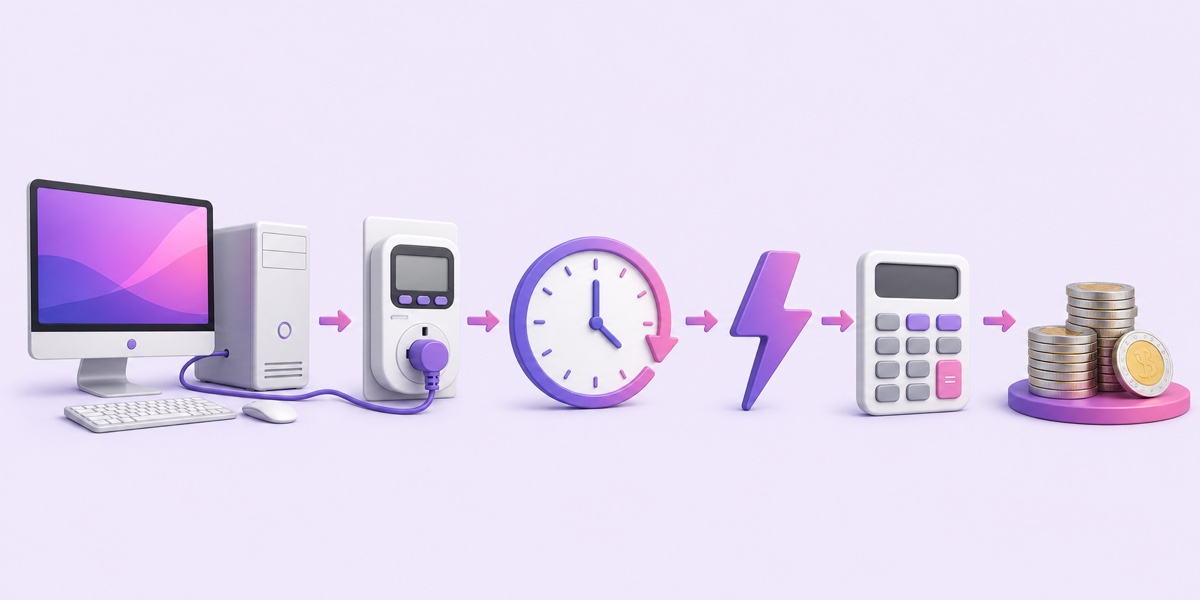
Measure the whole PC at the wall if possible; the power-supply label is not its actual draw.For a worked range, assume a desktop averages 120–200 watts and your marginal electricity rate is ₹7–₹8 per kWh:
Daily energy = watts ÷ 1,000 × 24 hours.
120 W becomes 2.88 kWh/day.At ₹7/unit, that is ₹20.16/day.
150 W becomes 3.6 kWh/day.At ₹7/unit, that is ₹25.20/day.
200 W becomes 4.8 kWh/day.At ₹8/unit, that is ₹38.40/day.
That is roughly ₹20–₹38 per day for the PC alone, or about ₹605–₹1,152 over 30 days.A router, monitor left on, UPS losses or a higher tariff can push the practical figure toward ₹25–₹40 per day.Replace every assumption with the wattage from your meter and the tariff on your own bill.
The non-electricity costs
At 4.5 Mbps, a continuous encoder sends about 2 GB per hour and roughly 1.4 TB in 30 days.That upload leaves through your home connection, so check your broadband fair-use limit and sustained upload quality.A mobile hotspot is usually the wrong foundation for this volume.
Your PC also stays occupied.OBS can reconnect after some short network drops, but it cannot repair a frozen operating system, restart after every power failure or stop someone from closing the app.Home OBS is still a good choice when the computer is already on, the connection is stable and you can reach the machine quickly.
Option B: a budget VPS + ffmpeg
A VPS moves the encoder into a data centre.A small instance can loop a compatible H.264/AAC file with ffmpeg copy mode without re-encoding it.Re-encoding changes the CPU requirement completely, so do not buy the smallest server before checking your file.
Sticker prices are low, but transfer allowance matters.As of July 2026, DigitalOcean lists a US$4 Basic Droplet with 500 GiB transfer, which is below the roughly 1.4 TB example here; its US$12 plan lists 2,000 GiB.Amazon Lightsail lists a US$7 Linux bundle with 2 TB transfer.After Hetzner’s June 2026 adjustment, its official table lists the CX23 at €5.49/month in Germany/Finland, excluding IPv4 and VAT.Region, tax, exchange rate, IPv4 and excess-transfer charges can change the final bill.
Those are reference prices, not endorsements.Before paying, verify that the chosen region and plan include at least your calculated transfer.A server that is cheap until the bandwidth invoice arrives is not cheap.
The hidden price is Linux work: upload or fetch the media, install ffmpeg, protect the stream key, create a systemd service, rotate logs, add a watchdog and test a reboot.A bare VPS has no built-in application monitoring unless you configure it.If that sounds enjoyable, it may be the lowest cash-cost route.If it sounds like carrying a pager, read the deeper VPS vs managed-service effort math before choosing.
Option C: a managed loop service
StreamNeo is the managed option in this comparison.The India plans are ₹49 for a day and ₹999 for a month; the monthly plan works out to about ₹33.30 per day across 30 days.Current plan details are on the pricing page.
The payment covers the cloud encoder, dashboard and recovery logic, so no home PC has to remain on.You upload the source file and provide the YouTube stream key; the service sends the ongoing stream from its own connection.Your phone or laptop uses data for the original upload and dashboard checks, not for continuously pushing 4.5 Mbps to YouTube.
Managed does not mean failure-proof, and no honest service should promise that.It means detection and recovery are part of the service instead of a script you must build and inspect yourself.This option trades maximum server control for a shorter setup and no home hardware duty.
The honest 30-day math
The table uses a 4.5 Mbps stream, 30 days, an existing home internet plan and first-time setup estimates.Media upload time is excluded because file size and connection speed vary.Use it as a worksheet, not a universal quote.
| Factor | PC + OBS | VPS + ffmpeg | Managed loop service |
|---|---|---|---|
| Advertised software/service cost | ₹0 for OBS | Provider bill in listed currency; usable examples above range from €5.49 plus extras to US$12 | ₹999/month |
| 30-day power at encoder | About ₹605–₹1,152 using 120–200 W and ₹7–₹8/unit | Included in server price | Included in service price |
| Streaming data connection | Your home upload; about 1.4 TB at 4.5 Mbps | VPS transfer allowance; verify at least 1.4 TB | Service connection; creator uploads the file once |
| First-time setup estimate | About 1–2 hours if OBS is familiar | About 2–6 hours with Linux experience; longer while learning | About 20–60 minutes plus file upload |
| What happens at 3 a.m. | OBS may reconnect, but power or OS failures wait for you | systemd/watchdog can restart it only if you configured and tested them | Service recovery logic attempts restart; you check the dashboard or contact support |
| Best fit | Short test or PC already running anyway | Technical creator who wants control | Creator who wants the channel, not a server-admin project |
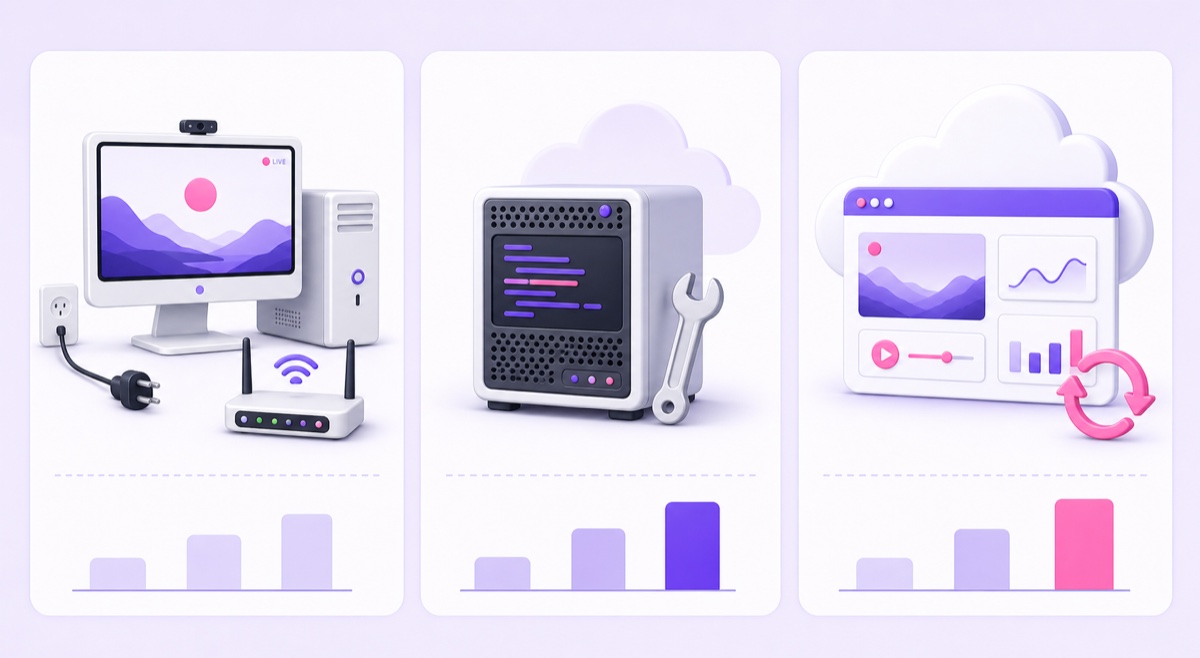
Cash alone can make a VPS look cheapest.Once you price a transfer-suitable plan and even a few hours of setup, the result narrows.The managed monthly plan stays under ₹50 per day without using your home electricity or upload.The home option can also stay under ₹50 per day, but only if its interruptions and occupied hardware are acceptable.
When free genuinely makes sense
Free is a sensible decision in three situations.First, your PC is already on for another job, so the stream adds only its marginal power and bandwidth.Second, you are running a one-week experiment and want evidence before paying.Third, your goal is to learn OBS, ffmpeg or Linux.
Make the test deliberate.Keep a simple log of every disconnect, restart and manual check.Record how much of your editing, gaming or study time the occupied computer blocks.At the end of seven days, compare the actual power and attention cost with the alternatives.The companion guide on what free 24/7 streaming really costs goes further into those hidden line items.
The cheapest safe path, step by step
- Choose a repeatable concept. A devotional loop, lofi mix, study timer or ambience video should be content you own or have permission to broadcast.
- Export once, correctly. Use an MP4 with H.264 video, AAC audio and constant frame rate.The 24/7 streaming format guide explains how this avoids unnecessary transcoding.
- Prepare YouTube. YouTube says first-time live activation can take up to 24 hours.In YouTube Studio, use Create → Go Live → Stream, set the title and visibility, then copy the stream URL and stream key into your encoder.Treat the key like a password.
- Use the 24-hour trial as a technical test. Start unlisted, watch on another phone, listen across the loop seam and confirm the dashboard receives a stable feed.
- Use ₹49 days while validating the idea. Test the title, thumbnail, retention and whether you can publish fresh source material.Do not buy a month merely because the first hour worked.
- Move to ₹999 monthly only after the concept earns a permanent slot. A monthly term has a lower daily equivalent than renewing the same entry plan each day.
Start free — 24-hour trial, no card
FAQ
Can I stream 24/7 on YouTube completely free?
OBS and ffmpeg cost nothing to download, but a nonstop encoder still uses a machine, electricity, upstream data and your attention.If a PC is already running and your broadband has enough upload allowance, the marginal cost can be small.For a dedicated 120–200 W PC, the worked example above is roughly ₹605–₹1,152 in electricity over 30 days.
How much data does a 24/7 stream use?
At 4.5 Mbps, the calculation is 4.5 ÷ 8 × 3,600, or about 2.0 GB per hour.Across 24 hours for 30 days, that is roughly 1.46 TB using decimal units.The data is consumed on the encoder’s connection: home broadband for OBS, VPS transfer for ffmpeg, or the managed service’s connection—not your phone after the source upload.
Is ₹999/month cheaper than a VPS?
Not always on the server invoice alone.A low-cost VPS can cost less in cash, especially if you already know Linux.Compare a plan with enough transfer, any IPv4, tax and currency costs, then add setup and monthly maintenance time.₹999 is often comparable after those inputs and cheaper in operator hours, while the VPS remains attractive for creators who enjoy managing it.