StreamNeo update — 19 September 2026: Every slot streams whatever you upload — any quality, up to 4K 60fps — at one price per billing term, so the prices below are the whole story. The 24-hour trial includes one YouTube stream, your videos in their original quality, and 10 GB of storage. See current plans.
A 24/7 stream VPS is not a reckless science project. If you are comfortable with Linux, FFmpeg, and systemd, a small server can loop a compatible video for surprisingly little money. You gain full control, a reproducible configuration, and the freedom to change any part of the stack.
The honest comparison is not “technical equals bad” versus “managed equals good.” It is server cost plus bandwidth plus your operating time versus a fixed service fee. This guide shows both sides so you can decide whether streaming infrastructure is useful work for you—or simply another pager to carry.
The DIY stack, stated with respect
The minimal stack is Ubuntu, FFmpeg, one compatible MP4, an RTMP destination, and a systemd service. For copy mode, prepare the file as H.264 video with AAC audio in an MP4 container. FFmpeg then sends the existing compressed streams instead of decoding and encoding every frame.
That distinction determines the server size. One stream in copy mode usually fits on a small 1–2 vCPU instance because the job is mostly reading a file and moving bytes. Re-encoding, overlays, resolution changes, or audio filters turn it into a CPU workload; benchmark those on the exact VPS before trusting them unattended.
Here is the core command the build-vs-buy decision rests on:
ffmpeg -stream_loop -1 -re -i video.mp4 -c copy -f flv rtmp://ingest.example/live/STREAM_KEY-stream_loop -1 repeats the input indefinitely, -re reads it at its native pace, and -c copy avoids re-encoding. FFmpeg’s own documentation defines -1 as an infinite input loop and copy as stream copy. Replace the placeholder destination with the Stream URL and key shown under YouTube Studio → Create → Go Live → Stream → Stream settings.
Do not paste the real stream key into an interactive command: it will land in shell history. Put the complete RTMP URL in a root-owned environment file instead. For example, create /etc/streamloop/stream.env with sudoedit, add RTMP_URL=rtmp://…, then set it to mode 600. A practical systemd unit looks like this:
[Unit]
Description=24/7 FFmpeg video loop
Wants=network-online.target
After=network-online.target
StartLimitIntervalSec=300
StartLimitBurst=5

[Service]
Type=simple
User=streamloop
EnvironmentFile=/etc/streamloop/stream.env
ExecStart=/usr/bin/ffmpeg -hide_banner -loglevel warning -stream_loop -1 -re -i /srv/streamloop/video.mp4 -c copy -f flv ${RTMP_URL}
Restart=on-failure
RestartSec=15
NoNewPrivileges=true
PrivateTmp=true

[Install]
WantedBy=multi-user.target
Save it as /etc/systemd/system/streamloop.service, run sudo systemctl daemon-reload, then sudo systemctl enable --now streamloop. Check it with systemctl status streamloop and journalctl -u streamloop -n 100.
The environment file prevents history leaks, but the expanded destination may still be visible to root or the same service user in process arguments. Use a dedicated unprivileged account, do not share that account, restrict who can inspect processes, and rotate the key if it appears in a ticket or screenshot. That is real risk reduction, not security theatre.
What the server costs
Start with traffic, because the cheapest instance can become the wrong plan when its transfer allowance is too small. At a total output bitrate of 4.5 Mbps, a 30-day month uses:
4.5 Mb/s × 2,592,000 seconds ÷ 8 = 1.458 TB of decimal egress, or roughly 1.36 TiB.
Protocol overhead and provider accounting can move the billed figure slightly. Check whether a host says TB or TiB/GiB, whether only outbound traffic is counted, and whether your selected region has a different allowance.
These public entry-plan figures were checked on 26 July 2026. They exclude tax, backups, storage upgrades, and any separately priced public IPv4 address:
| Provider and small plan | Advertised monthly price | Included outbound transfer | 4.5 Mbps implication |
|---|---|---|---|
| DigitalOcean Basic, 1 vCPU / 1 GiB | $6 | 1,000 GiB | About 358 GiB over; at the published $0.01/GiB overage, compute is roughly $9.58 before extras |
| Akamai Cloud Shared CPU, 1 vCPU / 1 GB | Starts at $5 | 1 TB | About 458 GB over; at $0.005/GB in most regions, roughly $7.29 before extras |
| Hetzner Cloud CX23 in EU locations | €5.49 excluding VAT | At least 20 TB in EU locations | The sample stream fits comfortably; US and Singapore allowances are much smaller |
Verify the location and live checkout before buying: DigitalOcean, Akamai Cloud, and Hetzner can revise plans or regional terms. Also read the host’s acceptable-use policy for sustained outbound traffic.
A 1 GB machine may be enough for pure copy mode, but leave room for the OS, package updates, journal, and monitoring. A 2 GB plan is less tight operationally. If ffprobe shows a source that needs conversion, normalise it once offline rather than paying to re-encode the same loop forever.
For a broader comparison that also includes a home PC and electricity, see the full cost of 24/7 YouTube streaming. If your only goal is the lowest cash price, use the assumptions in the cheapest 24/7 streaming methods rather than comparing headline fees alone.
The parts nobody budgets
A running FFmpeg process is not the same as a live channel. Good monitoring checks the viewer-facing or platform-side state, not merely systemctl is-active. Your process can be alive while YouTube has rejected the key, stopped receiving useful frames, or ended the event.
Restart behavior needs judgment too. A flat one-second loop can hammer an ingest endpoint after a key is revoked. The sample unit waits 15 seconds and stops after a burst of fast failures; a production setup should alert you, distinguish a transient network drop from a permanent authentication error, and use bounded or exponential backoff. The deeper design tradeoffs are covered in how 24/7 auto-restart should work.
- Revoked or replaced key: retries cannot repair credentials. Detect the rejection, stop the loop, alert, and wait for a human to update the secret.
- Logs filling the disk: journald needs size limits, and any FFmpeg file log needs rotation. Monitor free space instead of discovering a full root volume during an outage.
- Unattended upgrades: security updates matter, but an automatic reboot is still a stream interruption. Define a maintenance window and confirm the service returns afterward.
- Bad media: variable-frame-rate files, timestamp discontinuities, or mismatched playlist items can drift over a long run. Validate every file and read the guide to fixing audio drift on long streams.
- Silent upstream failure: alert delivery must live outside the VPS. A monitor on the failed machine cannot reliably tell you that the machine itself disappeared.
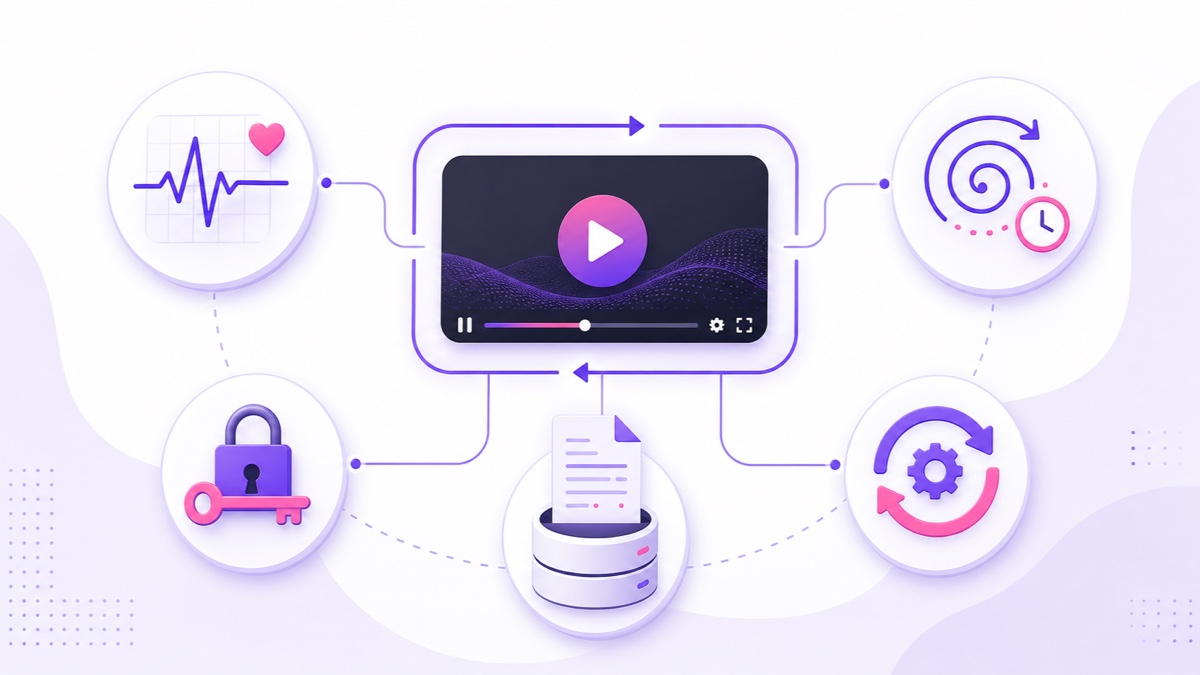
None of this makes a VPS a bad choice. It means you are operating a small production service. If that work is familiar, you may finish it faster and more precisely than a generic dashboard ever could.
Effort math
A reasonable first setup takes roughly two to six hours: provision the instance, harden access, install FFmpeg, validate media, create the service, connect the destination, add monitoring, and test a failure. Then budget a monthly operations tax for updates, log review, alert checks, key changes, and one recovery drill.
Use your own hourly value. The table below is an illustration, not a claim about market rates or how quickly every person works:
| Creator profile | Setup estimate | Monthly ops estimate | Example value of time | First-month time cost |
|---|---|---|---|---|
| Developer who already runs Linux servers | 2 hours | 0.5 hour | ₹2,000/hour | ₹5,000, plus server and egress |
| Semi-technical creator comfortable following terminal steps | 4 hours | 1.5 hours | ₹750/hour | ₹4,125, plus server and egress |
| Video-first creator learning Linux for this job | 6 hours | 3 hours | ₹500/hour | ₹4,500, plus server and egress |
The developer row is not automatically the cheapest: valuable engineering time can dominate a small server bill. Conversely, someone who enjoys the work may treat those hours as learning, not expense. Put a number on interruption response as well. A devotional or lo-fi channel with revenue and regular viewers has a different pager cost from a weekend experiment.
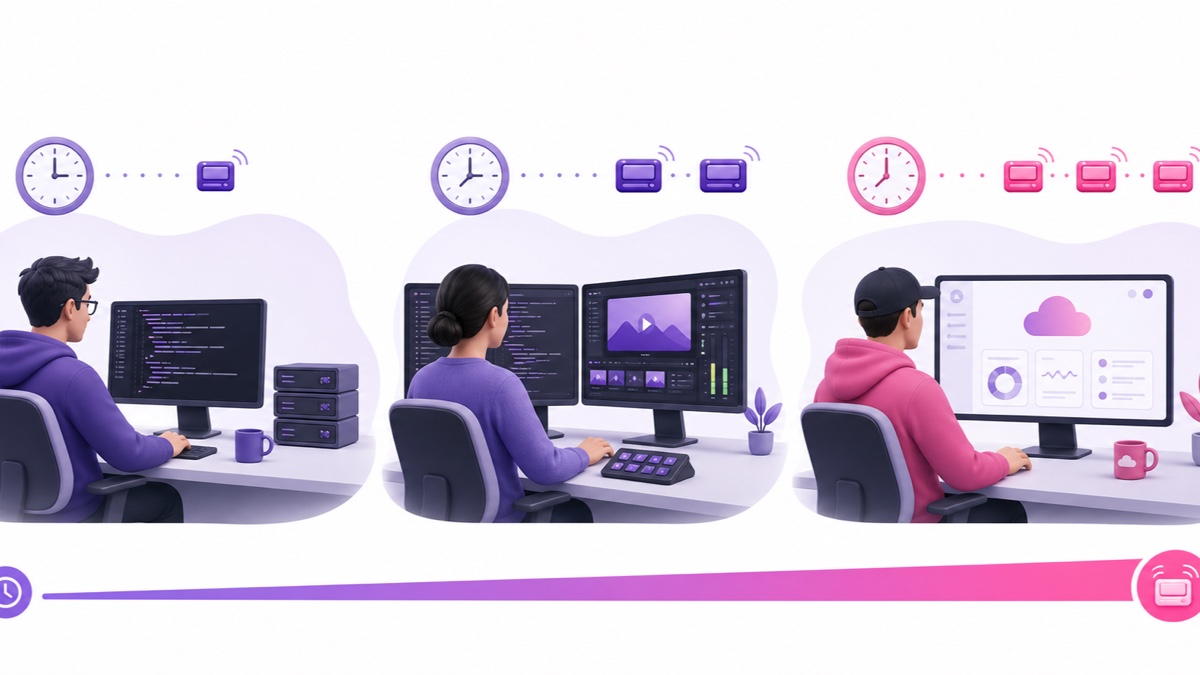
After month one, compare the recurring server invoice plus monthly hours—not the setup effort again. Revisit the calculation when you add a second destination, a playlist, overlays, or re-encoding, because each can change both compute and maintenance.
What ₹999/$9.99 buys instead
A managed service turns the stack into a product workflow: upload a video, build the playlist, connect the destination, and start the slot. Format checks and normalisation paths handle media compatibility, while recovery logic watches the stream and support gives you somewhere to send a problem. You are paying to avoid carrying the infrastructure pager.
StreamNeo is one managed example. One monthly slot costs ₹999 in India or $9.99 internationally. It includes the upload interface, playlist controls, loop execution, automatic recovery behavior, and a support path. It does not promise that a platform, network, or software system can never drop; the value is that routine detection and recovery are somebody else’s engineering job.
The comparison should stay job-for-job. A $5 server with free included traffic is cheaper in cash than ₹999 or $9.99. But a managed subscription may be cheaper after even one hour of maintenance. If your self-hosted design needs paid monitoring, backups, extra storage, and bandwidth overage, add each line before deciding.
There is also a practical trial path: test the upload, loop seam, overnight recovery, and phone controls before paying. Review StreamNeo pricing with your own workload, not a generic promise.
The honest decision grid
| Your situation | Better starting point | Why |
|---|---|---|
| You enjoy operations, already monitor servers, and want custom hooks | VPS | You keep control and the marginal infrastructure cost can be low |
| You need unusual FFmpeg filters or integration with your own pipeline | VPS | A self-hosted stack is easier to customise deeply |
| The stream supports your channel, but server care is not your product | Managed | The fixed fee replaces recurring setup, monitoring, and recovery work |
| You work mainly from a phone or need another person to operate the stream safely | Managed | A dashboard is easier to hand off than SSH, systemd, and secret files |
| You are experimenting with formats but have one money channel | Hybrid | Use a VPS laboratory for experiments and a managed slot for the channel that must be simple to operate |
Choose the VPS without apology if control and operations are part of the fun. Choose managed without apology if publishing is the work and infrastructure is a distraction. The best answer is the one whose full monthly cost—including your attention—you are willing to keep paying.
FAQ
What VPS specs do I need for one 1080p loop?
For a compatible H.264/AAC file in copy mode, a small 1–2 vCPU VPS with 1–2 GB RAM is a sensible starting point. Confirm disk space and monthly outbound traffic. If you re-encode, add overlays, or resize video live, CPU requirements rise sharply; benchmark before launch.
Does FFmpeg loop forever reliably?
-stream_loop -1 tells FFmpeg to repeat the input indefinitely, and the command can run for a long time. Reliability depends on everything around it: valid timestamps, network reachability, accepted credentials, disk space, process supervision, platform state, and useful alerts.
What’s the true monthly DIY total?
Add the VPS, outbound bandwidth overage, storage or backups, monitoring, and the value of your monthly operations time. Amortise the initial two-to-six-hour setup separately. For many technical operators the server is cheap; attention is the larger variable.
Start free — 24-hour trial, no card. Run your real loop long enough to compare the managed workflow with the VPS plan you would otherwise maintain.