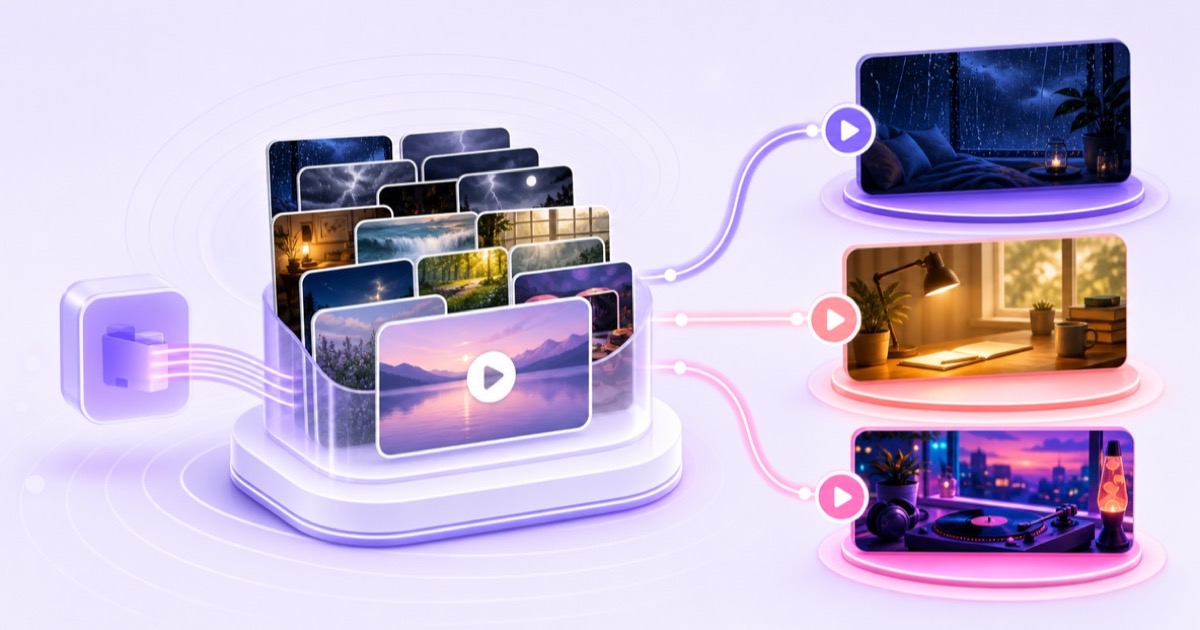
One successful loop channel creates an attractive question: if the library already exists, why not use it to serve three audiences? The answer is not to copy the stream three times. A durable multiple YouTube channels strategy turns shared raw material into clearly different viewer products.
That distinction matters. A sleep viewer, a study viewer, and an ambience viewer can all begin with the same monsoon recording, but they arrive with different jobs to do. The channel promise, edit, audio, visual treatment, title, and refresh rhythm should respect that difference.
This playbook is for creators whose first channel already works. If channel one still needs its positioning or publishing rhythm fixed, use the 90-day ambience channel plan before adding another operations load.
Why separate channels usually win
A channel is a promise. Someone who subscribes for black-screen rain at bedtime should not need to sort through beat radio, bright forest scenes, and Pomodoro timers. Separate channels keep the promise narrow enough that a viewer can understand it in one glance.
That coherence also gives YouTube cleaner audience signals. When subscribers repeatedly choose videos about one use case, titles, thumbnails, and recommendations can form a recognizable cluster. This is not an algorithm guarantee; it simply removes the confusion created when one subscriber group routinely ignores content meant for another.
Each niche also earns its own visual identity. Sleep thumbnails can stay dark and quiet. Study thumbnails can make session structure obvious. Ambience thumbnails can sell the scene. Forcing all three into one design system usually produces a compromise that serves none of them well.
The counterweight is operational: three channels mean three homepages, three comment queues, three sets of thumbnails, three live destinations, and three refresh calendars. Separate only when all three statements are true:
- The audiences would search for different outcomes, not merely different keywords.
- You can create genuinely different edits for each audience.
- You can maintain every channel without letting the first one go stale.
If the distinction exists only in your spreadsheet, keep one channel. If a viewer can see and feel it within ten seconds, separation is probably useful.
The account architecture for a small network
You do not need five unrelated logins to run five channels. YouTube says one Google Account can manage up to 100 channels, although the interface lets you act as only one channel at a time. A business-name channel can be connected to a Brand Account, giving the channel a separate public identity and support for multiple managers or owners.
As of July 2026, the official setup path is:
- Sign in to YouTube on a computer or the mobile site.
- Open your profile picture → Settings.
- Under Account, select Add or manage channel(s).
- Choose Create a channel. For a business or other name, open the channel list and choose Create a new channel; YouTube's channel setup guide says this creates a Brand Account.
- Set a unique name, handle, profile image, banner, description, and contact details for the niche. Do not clone the identity of channel one.
For collaborators, use YouTube Studio → Settings → Permissions → Invite. YouTube's channel-permissions guide recommends role-based access to reduce password sharing and privacy risk. Give the least access required: keep Owner access scarce, use Manager or Editor roles for operating work, and use Viewer roles for people who only need analytics. Viewers cannot access the stream key, change stream settings, go live, or end a stream.
Maintain a one-page access register with channel name, primary owner, backup contact, permission role, recovery email status, and the date access was last reviewed. Never put passwords or stream keys in that sheet. The network should survive a collaborator leaving without requiring a shared-password scramble.
One library, many channels—without becoming duplicate spam
The safe idea is one source library, different finished products. YouTube's current spam policy applies to coordinated networks of channels and calls out automated or synthetic mass production of similar content with minimal changes. Treat exact duplication across your own channels as a policy risk, not a scaling technique.
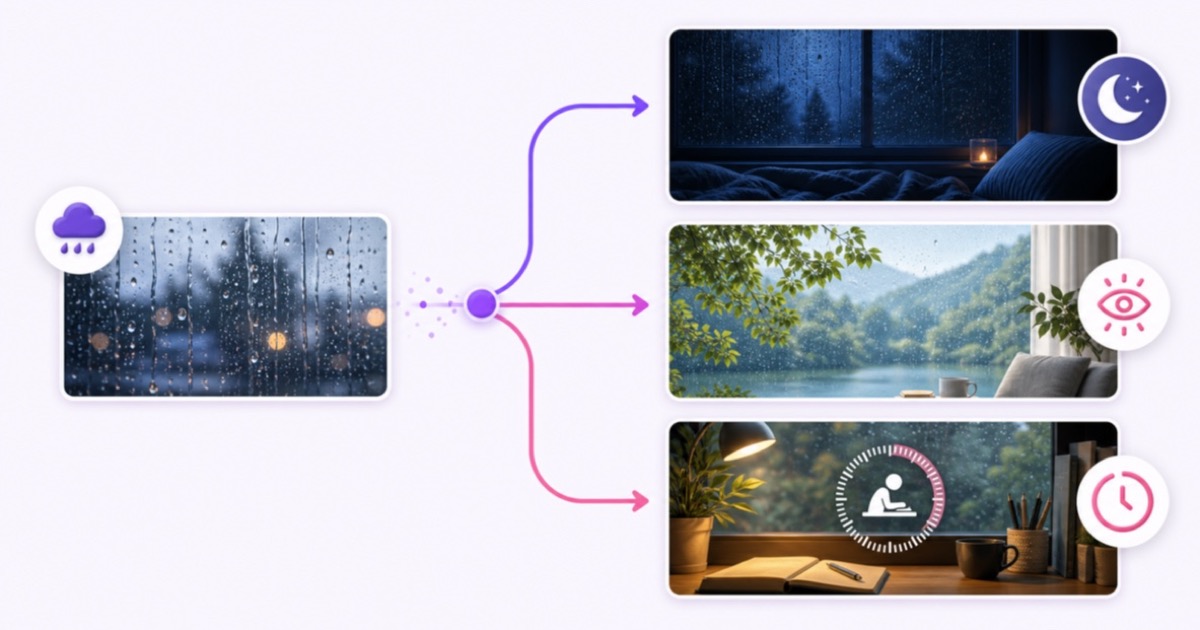
Start with material you own or have clear streaming rights to. Then design each output around a different viewing job. One rain-window recording could become:
- Sleep channel: an eight-hour dark grade, gentle audio master, minimal visual motion, and no disruptive timer.
- Ambience channel: a brighter visual showcase with the window scene prominent, natural-room texture, and scene-led packaging. The ambience loop playbook covers the source and seam craft.
- Study channel: a shorter structured program with a readable focus timer, break cues, and a mix that stays useful under concentration.
Those are different products because duration, visual grade, sound design, overlays, program structure, and viewer promise change together. A new thumbnail, a minor crop, or a renamed file does not create meaningful differentiation.
Use a six-part test before exporting: audience job, program length, visual treatment, audio treatment, structure, and metadata. If fewer than three parts materially change, the second version probably needs more editorial work. Keep a transformation note beside every final file so a future operator knows why it belongs on that channel.
Build the operating system before channel three
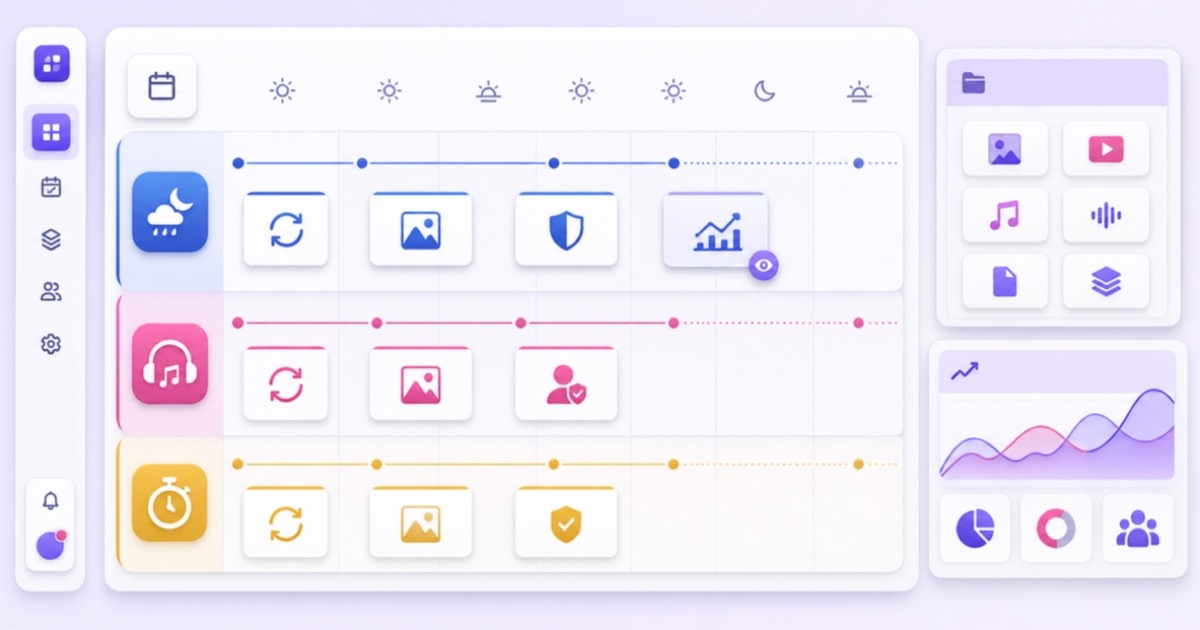
A network becomes manageable when naming and scheduling remove decisions. Keep raw sources separate from audience-ready exports. A filename such as RAIN_SLEEP_DARK_v03_2026-07.mp4 reveals the source family, product, treatment, version, and date without opening the video. Use the same vocabulary in storage, thumbnails, and the content calendar.
Your weekly board can be plain. What matters is that it shows a separate promise and next action for every channel:
| Channel lane | Core promise | Refresh rhythm | Weekly check | Next action |
|---|---|---|---|---|
| Sleep rain | Dark, uninterrupted rest audio | Audio or scene refresh on its own cycle | Drop-offs near seams or interruptions | Remaster the weakest transition |
| Visual ambience | A place viewers enjoy watching | Seasonal scene rotation | Scene-level watch time and traffic source | Cut the strongest source into a new scene |
| Study room | Predictable focus sessions | Timer and desk refresh on a staggered date | Retention around work/break boundaries | Test one session-structure change |
Stagger the work instead of refreshing everything on one frantic weekend: sleep on Monday, study on Wednesday, ambience on Friday. Reserve one weekly analytics block for all channels. Record each change and its date, then compare the next meaningful period with the previous one. Changing the title, thumbnail, audio, and program order together destroys the lesson.
Keep a compact exception list too: expired licence, failed stream, stale pinned message, unanswered rights claim, or collaborator access change. These operational risks deserve attention before another thumbnail experiment.
Calculate the economics per channel
Each simultaneous live channel needs its own stream slot, even when the files come from one library. The useful question is not “Can I afford three slots?” It is “Does each channel earn its continued share of money and attention?”
Use this fill-your-own-numbers template every month:
| Side | Include | Monthly calculation |
|---|---|---|
| Direct cost | Stream slot, channel-specific licences, allocated storage | Add actual invoices for that channel |
| Labour cost | Editing, refresh, moderation, thumbnail, review | Hours × your internal hourly value |
| Measured value | Attributable revenue, qualified leads, sales, or watch-hour progress | Use your own reports; do not borrow a creator's RPM |
| Strategic value | Reusable source learning, audience proof, search foothold | Describe it separately; do not disguise it as cash |
| Net contribution | Measured value minus direct and labour cost | Track the trend, not one lucky week |
StreamNeo keeps multiple stream slots in one dashboard, while each concurrent channel uses its own slot. Check the current per-slot pricing and put that real figure into the template. The dashboard reduces monitoring friction; it does not remove the content work each audience requires.
If the second channel is still an idea, test the decision before building a network. The second-slot scaling guide provides the readiness gate and pilot math.
Decide when to sunset a channel
Set sunset criteria before launch, while optimism is not editing the rules. A practical example is: review after eight weeks; require two meaningful content refreshes; then look for movement in retention, watch time, returning viewers, or a channel-specific business outcome. Flat results after both refreshes trigger a decision, not another automatic extension.
Use three outcomes:
- Continue: the audience signal is improving and the operating load remains reasonable.
- Reposition once: viewers show interest in one scene family or format, but the current promise is too broad.
- Sunset: repeated, well-executed changes produce no useful signal, or maintenance steals time from a channel with stronger evidence.
Sunsetting does not require destroying the library. End the stream, archive final exports and analytics notes, preserve rights records, and record what the test taught you. The strongest raw footage may still support a future product built for a different audience. Redirect any real community carefully; do not turn the retired channel into a billboard for unrelated content.
This discipline is capital allocation. One weak channel consumes slot cost and creative attention every week. Releasing both lets the strongest channel receive better scenes, more thoughtful packaging, and faster responses.
Walk before running
The sequence is simple: master one channel, document how it is refreshed, prove that someone else could follow the checklist, and only then open niche two. Run that pair until the shared workflow feels boring. Channel three should clone the system—not the footage, metadata, or viewer promise.
Before every expansion, answer four questions in writing:
- What distinct job will the new audience hire this channel to do?
- Which edits make its finished product visibly different?
- Who owns the weekly refresh, moderation, and analytics tasks?
- What date and evidence will trigger continuation, repositioning, or sunset?
If one answer is vague, the network is not ready for another tile. Restraint is part of a good multi-channel strategy: a focused pair with current content is healthier than five unattended brands.
Start free — 24-hour trial, no card.
FAQ
Can one Google account run five channels?
Yes. YouTube currently documents that one Google Account can manage up to 100 channels, so five is within the limit. Use Brand Accounts where you need a separate business identity, and use Studio permissions rather than sharing the login.
Can I stream the same video on two of my channels?
Do not build a network around identical duplication. YouTube's spam policy covers coordinated channel networks and repetitive content produced with minimal changes. Reuse a source library only when each channel gets a genuinely different product for its audience.
How many channels is too many?
It is the number you cannot refresh, review, and moderate without another channel going stale. Define the workload and sunset rules before launch; the maximum your Google Account supports is not a sensible operating target.