A Super Chat can land on a 24/7 stream at 4 a.m., when the video is live but the creator is asleep. That is not a rare edge case; it is the basic design problem of paid interaction on an always-on channel.
The answer is not to act as if someone is watching chat every minute. It is to publish when you are present, make delayed acknowledgement feel intentional, and sell membership perks that remain valuable without instant access to you. This guide shows how to build that system without making promises your channel cannot keep.
Eligibility first: what your channel actually needs
Super Chat, Super Stickers, and channel memberships are fan-funding features inside the YouTube Partner Program. YouTube's current fan-funding requirements say the channel must be in YPP, the creator must be at least 18, the feature must be available in the creator's country or region, and the relevant Commerce Product Module must be accepted.
Do not confuse fan-funding access with the higher threshold for ad-revenue sharing. In countries where expanded YPP is available, creators can apply for earlier fan-funding access after reaching 500 subscribers, three valid public uploads in 90 days, and either 3,000 valid public watch hours in 12 months or 3 million valid public Shorts views in 90 days. YouTube lists the current numbers and eligible regions on its expanded YPP page. Your YouTube Studio → Earn screen is the final authority for your channel.
Each feature also has its own rules. Supers are unavailable on age-restricted, unlisted, private, or made-for-kids videos, on streams with YouTube Giving fundraisers, and when live chat or comments are off. Memberships require a channel that is not set as made for kids and does not have a significant number of ineligible videos, including made-for-kids videos or videos with music claims. Read the full membership eligibility rules before designing perks.
If eligible, go to YouTube Studio → Earn → Supers, accept the Commerce Product Module, then switch on Super Chat and Super Stickers. For memberships, use YouTube Studio → Earn → Memberships, create levels and perks, and submit them for review. If a tab is missing, do not promise the feature yet; check eligibility in Earn first.
The always-on problem: paid messages arrive without a host
On a conventional livestream, the exchange is immediate: a viewer pays to highlight a message, the host sees it, and the host responds. On a loop, the purchase can happen while nobody from the channel is present. The colored message may be visible to chat, but the supporter can still feel ignored.
This matters because the product is not just a highlighted rectangle. The viewer is buying recognition and a moment of connection. YouTube itself recommends acknowledging Supers. An unattended channel therefore needs a service promise as clear as a shop's opening hours.
Do not write “we reply to every Super Chat instantly” unless someone genuinely staffs the room around the clock. A narrower promise that you consistently keep builds more trust than an ambitious promise you regularly miss.
Use a published presence window
Choose one reliable block when the creator or community manager will be in chat. For an India-first channel, that might be 7–9 p.m. IST daily, or three named evenings each week. Pick the smallest schedule you can sustain for the next three months, not the biggest schedule that looks impressive today.
Publish the window in three places:
- Pinned chat message: “Creator in chat: 7–9 p.m. IST. Overnight Supers are thanked at the next window.”
- First lines of the description: state the same time, timezone, and acknowledgement policy.
- Inside the video: add a small recurring slate or lower-third so TV viewers see it without opening the description.
At the start of each presence window, review purchases since the previous session and thank overnight supporters by their displayed names. If a message asks a question, answer it then; if it needs a longer response, say when and where the answer will appear. You can also heart a Super so the viewer can see that it was noticed.
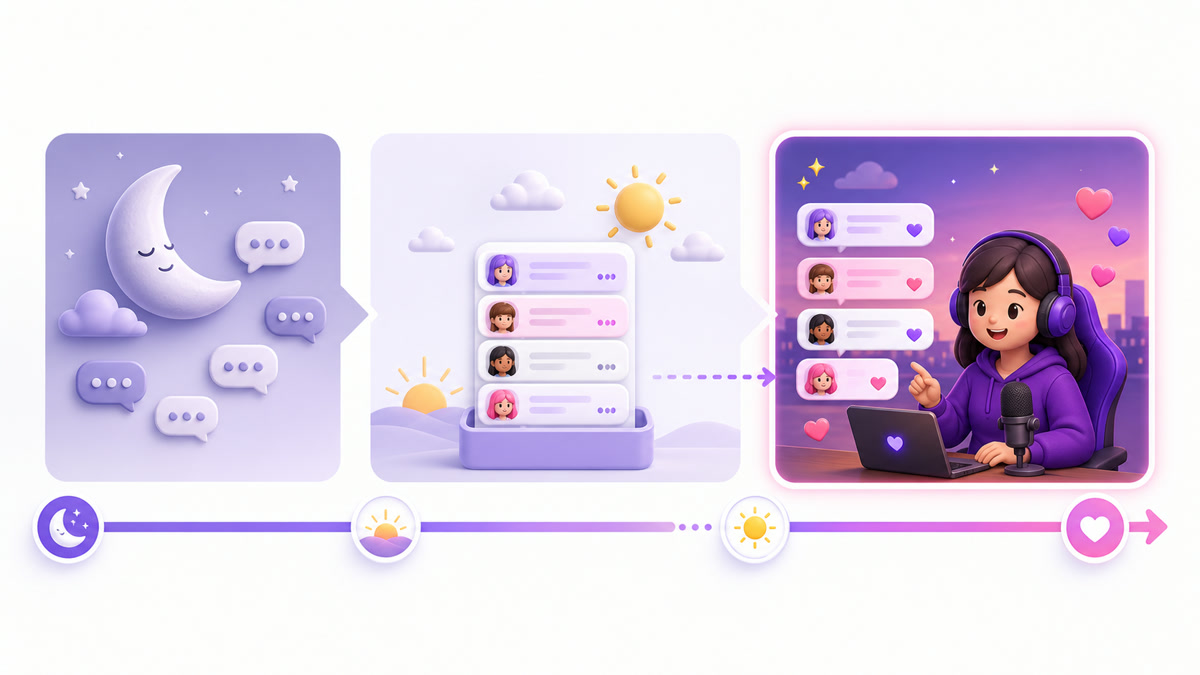
The schedule should appear before the payment, not only after someone complains. That turns delayed acknowledgement from a surprise into the channel's stated operating model. The loop supplies continuous content; the presence window supplies human connection.
Set up unattended-chat safety in 20 minutes
A presence window solves acknowledgement, not abuse. An open chat can collect spam, impersonation, slurs, risky links, or repetitive promotion while you are away. Set the room up before enabling paid interaction.
- Minutes 0–5: appoint moderators. In YouTube Studio → Settings → Community moderation → User management, add one or more trusted regulars as moderators. Give them a short written rule set: remove obvious spam and abuse, time out heated users, and escalate uncertainty rather than improvising policy.
- Minutes 5–10: configure filters. In Settings → Community moderation → Content controls, add blocked words and choose Basic or Strict handling for potentially inappropriate live-chat messages. Include common scam phrases, impersonation patterns, and the variations your own niche attracts. Review the list monthly so normal community language is not blocked accidentally.
- Minutes 10–15: reduce message velocity. In Live Control Room, open the stream → Edit → Customization and enable slow mode with a sensible delay. You can also use subscribers-only chat with a minimum subscription duration. These controls are compatible; members-only and subscribers-only modes cannot run together.
- Minutes 15–20: prepare the pinned operating note. State presence hours, chat rules, and the fact that a paid message does not buy private advice or an instant answer. Keep a saved acknowledgement checklist for whoever opens the next window.
YouTube's current live-chat moderation guide confirms blocked words, held-message controls, slow mode, subscribers-only chat, members-only chat, moderators, timeouts, and hidden users. Members-only chat can be useful during high-spam off-hours, but it also stops ordinary non-members from speaking. Use it as a deliberate community choice, not a reflex.
A Super Chat raises visibility; it does not override your channel rules. Moderate paid and unpaid messages by the same safety standard.
Build memberships that do not need you awake
Memberships are recurring, so the promise matters every month. The safest benefits are asynchronous: members receive value on a schedule even if they live in another timezone or join while the creator is offline.
| Perk | Why it fits an always-on channel | Fulfilment rhythm |
|---|---|---|
| Badges and custom emoji | Visible identity in chat without ongoing manual delivery | Design once; refresh occasionally |
| Members-only posts or polls | Members participate whenever they are online | One scheduled post each week |
| Monthly members video | A predictable exclusive asset, not an open-ended access promise | Batch and schedule monthly |
| Early access to new loop content | Uses work you already planned to publish | Before each public refresh |
| Published group chat window | Creates real-time connection inside a fixed staffing boundary | One named slot per week or month |
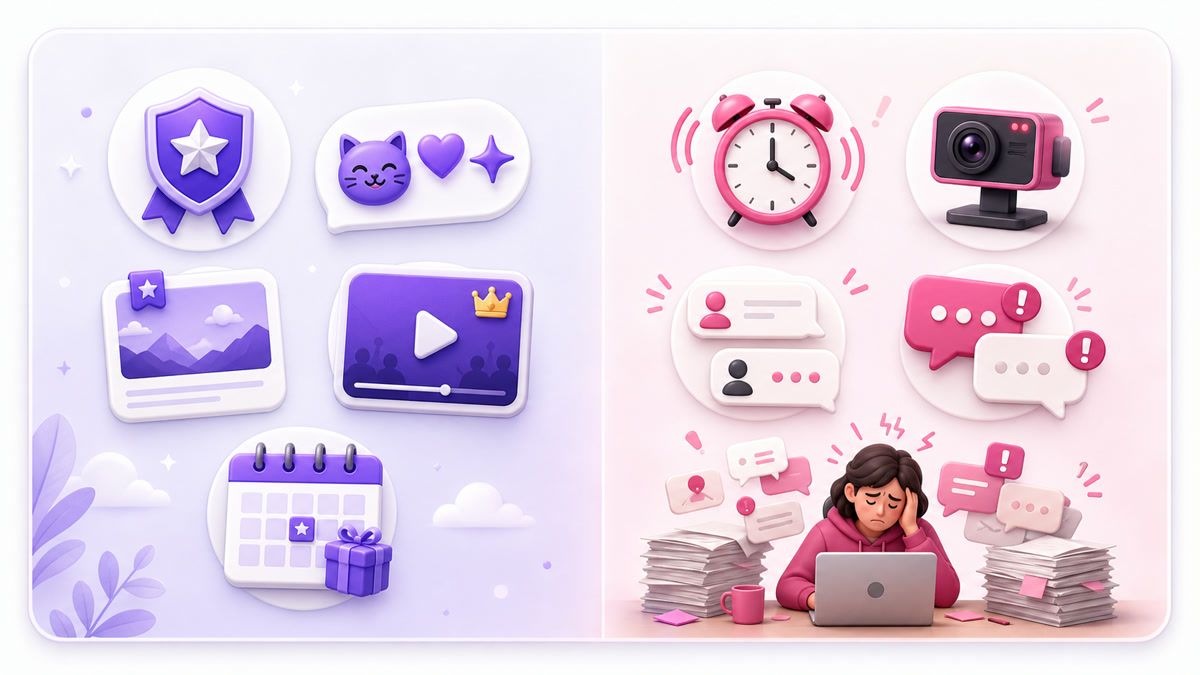
Avoid perks such as “personal reply anytime,” unlimited one-to-one advice, or daily custom requests. They turn every new member into an unbounded support obligation. If you cannot demonstrate how a perk will be delivered on a calendar, rewrite it before publishing.
YouTube currently supports up to six membership levels, with higher levels inheriting lower-level perks. Most always-on channels should begin simpler. One clear level with benefits you can deliver is easier to understand and operate than a staircase of vague promises. YouTube's membership-perk guide covers badges, emoji, posts, members-first videos, members-only videos, and member chat.
For Indian audiences, do not copy a US price from another creator's screenshot and convert it manually. YouTube offers region-specific price points, and pricing can vary by viewer country, platform, and rollout cohort. Choose among the options shown in your Memberships setup, then ask whether the benefit feels worthwhile at that local price. The official pricing guidance recommends matching levels to audience needs and your delivery cost.
Where the hybrid model works best
Devotional streams: the loop can carry bhajans or aarti continuously, while festival evenings become announced creator or organizer chat windows. Paid messages should never be framed as buying spiritual outcomes.
Astrology channels: a daily recorded rashifal loop can lead into a clearly scheduled real-time Q&A. Keep the loop and the actual live consultation window visibly distinct; the complete setup appears in the rashifal channel playbook.
Study communities: milestone Supers, badges, emoji, and a weekly check-in fit naturally around a silent Pomodoro loop. The value is belonging and recognition, not constant access to a host.
In every niche, the hybrid works because the broadcast half runs continuously while the human half stays bounded. StreamNeo can keep the pre-recorded loop running in the cloud; your team only has to staff the presence window.
Measure the model, then adjust the promises
Review performance once a month, not emotionally after every quiet night. In YouTube Studio → Analytics → Revenue → How you make money, inspect Supers and memberships. For memberships, also track total and active members, members gained, cancellations, and members lost. For Supers, review purchase history and check whether acknowledgements happened inside the promised window.
The current creator share is 70% of net revenue from memberships, Super Chat, and Super Stickers under the Commerce Product Module—not 70% of the viewer-facing sticker price. Applicable taxes and fees are deducted first; an MCN may take an additional share. YouTube documents the calculation in its partner earnings overview, with detailed reports for Supers and memberships.
Use operational questions alongside revenue: How many paid messages missed the acknowledgement window? Which perk was delivered late? Did moderators handle off-hours safely? Are members using the perks you maintain? If a perk consumes more time than expected, narrow it for future members instead of silently under-delivering.
Fan funding also depends on original, policy-compliant content and YPP approval. Read the honest guide to monetizing a 24/7 loop, then pair paid interaction with practical live-viewer conversion tactics. If ads are part of the mix, plan them separately with the guide to live-stream ad placement.
If the content is ready but the overnight infrastructure is not, compare StreamNeo plans and start free — 24-hour trial, no card to test the loop-plus-presence model on your own channel.
FAQ
Do Super Chats work while I'm asleep?
Yes, eligible viewers can send them while your always-on stream and live chat are active. Do not imply an instant reply. Publish a visible presence window and acknowledge overnight Supers when that window starts.
What cut does YouTube take?
YouTube pays creators 70% of net revenue from Supers and memberships under the Commerce Product Module. “Net” matters: applicable taxes and fees are deducted first, and an MCN may take an additional share.
Are memberships worth it for small channels?
They can be when a real core community wants recognition or extra content and the perks are inexpensive to fulfil. Start with one simple level, use asynchronous benefits, and review retention and delivery effort monthly. Do not launch tiers merely because the feature appears in Studio.