The wrong way to think about live ads is as a single revenue switch. Turning monetization on starts a chain of decisions: whether your channel is eligible, which formats YouTube can serve, how often a viewer may be interrupted, and whether the interruption fits the reason they opened your stream.
That last decision matters most on an always-on channel. A mid-roll that feels routine during a news discussion can ruin a sleep stream. Here is the practical setup, current as of July 2026, followed by a placement framework that treats viewer trust as the scarce resource.
The eligibility chain from YPP to a monetized stream
First, your channel needs access to ad-revenue sharing in the YouTube Partner Program. Under YouTube's current YPP eligibility rules, the ad-revenue tier requires 1,000 subscribers plus either 4,000 valid public watch hours in the previous 12 months or 10 million valid public Shorts views in the previous 90 days. Hitting a threshold starts a review; it does not guarantee acceptance. If you are still assessing whether an original loop can pass that review, read the two-gate explanation in Can you monetize a 24/7 looped stream?
Once approved, complete the monetization setup in YouTube Studio → Earn, including the relevant monetization module and payment setup. Then configure the individual live stream:
- Open YouTube Studio → Create → Go live.
- Use Stream for a stream you are creating now, or Manage for a scheduled stream.
- At the top, choose Edit → Monetization.
- Set Monetization to On.
- Choose the mid-roll behaviour: automatic frequency, a scheduled interval, or manual breaks.
This is a three-layer permission model: the channel can earn from Watch Page ads, the stream has monetization enabled, and its mid-roll controls define where YouTube is allowed to look for an ad opportunity. YouTube's live-stream monetization guide is the source of truth if the labels in Studio change.
The ad formats viewers can encounter on live video
YouTube currently lists pre-roll, mid-roll, and display ads for live streams. Side-by-side ads are a less disruptive kind of mid-roll on eligible streams. Older creator guides may name a separate overlay format; do not build a plan around a legacy list. Build around the formats and controls visible in your current Live Control Room.
| Format or control | What you control | What the viewer experiences |
|---|---|---|
| Pre-roll | It turns on automatically when live monetization is on; you do not place its exact moment. | An eligible viewer may see an ad before reaching the live stream on mobile or computer. |
| Automatic mid-roll | Choose Low, Medium, or High frequency and let YouTube look for opportune moments. | Some viewers see an interruption during the broadcast, then rejoin the live edge when the ad ends or is skipped. |
| Scheduled mid-roll | Choose 6, 12, 18, 24, or 30 minutes between ad opportunities. | The cadence is more predictable for the creator, but an actual ad is still not guaranteed for every viewer. |
| Manual mid-roll | Press the ad button in Live Control Room at a natural break, even if automatic ads are enabled. | Eligible viewers may see the ad at different times; viewers without an ad keep watching. |
| Side-by-side mid-roll | It may appear automatically on eligible streams using automatic or scheduled mid-rolls, when captions are not enabled. | The live stream continues beside the ad instead of disappearing completely. |
| Display ad | You make the stream eligible; YouTube controls delivery. | An ad appears around the player on mobile or computer, with less direct interruption to the video itself. |
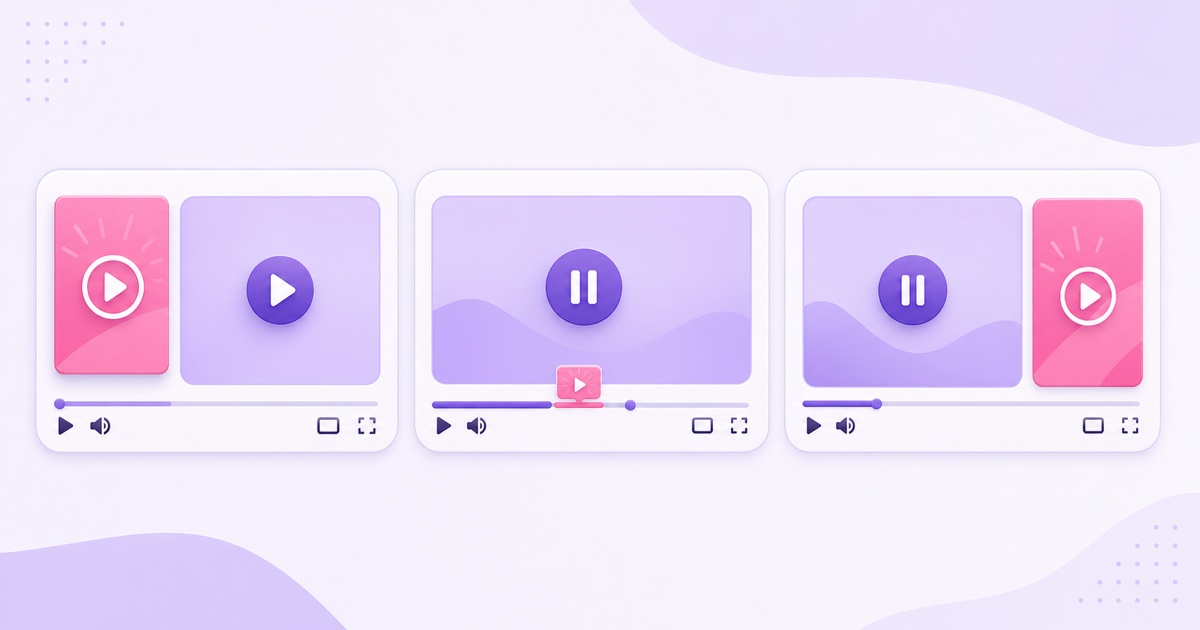
Two controls are useful for hosted streams but limited for unattended loops. Delay ads pauses automatic mid-roll delivery for 10 minutes around an important moment; manually inserted ads can still appear. Take a Break lets you choose a one-, three-, or five-minute away slate during which eligible viewers may see ads, but the creator must return to Live Control Room to end the break. Neither feature is a set-and-forget substitute for thoughtful 24/7 placement.
The 24/7 twist: ad decisions continue while you sleep
An always-on stream keeps creating possible ad moments after the creator leaves the dashboard. New viewers may encounter pre-rolls, while mid-roll behaviour continues according to the settings you chose. The upside is obvious: the monetized stream does not require someone to press a button at 4 a.m. The risk is equally obvious: nobody is present to notice that a badly timed interruption is damaging the experience.
Do not interpret “monetization on” as “every view shows an ad.” YouTube says ad serving is not guaranteed, viewers may not receive ads at the same time, and a viewer without an available ad continues watching. Geography, available inventory, recent ad exposure, device, targeting and Premium status can all separate a view from a monetized playback.
For a 24/7 channel, the safe default is conservative. Start with the lowest-interruption setting that makes sense, observe a complete audience cycle, and change one variable at a time. Check the stream from mobile, desktop and TV-like viewing contexts, but remember that your own test cannot force the same ad experience every viewer gets.
Match ad tolerance to the job of the stream
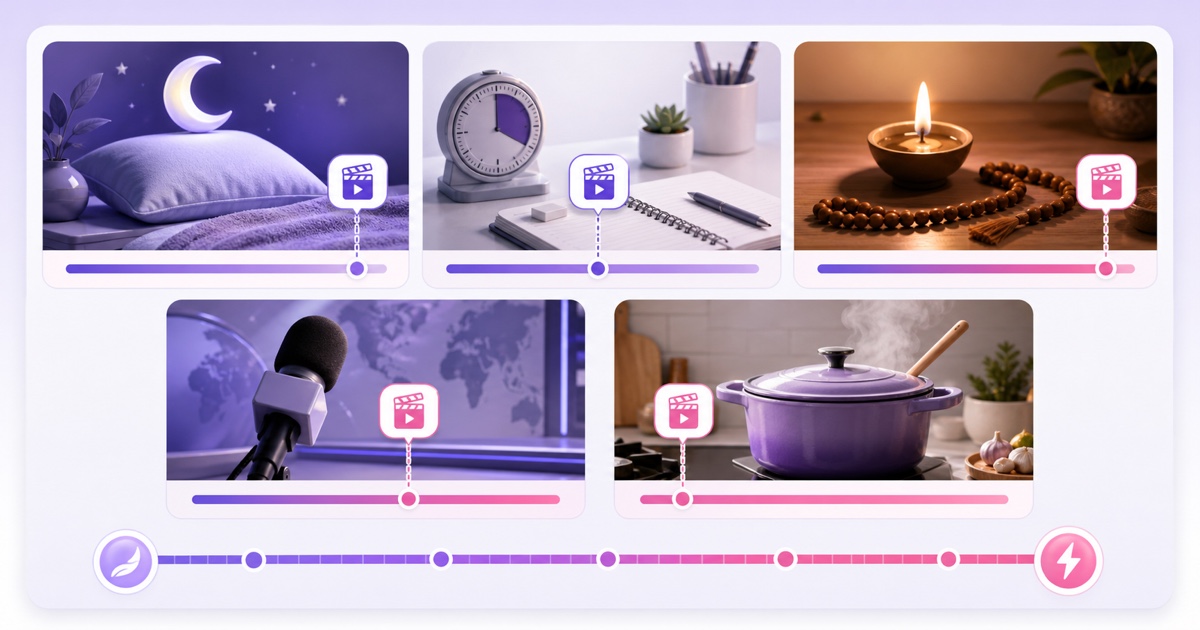
The table below is editorial guidance, not a YouTube rule or a revenue promise. It asks a simple question: what did the viewer hire this stream to do? The more an interruption breaks that job, the more carefully you should place ads.
| Niche | Viewer's job | Likely tolerance | Sensible starting point | Main risk |
|---|---|---|---|---|
| Sleep, white noise and ambience | Maintain a continuous, low-stimulation environment | Very low | Pre-roll only or the most conservative mid-roll test | A louder ad wakes the listener or causes an immediate exit |
| Study or Pomodoro | Protect focus in timed work blocks | Low to medium at real boundaries | Place staffed breaks between cycles; avoid interrupting a focus block | A break destroys the timer's promise |
| Devotional, mantra or prayer | Follow a respectful, continuous ritual | Low during the ritual | Use pre-roll or boundaries before and after a complete segment | An ad cuts a verse, aarti or reflective moment |
| News and current affairs | Receive timely information in segments | Medium between stories | Manual breaks at story transitions when staffed; conservative automatic settings otherwise | An interruption hides a crucial update or appears insensitive |
| Astrology, talk or Q&A | Follow an explanation or topic block | Medium at section changes | Break between signs, questions or chapters | The viewer loses the setup and misreads the answer |
| Cooking and instruction | Complete a sequence of practical steps | Medium between steps | Place ads after a completed stage, never before a safety-critical action | The viewer misses a temperature, timing or ingredient detail |
For sleep creators, the placement problem deserves its own treatment in the 24/7 sleep sounds and white noise playbook. For every niche, the principle is the same: an automatic system can identify an ad opportunity, but it cannot make your editorial promise for you.
Ad suitability still applies to every second of a loop
Passing YPP review does not make every future stream fully advertiser-friendly. YouTube's advertiser-friendly content guidelines apply to the live video, title, thumbnail, description and tags. Violence, adult or shocking material, harmful acts, hateful content, drugs, firearms, controversial issues, sensitive events and inappropriate kids-and-family material can lead to limited or no ad earnings depending on context and severity.
A long loop magnifies small mistakes. One unsuitable clip, song, graphic or repeated spoken line can recur throughout the broadcast. Audit the whole loop before launch, including metadata and anything added during refreshes. Also keep rights documentation: advertiser suitability and copyright ownership are different checks, and passing one does not solve the other.
Made-for-kids content has a different advertising reality. YouTube requires an accurate audience setting; personalized advertising is prohibited, although contextual ads may appear. Live chat, Super Chat and several other engagement features are also unavailable. The kids loops policy guide covers that wider operating model. Do not mislabel a child-directed stream in pursuit of a higher RPM.
News loops need special care around sensitive events. Journalistic or documentary context may be eligible, but content that exploits a tragedy, dismisses victims, or uses a sensitive event mainly to harvest traffic may receive no ad earnings. A neutral format cannot rescue exploitative framing.
If Studio shows “Limited ad earnings,” first read the specific notice. It means the video remains eligible for some ads but not all advertiser demand. Review the video and metadata against the guideline category shown. If the decision is wrong, YouTube allows a human-review request; context, focus, tone, realism and graphicness are part of that assessment.
Set revenue expectations from your own report
There is no responsible universal RPM for live streams. Niche, viewer geography, time of year, available ad formats and advertiser demand can move CPM, while not every view becomes a monetized playback. Anyone quoting one earnings number without your channel data is guessing.
Use YouTube Studio → Analytics → Revenue, then select the Live filter to separate live streams and live replays. YouTube's ad-revenue analytics guide distinguishes the metrics that matter:
- Estimated ad revenue isolates advertising revenue from other monetization sources.
- Ad impressions count individual ads displayed.
- Estimated monetized playbacks count video playbacks in which at least one ad appeared.
- RPM is creator revenue per 1,000 views after revenue share and includes several revenue sources, not only ads.
- CPM reflects what advertisers paid per 1,000 ad impressions before revenue share; it is not your payout.
Evaluate revenue beside average view duration, returning viewers and concurrent-viewer patterns. If a more aggressive mid-roll setting raises estimated ad revenue but cuts the long sessions your channel depends on, the headline gain may be buying a weaker audience. Compare equivalent periods, note every setting change, and keep the rest of the stream stable while you learn.
A placement philosophy that protects attention
Ads are rent charged on attention. Price that rent as if you value the tenant.
Before increasing frequency, run this short check:
- Name the uninterrupted experience the viewer expects.
- Mark genuine segment boundaries in the underlying video or schedule.
- Choose the least disruptive live-ad setting that can test your hypothesis.
- Review retention and revenue together, never revenue alone.
- Re-check after a content refresh, audience shift or suitability notice.
Ads can be one part of a live monetization plan, alongside the honest presence-window approach for Super Chat and memberships. The best mix is the one your team can operate without making promises it cannot keep.
When you are ready to run your own pre-recorded live channel, Start free — 24-hour trial, no card.
FAQ
Can I control when mid-rolls run on a live stream?
Yes, within YouTube's current controls. You can let YouTube choose automatic opportunities at Low, Medium or High frequency, schedule opportunities every 6, 12, 18, 24 or 30 minutes, or insert breaks manually in Live Control Room. You can delay automatic ads for 10 minutes, but manual breaks may still run. An allowed opportunity never guarantees that a particular viewer receives an ad.
Do ads run overnight on a 24/7 stream?
They can. If the stream remains live, monetization stays on and the viewer is eligible for an available ad, pre-roll or configured mid-roll delivery can occur while you are away. Viewers do not necessarily receive the same ad at the same time, and some receive none. That unattended variability is why conservative settings matter for sleep, study and devotional channels.
Why does my live stream show “Limited ads”?
YouTube's ad-suitability systems may have found that the stream or its title, thumbnail, description or tags do not fully meet advertiser-friendly guidelines. Read the notice, compare the whole loop with the cited category, and correct any content-side issue. If you believe the classification is wrong, request human review. More aggressive ad placement cannot fix a suitability decision.