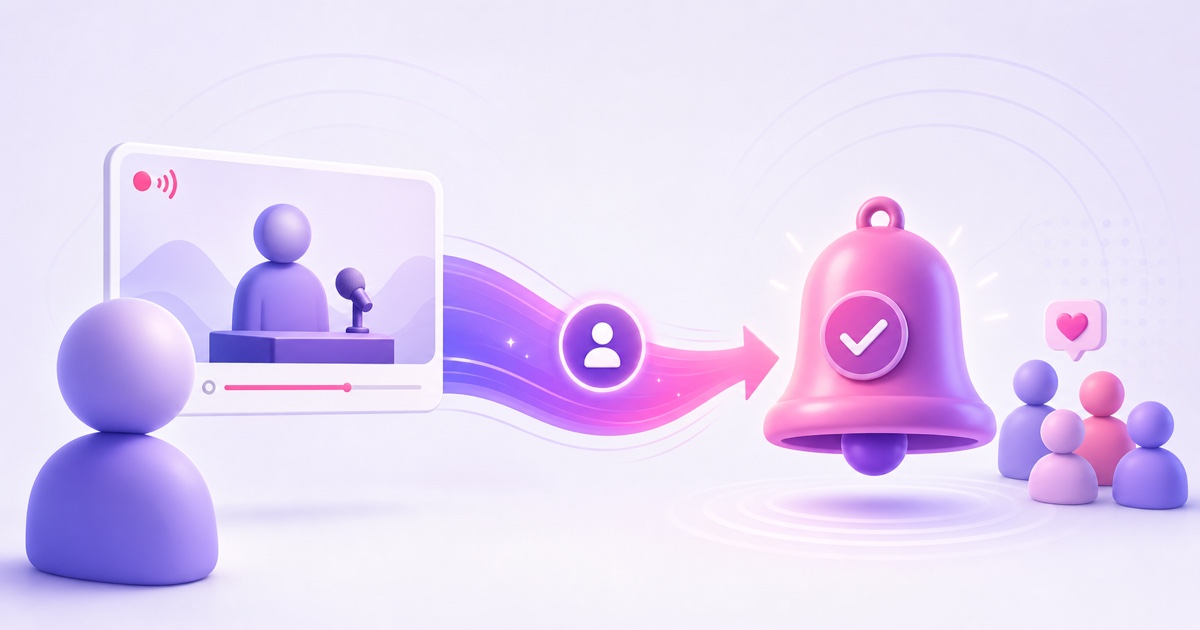
Your 24/7 stream can be doing its job perfectly—holding attention for sleep, study, prayer, ambience, or music—while your subscriber count barely changes. That is not necessarily a content failure. A drop-in viewer often treats an always-on stream like a radio station: open it, get the utility, and leave when the session is over.
There is no host looking into the camera and saying what the channel offers next. If the loop never explains itself, the viewer has little reason to move from passive listening to an ongoing relationship. The fix is to build that explanation into the video without ruining the experience that brought them in.
The seven tactics below are designed for unattended streams. They do not depend on someone being awake, and they do not turn a calm feed into a rolling advertisement.
Why live viewers under-subscribe
An upload usually has a beginning, a promise, and an ending. A 24/7 stream has none of those from the viewer's perspective. Someone may arrive 43 minutes into a rain loop, keep it on in the background, and never visit the channel page.
That creates three conversion gaps:
- Identity gap: the viewer enjoys the stream but may not remember who made it.
- Value gap: subscribing feels unnecessary if the same stream appears to run forever.
- Action gap: TV and second-screen viewers may not have an obvious clickable subscribe control nearby.
A good on-screen system closes all three. It identifies the channel, promises a useful future benefit, and makes the next action easy. Start with one tactic, measure it, and layer in another only when the stream still feels clean.
Tactic 1: use a persistent but polite corner mark
Add a small channel mark or subscribe reminder in a lower corner. Its job is recognition, not interruption. Aim for roughly 5% of the frame width, preserve enough contrast to remain visible, and keep it away from captions, timers, devotional text, faces, or the visual focal point.
On a 1920×1080 canvas, review the mark at actual phone size before publishing. A graphic that looks restrained on a large editing monitor can feel enormous on mobile. Also check the TV safe area; graphics pushed to the extreme edge can be cropped by some displays.
Do not animate it continuously. A soft entrance when the loop begins, followed by a static or low-opacity state, is easier to live with for a viewer who stays for two hours. For sleep and meditation content, even a subtle pulse may be too much.
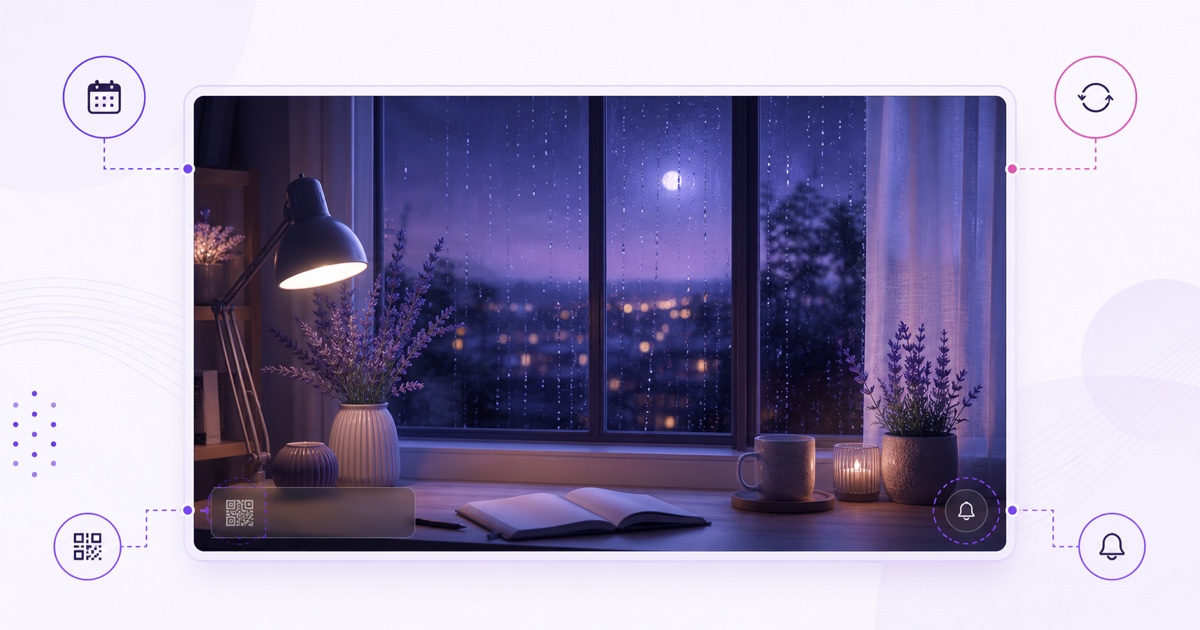
The layout principle is simple: protect the content first. The reminder belongs in unused visual space, and temporary elements such as a QR code should appear only during a planned ident segment.
Tactic 2: add a 30-second hourly station ident
Broadcast radio has used station idents for decades because listeners often join in the middle. Your loop has the same problem. Once per hour, insert a short segment that answers three questions: what is this channel, what will the viewer receive by subscribing, and when does something fresh happen?
A practical 30-second structure looks like this:
- 0–8 seconds: identify the channel and the stream's purpose.
- 8–20 seconds: state the subscriber benefit, such as a new ambience mix or bhajan rotation each month.
- 20–30 seconds: show one clear subscribe cue, then fade cleanly back into the programme.
Keep the audio compatible with the stream. A calm lofi station might use the same music under the ident; a rain stream may use only a gentle chime. A loud voiceover inside a sleep stream will win attention and lose trust.
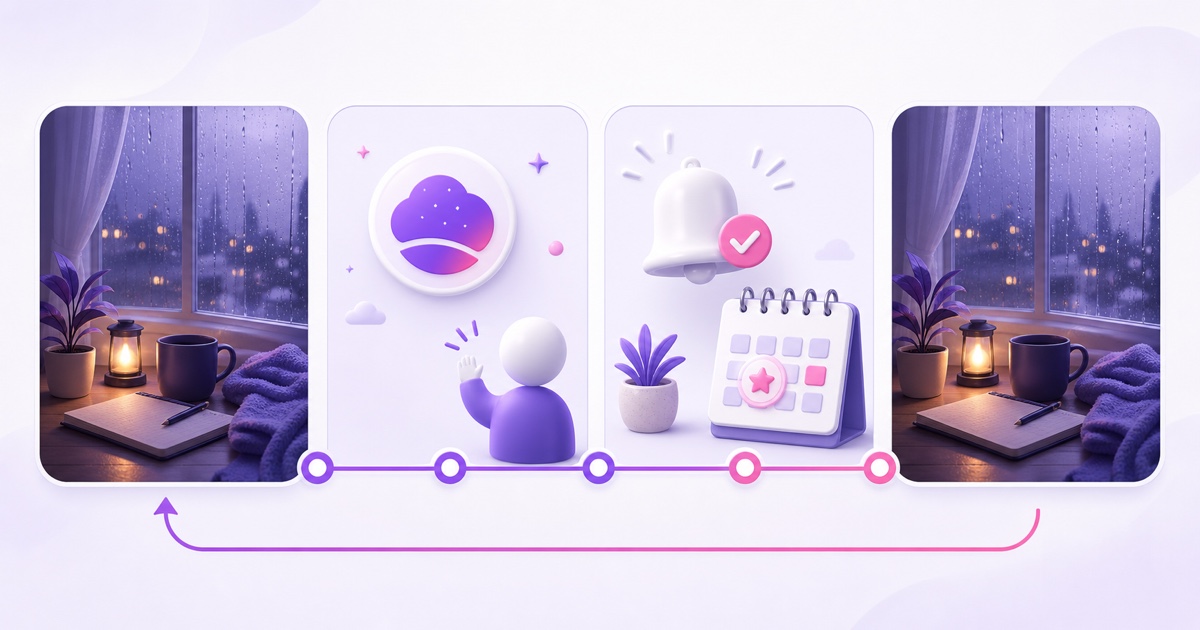
The ident should feel like part of the broadcast, not an ad pasted over it. Preview the exact transition point with headphones so there is no audio pop, abrupt brightness change, or awkward frame jump.
Tactic 3: show a QR code and short URL
A viewer watching on a television may like the stream but have no convenient way to act. During the station ident, show a QR code that opens your canonical channel page, paired with a short, readable URL. The code solves the second-screen problem; the URL gives people a fallback if their camera cannot scan it.
Generate the QR code from a stable destination you control. Test it on both Android and iPhone, from across the room, and after the final video has been compressed. Use strong light-dark contrast, a clear quiet zone around the code, and enough screen time for a person to unlock a phone and scan.
Do not leave a large QR code on screen all day. It competes with the content and can make the stream resemble an infomercial. Show it during the ident, keep the destination relevant, and avoid link shorteners that may expire or trigger a security warning.
Tactic 4: pair the video prompt with a pinned message
The video can briefly point viewers toward chat; the pinned message can then carry the clickable explanation. YouTube currently lets a channel owner pin one message in Live Chat. During the live stream, open the chat, find your message, choose the more menu, and select Pin. Moderators and viewers cannot pin on the owner's behalf, so include this in the stream launch checklist. YouTube documents the current behaviour in its Live Chat help.
New here? This stream runs around the clock. Subscribe for the next monthly mix and check the description for the refresh schedule.
Write like a person, not a billboard. One useful sentence beats a row of emoji and capital letters. If a legitimate third-party tool connected to your channel supports scheduled chat messages, start no more frequently than once per hour and inspect the live room after setup. Platform support and tool permissions change, so verify the integration rather than assuming automation is native.
Repeated prompts can crowd out real conversation and look like spam. If the chat is active, let community messages breathe. For moderation and paid-interaction design, use the companion guide to Super Chat and memberships on always-on streams.
Tactic 5: make a schedule promise worth subscribing for
“Subscribe” is an action, not a reason. Give the viewer a future benefit: “Fresh mix every Monday,” “New rain scene on the first Sunday,” or “Monthly bhajan rotation.” A clear schedule makes notifications and return visits useful rather than abstract.
Choose a promise you can keep through busy weeks. Monthly is often a better starting rhythm than daily because it leaves time to source, edit, quality-check, and document rights for every asset. If weekly is genuinely sustainable, publish the exact day in the ident, description, and channel banner so the message stays consistent.
Missing the advertised refresh teaches viewers to ignore future promises. Put the refresh date on your calendar before you add it to the video. If you are building from scratch, the realistic 90-day ambience-channel plan helps turn that promise into a manageable production cadence.
Tactics 6 and 7: refresh visibly and credit the community
6. Add a visible rotation label
A small “July rotation” or “New mix” label signals that a seemingly endless loop belongs to a living channel. Update the label with the content, not as decoration. A current date attached to an unchanged file eventually harms credibility.
Use the label during the opening and station ident rather than across every frame. Keep a clean master project with editable month, thumbnail, URL, and schedule fields. During the monthly refresh, change them together and watch the exported file once before it goes live.
7. End the ident with community credits
A brief monthly credit slide can thank moderators, members, track contributors, or viewers who suggested the new theme. Ask permission before displaying a person's name or handle, spell it exactly as requested, and never imply endorsement from someone who did not opt in.
This works because belonging becomes visible. It shows a new viewer that the stream is maintained by a real channel with returning people, while giving regulars a reason to notice the next refresh. Keep the list short enough to read and link the full credits in the description if needed.
Batch tactics 6 and 7 into the same monthly re-render ritual. With StreamNeo, the broadcast-side refresh can be a five-minute video swap after the new file is ready; the creative work still deserves a proper review. If you need a format to refresh, explore these 24/7 live stream ideas.
Measuring subscriber conversion without guessing
Do not judge the system from a single exciting day. Record a baseline, change one element, and compare the trend over equivalent periods. YouTube Studio's current channel-level path is Analytics → Content → Subscribers, where the report breaks subscribers gained out by content type, including live streams. The platform explains that report in its Content analytics guide.
For a completed event, the post-stream snapshot can also show new subscribers during the stream. An always-on stream may not produce that endpoint for a long time, so the channel-level live-content view is more useful for routine checks. You can also open Content → Live → select the stream → Analytics to inspect that stream's performance.
| What to log | Why it matters | What not to conclude |
|---|---|---|
| Date and exact tactic changed | Separates the test from memory | That every later gain came from the tactic |
| Live-stream subscribers gained | Tracks the target outcome | That raw subscriber count explains viewer quality |
| Average view duration and chat response | Checks whether prompts damaged the experience | That one short fluctuation is a permanent trend |
Hold the title, thumbnail, and content rotation steady while testing an on-screen prompt. If you change everything together, you cannot tell what worked. Apply the same one-change discipline described in the live stream SEO guide.
There is no universal conversion target for a lofi station, devotional channel, and study timer. Compare your channel against its own previous periods. The useful question is not “Is this percentage good?” but “Did the prompt create more subscribers without reducing the experience viewers came for?”
A clean implementation order
- Add the small corner mark and watch the live output on phone and TV.
- Create one 30-second ident with a real refresh promise.
- Add a tested QR destination only to that ident.
- Mirror the same promise in one pinned chat message.
- Run a one-change measurement cycle.
- Add rotation labels and community credits to the next monthly export.
Your stream is already open all day. Give each new listener a quiet, credible reason to return. Review StreamNeo pricing, then Start free — 24-hour trial, no card.
More from the journal: Ad Breaks on an Always-On YouTube Stream: Manual, Automatic and Pre-Roll · 4,000 Watch Hours With a 24/7 Stream: The Honest Timeline · Channel Memberships on a Loop Channel: Perks That Do Not Need You Online
FAQ
Where should the subscribe reminder sit?
Place it in a corner, keep it small—around 5% of the frame width—and never cover the content's focal point, captions, timer, or important devotional text. Preview the final export on a phone and television before going live.
How often should the loop be refreshed?
A monthly refresh is a sustainable visible-life signal for many channels. Choose a faster schedule only if you can reliably create, check, and publish new material without breaking the promise shown on screen.
Do live viewers really subscribe less?
There is no universal rate to quote. The practical pattern is that drop-in utility viewers can enjoy a stream without thinking about the channel behind it, so conversion is weak by default when the video provides no identity, future benefit, or clear action.