You do not need a broadcast tower to make your video library feel like television. If you already own a useful catalogue—interviews, tutorials, documentaries, sermons, performances, or regional shows—you can organise it into a channel that is always in progress.
That creator-scale setup is not the same business as Pluto TV or Samsung TV Plus. It borrows the viewing experience of linear television while staying on platforms you can access today. Here is where real FAST ends, where the YouTube version begins, and how to build the latter without pretending they are identical.
FAST, defined without jargon
FAST stands for Free Ad-Supported Streaming TV. A FAST service carries scheduled, linear channels that viewers can watch without a subscription because advertising funds the service. Pluto TV, Samsung TV Plus, Tubi, and The Roku Channel are familiar examples of services that offer this kind of viewing.
Linear means the programme is already underway when you arrive. You choose the channel, not the exact episode or starting point. On-demand video reverses that control: you pick the title, press play, and usually start at the beginning.
That distinction answers the basic question, “what is a FAST channel?” It is a programmed stream with a clock and a channel identity, not merely a folder of free videos. Advertising is part of the commercial model; scheduling is part of the experience.
The honest gate on real FAST distribution
Pluto TV and Samsung TV Plus do not offer a YouTube-style button where any creator can paste a stream key and launch a channel. FAST carriage is a business-to-business distribution process. A content owner normally works with a channel-origination and distribution company, then supplies a substantial catalogue, programme metadata, rights documentation, and reliable continuous output.
For one concrete current example, Wurl’s Global FAST Pass page describes automated onboarding into its distribution workflow and says a 24/7 FAST launch typically needs at least 200 hours of video. Wurl can distribute channels to selected services, but using a distributor does not guarantee that every platform will carry every channel.
Expect commercial and technical due diligence. You should be able to show who owns each programme, where it may be distributed, how long those rights last, and whether music, talent, archive footage, captions, and advertising markers are cleared. The channel must also keep delivering when one employee closes a laptop.
This is the honest gate: a creator with twelve good videos does not yet have a platform-ready FAST library. That library can still support a convincing linear channel on YouTube, where the access path is self-serve and the programming lessons are immediately useful.
The creator-scale version
The practical alternative is a continuously live channel on YouTube, and optionally Facebook, built from videos you already control. It recreates three important parts of linear TV: something is always on, viewers commonly arrive mid-programme, and a stable schedule teaches regulars when to return.
On YouTube, the route begins at YouTube Studio → Create → Go live → Stream. You create the broadcast, copy its stream key into your encoder or cloud streaming service, and send a continuous feed. On Facebook, the equivalent starts in Live Producer → Streaming software. Neither route turns you into an official FAST platform partner; both let you build a channel-like experience without negotiating carriage.
A continuous feed alone is not enough. A random queue is still a random queue. The creator-scale version becomes linear TV when you give it named blocks, repeatable dayparts, transitions, and clear expectations about what comes next. If you are new to the underlying format, this guide to what 24/7 streaming means explains the file, stream key, and always-on encoder underneath it.
Rights and copyright: build a ledger, not a hope
A linear channel needs cleared rights for every minute it airs. Your ownership of the main episode does not automatically clear the music under its intro, a news clip shown on a monitor, a guest’s performance, a sports excerpt, stock footage, or an old photograph supplied by somebody else.
The repeating schedule raises the stakes. A questionable clip is not exposed once; it comes around again every cycle. Treat every programme and every bumper as a row in a rights ledger with these fields:
- Block ID and file name: the exact asset used in playout.
- Video owner: you, a commissioning client, or a named licensor.
- Music and archive sources: every cue, still, excerpt, and third-party insert.
- Territory and term: where the licence applies and when it expires.
- Proof: contract, release, invoice, licence PDF, or written permission.
Check short idents as carefully as long shows; a ten-second music bed can claim or block an otherwise clean hour. Do not air films, television episodes, or sports simply because you found a copy or bought consumer access. Read the full explanation of what you can legally stream before adding third-party entertainment to the grid.
Programme it like a channel, not a playlist
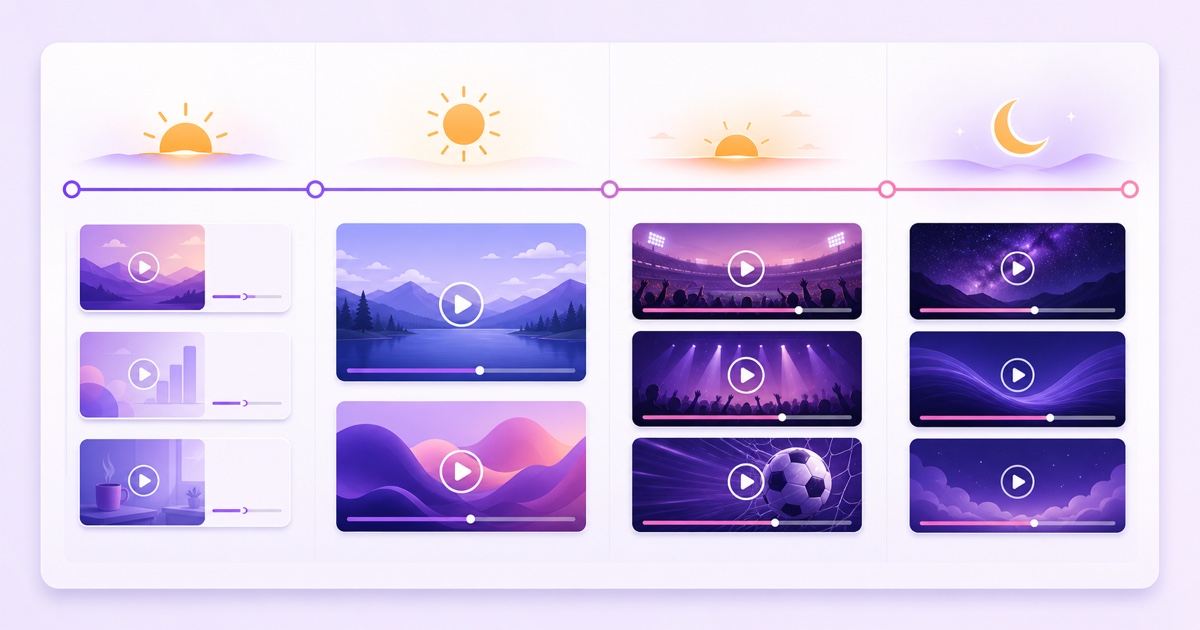
Start with audience intent, then create dayparts. An education library might use brisk explainers in the morning, deep lessons in the afternoon, success stories in the evening, and calm replays overnight. A Hindi food catalogue could run quick breakfast recipes, longer regional cooking sessions, festival specials in prime time, and technique compilations after midnight.
| Daypart | Example block | Programming job |
|---|---|---|
| 06:00–10:00 | Short explainers | Easy to join while viewers start their day |
| 10:00–17:00 | Long-form library | Give complete topics room to breathe |
| 17:00–22:00 | Highlights and premieres | Place your strongest, most social material together |
| 22:00–06:00 | Evergreen replays | Keep the channel useful without pretending it is fresh |
Use consistent block lengths where possible: 15, 30, or 60 minutes are easier to arrange than a shelf of files with arbitrary durations. Trim empty handles, normalise obvious level jumps, and export compatible files so the viewer does not encounter black frames or a sudden volume change at every boundary.
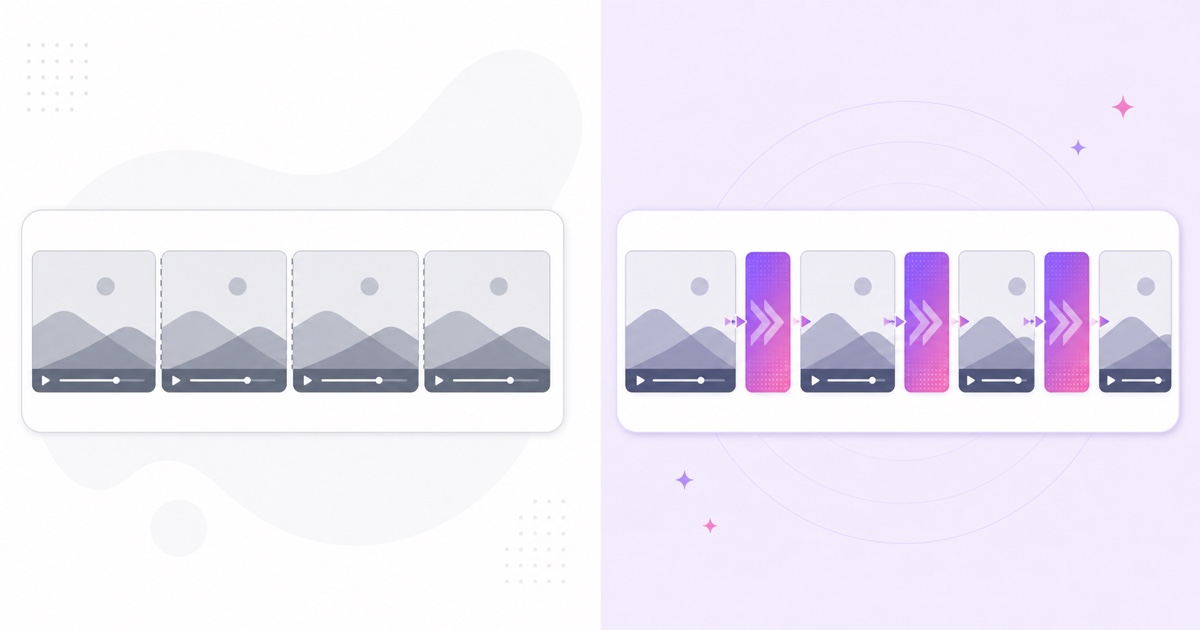
Place a short ident or bumper between programmes. Ten seconds is enough for a channel mark, a neutral music sting you control, and a simple “next up” card. The bumper converts a technical seam into an editorial beat: it closes one programme, resets attention, and tells a mid-join viewer that the sequence is intentional.
The honest technical limit: a loop is not a clock
A loop repeats when it reaches the end; it does not inherently know that the morning block must begin at 06:00 IST. If your full sequence lasts 23 hours and 52 minutes, its boundaries move eight minutes earlier every cycle. Encoding differences, reconnects, and file transitions can create more drift.
You have two workable architectures:
- Render one complete 24-hour day. This gives predictable relative timing inside the file and needs the least daily operation. The costs are a very large asset, slow uploads, painful corrections, and a full re-render when one programme changes.
- Swap files at scheduled boundaries. Keep morning, afternoon, evening, and overnight blocks as separate assets. A tool or operator changes the active file at the planned time. Updates are lighter, but true unattended precision depends on reliable scheduling and transition handling.
A normal looping playlist is useful for stable order, but it will not stay married to wall-clock time after interruptions. The practical compromises in this 24/7 stream schedule guide will help you choose between an exact rendered day, ordered playlist, and boundary swaps. If your files need to run back to back, also apply the format rules in the looping playlist guide.
With StreamNeo, replacing a running programme block is a file or playlist change in the dashboard rather than a complete YouTube event rebuild. That makes creator-scale linear programming practical: prepare compatible blocks once, keep the destination and stream key stable, then change only the block that is due. If you need exact unattended clock changes, confirm and configure the scheduling layer rather than assuming a plain loop provides it.
Continuity and refresh
Publish a compact schedule in the live description and repeat it in a YouTube Community post. Use one time zone prominently—IST for an India-first audience—and add a second zone only when the audience genuinely needs it. “Documentaries from 20:00 IST” is more useful than a minute-by-minute grid nobody can remember.
Keep the overall shape stable for several weeks. Regulars learn patterns, not databases. If the evening highlight moves every day, the schedule cannot become a habit.
Refresh one block at a time. Replace a weaker afternoon programme this week, add a new prime-time episode next week, and keep the morning and overnight blocks unchanged. Before every swap, check runtime, audio level, export settings, rights status, and the “next up” card. Update the public schedule only after the new asset is ready.
Keep a fallback block as well: a fully cleared evergreen programme that can run if a new upload fails or a licence expires. Continuity means viewers see a coherent replacement, not an error screen or an accidental return to material you no longer have permission to use.
What you get—and what you do not
A well-programmed YouTube stream gives your library a recognisable channel identity. It makes mid-programme arrival feel normal, gives viewers a schedule they can learn, and creates a live viewing surface where longer sessions are possible. Bumpers, dayparts, and steady refresh make the catalogue feel edited rather than dumped.
It does not give you carriage on Pluto TV, Samsung TV Plus, Tubi, or The Roku Channel. It does not create an ad-sales operation, guarantee watch time, or make weak videos valuable. You remain a creator operating a live channel on a social video platform.
That gap is worth preserving. Build the creator-scale version first, prove that you can programme and maintain it, and keep clean rights records from day one. If the catalogue later reaches distributor scale, you will have the operating discipline—and the paperwork—to hold a serious FAST conversation.
Start free — 24-hour trial, no card.
FAQ
What does FAST stand for?
FAST stands for Free Ad-Supported Streaming TV: free-to-view, linear channels whose commercial model is funded by advertising. Viewers join whatever is scheduled at that moment rather than choosing an episode and starting from the beginning.
Can I get my channel onto Pluto TV or Samsung TV Plus?
Those services use commercial content partnerships and distribution workflows, not an open creator stream-key form. A distributor may expect a large rights-cleared library, complete metadata, and reliable 24/7 delivery. For comparison, Wurl currently says a typical FAST launch needs at least 200 hours of video. A continuous YouTube channel is the more accessible creator-scale route.
Can a loop follow a real clock schedule?
Only when you render a complete day whose timing is controlled, or something swaps the active file at set times. A plain loop repeats according to its own runtime and can drift away from the wall clock after cycles, transitions, or reconnects.