Yes—a 24/7 loop can get copyright enforcement, including a strike. A loop keeps presenting the same audio and video to YouTube’s matching systems, hour after hour. If a song, film clip, broadcast, image, or game soundtrack is not cleared, continuous repetition gives the problem no chance to disappear.
The useful response is neither panic nor “it will probably be fine.” You need to identify which of three different events happened: a Content ID claim, a legal copyright strike, or live-specific matching. Each has a different consequence and a different next step.
Yes—and looping raises your exposure
YouTube says all live streams are scanned for third-party content. A normal upload may expose an uncleared track once; a loop sends that fingerprint continuously. If YouTube warns you during the broadcast and the matched material keeps returning on the next lap, the live stream can be interrupted or terminated.
Looping does not turn licensed content into infringement, and it does not create a special “loop strike.” The risk comes from the rights status of every element inside the loop. Continuous operation simply makes a hidden rights problem easier to detect and harder to ignore.
The safest rule: if you cannot trace an audio or visual element to ownership, a written commission, or a licence that covers livestreaming, do not put it in a 24/7 rotation.
The enforcement ladder, precisely
People often use “claim” and “strike” as if they mean the same thing. They do not. YouTube’s own guidance separates automated Content ID claims from legal copyright removal requests, while active live streams also have a realtime matching process.
1. Content ID claim
Content ID compares uploaded video against reference files supplied by rights holders. A match can apply a policy to monetize, track, or block the video, sometimes only in certain countries. A claim by itself is not a copyright strike.
There is an important live-stream nuance: YouTube says standard Content ID claims are created on an archived live stream after the live broadcast is complete. During an active stream, realtime scanning and warnings are the immediate concern. Read YouTube’s Content ID claim guide for the current policy effects.
2. Copyright strike
A strike means YouTube removed content after receiving a copyright removal request that appeared valid. That is a legal takedown process, not merely an automated match. YouTube states that three active copyright strikes in 90 days make the channel and associated channels subject to termination.
With fewer than three strikes, a strike can expire 90 days after it was applied if Copyright School is completed. Other resolution paths are a retraction from the claimant or a valid counter notification. Deleting the removed video normally does not clear an existing strike.
3. Live-specific enforcement
Active live streams are scanned for third-party content, including copies of other live broadcasts. YouTube may show a warning or replace the stream with a placeholder. If the matched material continues, the stream may be interrupted or terminated.
If an active live stream is removed for copyright, YouTube says the channel receives a copyright strike and loses live-streaming access for seven days. A further copyright strike brings a 14-day live restriction. The current wording is in YouTube’s copyright issues with live streams and copyright strike guide.
| Event | What it means | Typical effect | First response |
|---|---|---|---|
| Content ID claim | Automated match on an uploaded or archived video | Monetize, track, or block; normally no strike | Inspect the claimed work and your rights |
| Copyright strike | Content removed after a legal takedown request | Content removal and an active channel strike | Review the notice; choose wait, retraction, or a valid counter notification |
| Live matching | Third-party content detected during the broadcast | Warning, placeholder, interruption, or termination | Stop sending the matched material immediately |
What triggers matches on loops
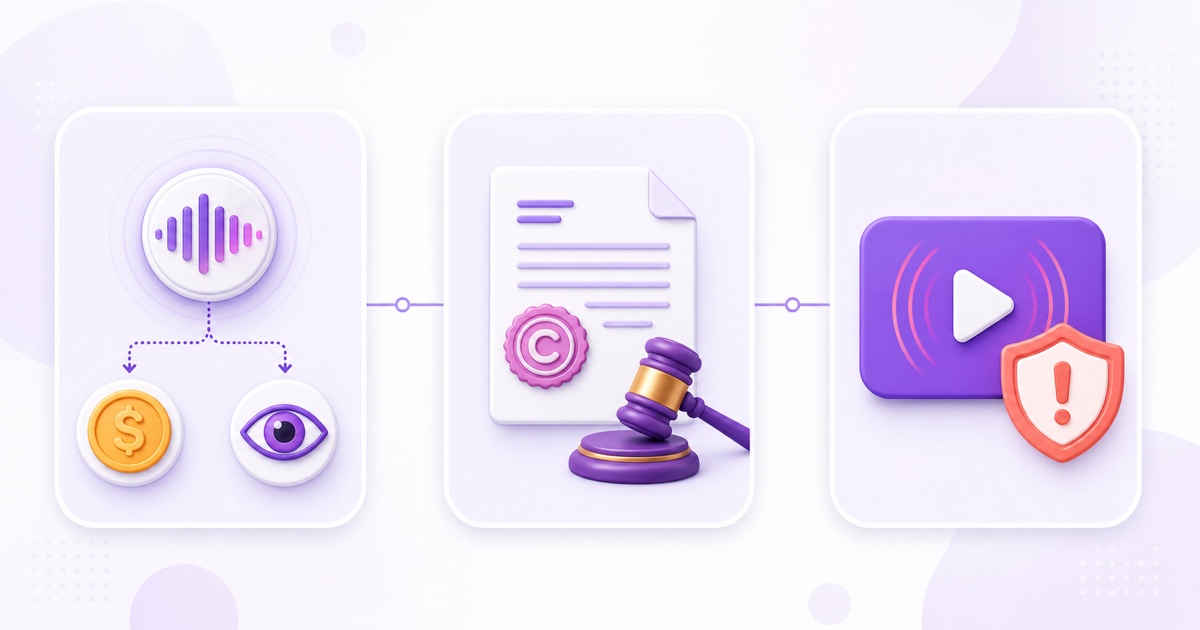
Music is the obvious trap. A bhajan recording, lofi beat, background track, karaoke instrumental, or meditation bed can contain two separately protected works: the composition and the sound recording. Buying a download or crediting an artist does not automatically grant livestreaming rights.
“Royalty-free” also does not mean “immune from Content ID.” A properly licensed stock track may still be registered by its publisher. Your stream can therefore match even though your use is permitted. Keep the invoice, licence text, track URL, purchase date, and any channel-allowlisting instructions together so you can prove the permission.
Other frequent sources include TV or movie excerpts, sports footage, news clips, artwork used as a visual, and music embedded in game replays. For gaming, check the publisher’s streaming policy and mute licensed radio tracks; the gaming replay rights guide covers that workflow.
Even content you commissioned needs a paper trail. A freelancer saying “you can use it” in chat is weaker than a written agreement stating who owns the final work and whether worldwide, commercial, recorded, and live use are included.
A match just landed mid-loop: do this
First identify what actually appeared. A warning while the stream is still live is live-specific enforcement. A claim visible on a completed archive is a Content ID claim. A “Removed” status plus an email from YouTube indicates a takedown and strike.
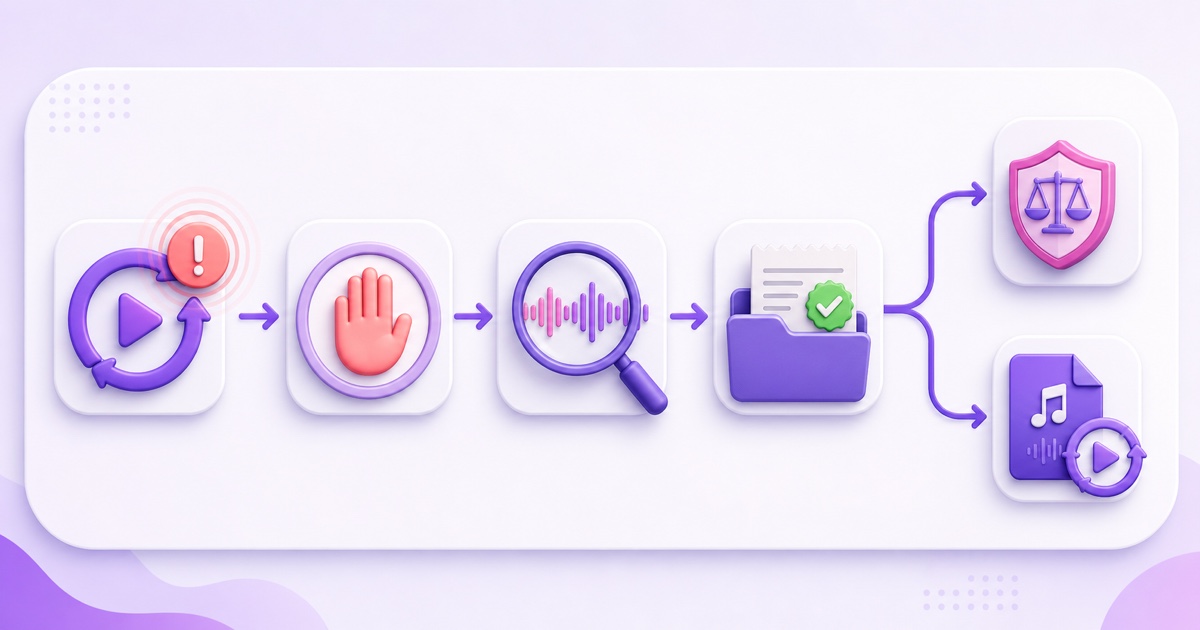
- Stop the matched material. Pause the stream, remove that file from the playlist, or swap to a clean backup. Do not wait for another lap.
- Open the details. Go to YouTube Studio → Content → filter by Copyright → hover over the Restrictions entry → See details. Record the claimant, work, timestamps, territories, and applied policy.
- Check your evidence. Match the notice against your licence, commission agreement, original project files, stems, or recording metadata.
- Choose the honest route. If you lack permission, accept the claim and replace or remove the material. If you have the necessary rights or the match is a genuine error, use Take action → Dispute and explain the exact basis.
- Ask for allowlisting when relevant. YouTube specifically advises creators with licensed live content to ask the rights owner to add their channel to the Content ID allowlist; a licence alone may not prevent live interruption.
For an initial Content ID dispute, the claimant has up to 30 days to respond. If an appeal is available after rejection, or you use Escalate to Appeal for an eligible blocking claim, the claimant has seven days at that stage. A claimant can release or reinstate the claim, or submit a takedown request; dispute only when you have a valid basis. YouTube documents those timings in its Content ID dispute process.
A strike landed: the harder road
Do not treat a strike as an upgraded claim with the same button. Check YouTube Studio → Dashboard → Active copyright strikes and read the official email. Confirm what was removed, who requested removal, when the strike was applied, and whether the notice is a scheduled removal giving you seven days to act before a strike.
YouTube lists three resolution routes. Complete Copyright School and wait 90 days; ask the claimant to retract the removal request; or submit a counter notification if the removal was a mistake or misidentification. A counter notification is a legal request, and YouTube forwards it to the claimant. It is not a bluff button for content you know you do not own.
After a valid counter notification is forwarded, the claimant has 10 US business days to provide evidence of legal action; otherwise the content may be reinstated. Because this process can disclose information and carry legal consequences, get qualified legal advice when the rights position is unclear. Never counter-notify merely because a strike is inconvenient.
If the strike came from an active live removal, respect the seven- or 14-day live restriction shown in your account. Do not route the broadcast through another channel to evade it; YouTube treats circumvention as a separate enforcement problem.
Prevention works better as a system
A reliable pre-flight audit is boring by design. Create one row for every music track, visual, clip, voice performance, font, and animation. Record its source, owner, permitted platforms, live-use permission, territories, expiry date, Content ID contact, and evidence location.
- Use recordings you created and control, or obtain written permission that explicitly covers livestreaming.
- Keep receipts and the licence version that applied on the purchase date; web terms can change later.
- Ask music providers whether their catalogue is registered in Content ID and how to allowlist your channel.
- Run a private or unlisted test long enough to pass through every playlist item.
- Maintain a rights-cleared backup loop that can replace a questioned file immediately.
- Re-audit the folder whenever an editor, volunteer, or client adds new media.
Niche-specific checks matter too. A music station should start with the lofi radio setup guide; devotional creators can use the bhajan channel rights checklist. For the broader policy boundary beyond copyright, read what YouTube allows for 24/7 loops.
Build like a broadcaster, not an uploader
A broadcaster clears rights before airtime because replacing a track in advance is cheaper than interrupting a live channel later. Apply the same standard even if your setup is one phone, one MP4, and one stream key.
No streaming tool—including StreamNeo—can grant rights to media you upload. What a good loop workflow can do is let you remove a questioned file quickly and keep a cleared replacement ready, so one match does not keep compounding across the day.
If your rights folder is ready and you want to test the operational side with your own content, start free—24-hour trial, no card.
FAQ
Can one song end my channel?
One Content ID claim is not automatically a strike, and one strike does not automatically terminate a channel. But a live match can interrupt or end the broadcast, a valid takedown can produce a strike, and three active copyright strikes in 90 days make the channel subject to termination. Remove uncleared music at the first warning.
Is royalty-free music safe?
It can be safe when the licence covers your exact live and commercial use, but it can still trigger Content ID. Save the receipt and licence, follow any channel-allowlisting process, and keep a cleared backup track. “Royalty-free” is a licensing model, not a promise that no automated match will appear.
Does a claim stop my live stream?
A standard Content ID claim generally applies to the archived video after a live stream ends. During the active broadcast, YouTube’s realtime matching can warn, interrupt, or terminate the stream if third-party content continues. If the active stream is removed for copyright, that can create a strike and a temporary live restriction.