A 24/7 lofi radio station on YouTube looks simple from the outside: calm beats, a looping room animation, and a chat that never closes. The durable version needs more thought. You need music you can legally stream, a mix that does not jump in volume, a visual people recognize, and an encoder that can stay online without your laptop.
This playbook takes you from an empty channel to a tested broadcast. It also deals with the uncomfortable part early: a “royalty-free” download or an artist credit is not automatically permission to run a track continuously.
Why lofi radios work as a format
Lofi fits an always-on stream because listeners use it as a utility. Someone can join halfway through a beat, keep the tab open while studying, and leave without needing the beginning or ending. A continuous chat adds a second layer: regulars can share goals, request moods, and recognize each other across sessions.
The same strengths make the niche crowded. “Beats to study to” is not a complete identity anymore. Your station needs a specific promise such as mellow jazz-hop for late-night coding, soft Indian-instrument lofi for reading, or rain-backed beats for exam sessions. The music selection and visual world—not the fact that the stream is live—give people a reason to return.
Define the station in one sentence: “Original warm lofi beats for two-hour deep-work sessions.” That sentence should guide your tracks, artwork, title, and chat programming.
Rights & copyright: read this before making anything
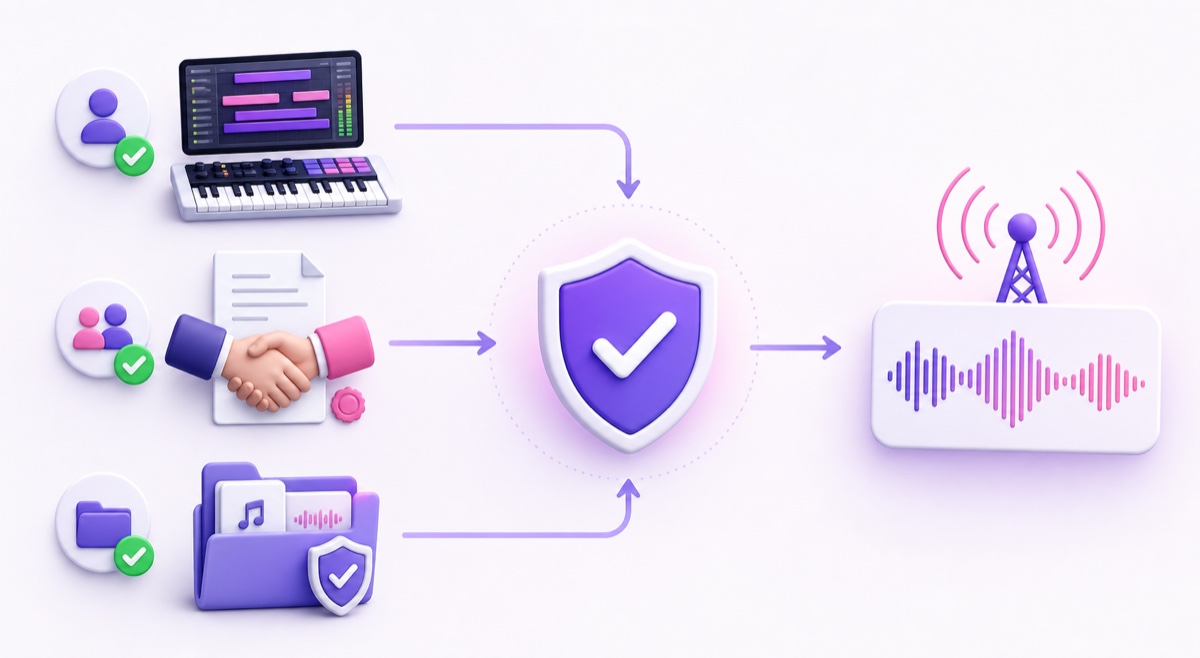
You need explicit livestreaming rights to every track in the station. Owning an MP3, crediting an artist, or choosing not to monetize does not create those rights. YouTube says all live streams are scanned for third-party content; a match can interrupt or terminate a live broadcast. Even licensed music can trigger the system if the rights holder has not added your channel to its Content ID allowlist.
| Music source | What you need before streaming | Practical risk |
|---|---|---|
| Your own beats | Keep project files and confirm that every sample or loop is cleared for commercial livestreaming. | Lowest when the full production chain is yours. |
| Commissioned tracks | A written agreement granting continuous YouTube livestreaming, recording, monetization, and relevant territories. | Low if the contract and sample rights are clear. |
| Licensed catalog | License language that covers livestreams, looping, monetization, and your intended channels; request Content ID allowlisting. | Claims or interruptions are still possible without allowlisting. |
| YouTube Audio Library | Download from YouTube Studio and follow the listed attribution requirement for each track. | YouTube describes its Audio Library music as copyright-safe on YouTube. |
| “No copyright” upload or unknown playlist | Do not use it without a license from the actual rights holder. | High; a title or channel description is not a license. |
The official YouTube Audio Library guide says tracks downloaded there are known to YouTube to be copyright-safe, but Creative Commons tracks still require the supplied attribution. That assurance does not extend to “royalty-free” tracks uploaded by random channels or sold by unrelated libraries. Check those providers’ terms yourself.
Create a rights folder before you create the mix. Save invoices, license PDFs, artist agreements, track URLs, download dates, and screenshots of the terms in force on that date. If a valid license still produces a Content ID claim, YouTube provides a dispute process; dispute only when you can show the necessary rights. For the broader difference between claims, strikes, and removals, read the 24/7 loop copyright guide.
Build the audio
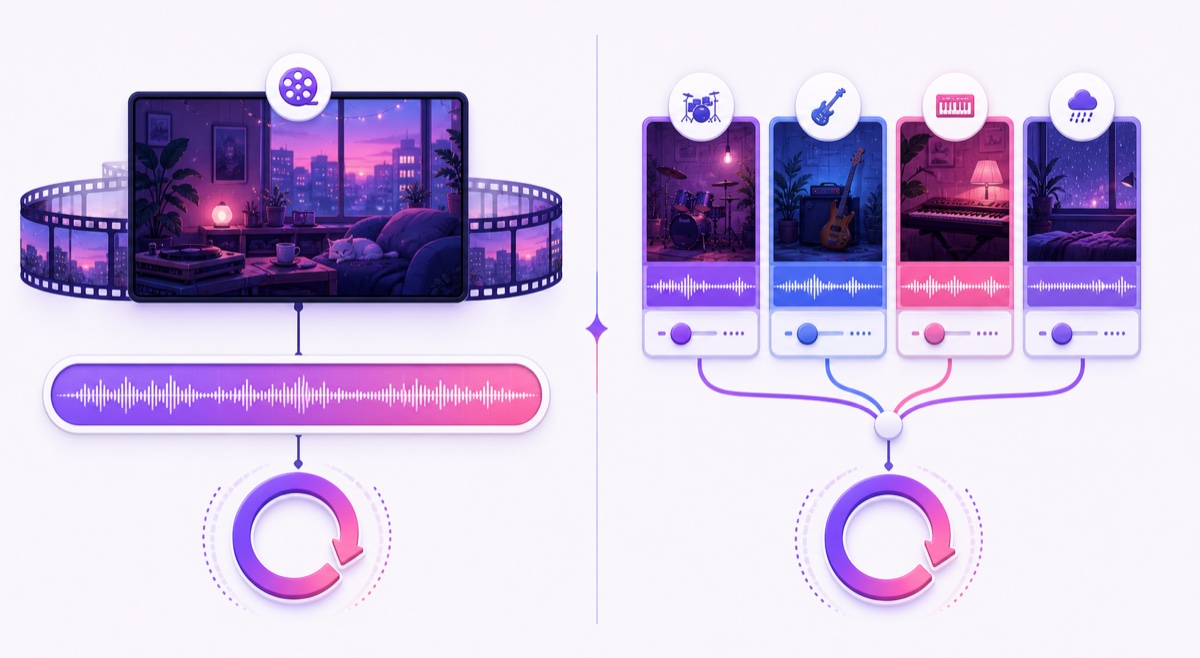
There are two sensible station structures. A single long mix is one 2–4 hour MP4 with transitions baked in. It is simple to upload, easy to quality-check, and gives you precise control over the journey. The trade-off is that changing one track means exporting and uploading the mix again.
A multi-file playlist keeps each beat or short set separate. You can reorder and replace items more easily, but every file must use matching resolution, frame rate, video codec, audio codec, and sample rate. Mismatches are a common cause of black frames or audible seams. Use the detailed looping playlist workflow before combining files.
| Choose this | When it fits | Check before launch |
|---|---|---|
| One long mix | You want DJ-style pacing and the fewest moving parts. | Listen through every transition and the end-to-start loop. |
| Matched playlist | You expect regular track swaps or themed blocks. | Normalize loudness and make all export properties identical. |
For either route, sequence energy deliberately: a gentle opening, a focused middle, and occasional lighter moments work better than random shuffle. Use short crossfades where they suit the music, remove dead air, and listen on headphones plus a cheap phone speaker. Consistent perceived loudness matters more to a study listener than squeezing every track to maximum loudness.
Export a clean master, then a delivery file. For a practical starting point use MP4, H.264 video, AAC stereo audio, 1080p at 30 fps, and a two-second keyframe interval. YouTube’s current live encoder guidance lists 10 Mbps for H.264 at 1080p30 and 4 Mbps for up to 720p30. Keep every playlist item on the same settings; the video format guide explains each field.
Build the visual
Your visual should feel alive without asking for attention. Start with one original 16:9 scene—bedroom, train window, café, monsoon balcony—and animate two or three subtle elements such as rain, steam, page movement, or changing light. Test the exact end-to-start cut. A beautiful 20-second animation with a visible jump every cycle becomes irritating quickly.
Commissioned artwork gives you the cleanest ownership trail and a recognizable character. If you use an AI image or animation tool, read its current commercial-use terms for your plan and keep a copy. Do not prompt for a copy of a famous lofi channel’s character or a living artist’s signature style.
YouTube requires the “altered content” disclosure when synthetic or meaningfully altered media looks realistic; clearly unrealistic animation and minor aesthetic edits generally do not require it. The official synthetic-content guide also lists synthetically generated music as content that should be disclosed. When in doubt, choose the disclosure in YouTube Studio → Details → Altered content. Disclosure itself does not remove monetization eligibility.
Channel setup that fits the niche
Make the station understandable in one glance. Use a stable channel name and a title formula that combines mood, use case, and format: Midnight Desk Radio — mellow lofi beats for study & coding | 24/7 live. Avoid stuffing the title with every variation of “lofi hip hop radio.” One clear listener promise reads better.
Design a dark, calm thumbnail with one focal object and enough contrast to remain readable on a phone. The image should share shapes and colors with the stream visual, so a returning listener recognizes the station before reading. Do not imitate another channel’s scene or branding.
In the description, explain who the station is for, list the artists and tracks, state that the music is owned or licensed, and add your community links. For rotating playlists, maintain a public tracklist page or a dated list for each mix. Credits do not replace permission, but they show care and help listeners find the musicians whose work they enjoy.
Going live and staying live
Prepare the channel before launch. YouTube currently requires channel verification, no live-streaming restrictions in the previous 90 days, and a minimum age of 16. First-time activation can take up to 24 hours, so enable it a day early through YouTube Studio → Create → Go live.
- In YouTube Studio → Create → Go live → Stream, create the broadcast and set its title, description, thumbnail, category, visibility, and chat options.
- Copy the stream key only into your encoder or cloud streaming service. Treat it like a password; never paste it into chat, a screenshot, or a public document.
- Upload the final mix or matched playlist, select normal latency for a music-first station, and confirm that the destination is the correct channel.
- Run an unlisted test long enough to hear at least two track transitions and the final end-to-start loop. Check on desktop, mobile data, headphones, and a phone speaker.
- Make the real broadcast public, then watch YouTube’s Stream health panel, listen for clipping or silence, and confirm the displayed track credits.
In week one, inspect the station at different times rather than assuming “process running” means healthy. Watch for encoder warnings, frozen animation, loudness jumps, repeated chat spam, copyright notices, and a loop seam. Keep the source mix and rights folder ready so you can replace or defend a track quickly.
With StreamNeo, the calm version of this workflow is: upload the mix, paste the YouTube stream key, and let the station run from the cloud without keeping a PC awake. Refresh the mix roughly monthly if you have enough new material; regular listeners notice a growing catalog. If you are comparing specialist tools for this exact use case, see the lofi radio streaming comparison.
Growth and money honestly
A lofi station grows through identity and habit, not merely uptime. Set recurring chat prompts, publish the week’s featured producers, invite mood requests, and announce when a fresh mix goes live. Turn standout tracks into normal uploads or short discovery clips so the channel has useful entry points beyond one endless watch page.
Monetization is a separate milestone. Eligible creators can access some fan-funding features through the expanded YouTube Partner Program before qualifying for full ad-revenue sharing; the exact thresholds and feature availability are shown in YouTube Studio → Earn. Memberships and Super Chat require YPP acceptance and their own eligibility checks. Read the 24/7 stream monetization guide before building a budget around them.
Rights are necessary but not sufficient for monetization. YouTube’s channel monetization policies expect original, authentic content rather than mass-produced, generic, or repetitive uploads. Original beats, deliberate mixes, distinctive visuals, accurate credits, and real community programming make a stronger channel; none guarantees approval. Build a station listeners would miss, not a loop designed only to collect hours.
More from the journal: How to Programme a 24-Hour YouTube Grid From a Small Library · Regional Language News Loops: Building for Bharat, Not Metro English · Monetising a Devotional 24/7 Channel Respectfully
FAQ
Can I use YouTube Audio Library music in a 24/7 stream?
Yes, when the track is downloaded from YouTube’s own Audio Library and you follow its listed license and attribution rules. YouTube describes those tracks as copyright-safe on the platform. For a distinctive station and clearer long-term control, your own or directly commissioned catalog is still a stronger foundation.
How long should the mix be?
A 2–4 hour mix is comfortable for regular listening and gives enough room for changes in energy before the loop returns. Quality beats duration: a polished two-hour mix with smooth transitions is better than four hours padded with weaker tracks.
Do I need 1,000 subscribers to start?
No. The 1,000-subscriber number is associated with full YPP ad-revenue eligibility, not starting an encoder-based live stream. You still need a verified channel, no recent live-streaming restrictions, the minimum age, and up to 24 hours for first-time live activation.
Ready to put your first rights-safe mix on air? Start free — 24-hour trial, no card.