
If your YouTube loop is stable, adding another destination looks like a simple stream-key job. It is not. A platform can accept an RTMP feed while its content rules, replay system, or creator agreement makes an unattended loop a poor fit.
This guide compares a 24/7 live stream on Kick, Rumble, X, Twitch, YouTube, and Facebook using current first-party documentation. The short answer: YouTube is the clearest home for a true continuous loop. The other five require more caution, and Facebook expressly says Live should not be used for looping videos.
How to read this comparison
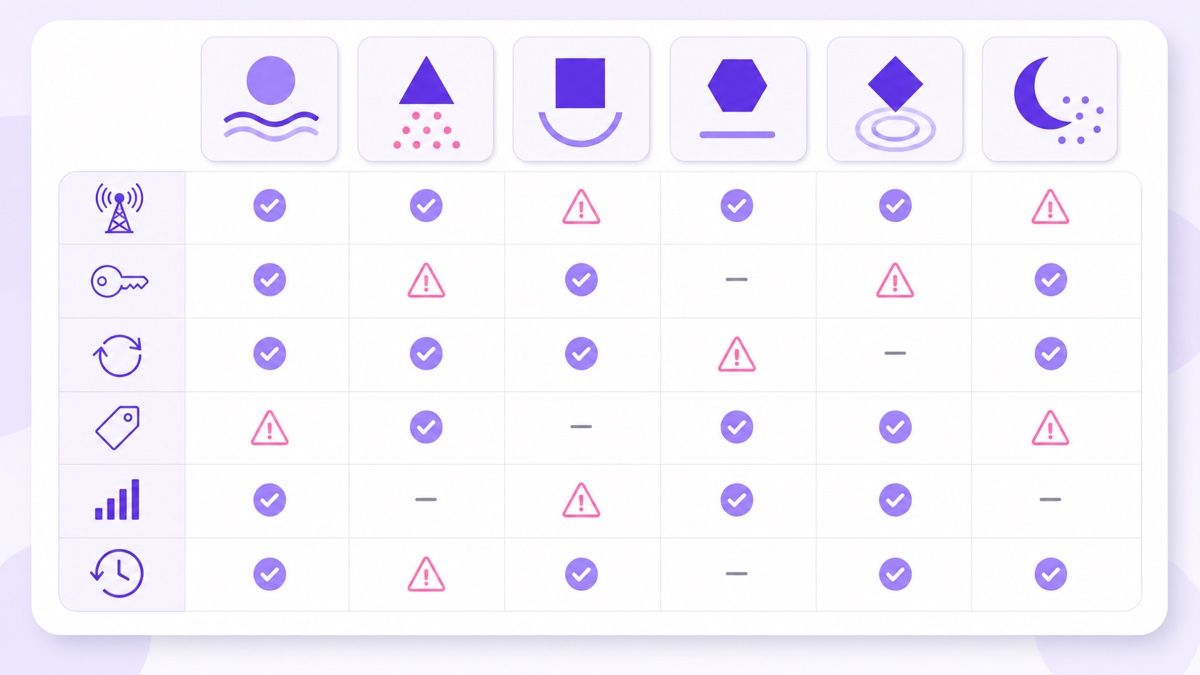
For each platform, ask four separate questions: Can an encoder push RTMP or RTMPS? Do published rules permit prerecorded or repeating material? Must the material be labelled? What happens to playback quality and the recording after the stream ends?
Every platform-specific statement below was checked against official documentation on 26 July 2026. Where a public page does not answer the question, the table says “not documented.” That wording matters: technical acceptance is not permission, and silence is not a policy promise.
Use this as a pre-flight, not permanent legal advice. Recheck the linked source pages and any agreement attached to your own account before launch.
The six-platform comparison
| Platform | Ingest and key location | Prerecorded or loop stance | Labelling | Quality ladder | Replay or archive |
|---|---|---|---|---|---|
| YouTube | RTMP/RTMPS. YouTube Studio → Create → Go live → Stream. | Prerecorded encoder workflows are supported; YouTube's own verified-encoder list includes tools for scheduled and 24/7 prerecorded streaming. Copyright, spam, and monetisation rules still apply. | No separate prerecorded-live label requirement found in current public Live docs; metadata must not mislead. | Automatic transcoding creates multiple output formats. | Streams under 12 hours can be archived automatically; a stream over 12 hours may not be captured. See the full duration and reset guide. |
| RTMPS recommended. Live Producer at facebook.com/live/create supplies the server URL and key. | Prerecorded segments must be marked. Facebook's Live policy says the product should not be used for looping videos, including a continuously repeated 20-minute clip. | Required for prerecorded material, using an on-screen graphic or a disclaimer in the title or description. | Not documented on the current public setup page. | Live videos created under the current storage policy remain available for 30 days, then are deleted unless downloaded, transferred, or converted. | |
| Twitch | RTMP. Creator Dashboard → Settings → Stream. | Reruns exist as a recognised format, but old tutorials about scheduling first-party Video Producer reruns are dated. For an encoder-fed replay, use the current Rerun control and do not present it as fresh live action. | A Rerun toggle is shown in the current Stream Manager interface. | Server-side transcodes are not guaranteed for every ordinary stream; Enhanced Broadcasting can send multiple encodes. | Past broadcasts: 7 days for regular broadcasters, 14 for Affiliates, and 60 for Partners, Prime, and Turbo users. |
| Kick | RTMPS. Creator Dashboard → Channel → Stream URL and Key; the documented endpoint form ends in :443/app. | Standard encoder ingest works. A public rule expressly approving or banning an unattended 24/7 prerecorded loop was not found. | Not documented for prerecorded loops. Clear disclosure is the cautious choice. | Viewer quality options exist, but 1080p availability may depend on channel engagement; entitlement details are not fully published. | VODs are automatic: up to 7 days for non-verified channels and 30 days for verified channels, with replay-count caps. |
| Rumble | RTMP. rumble.com/live → Go Live → Get the Streamer Configuration. Rumble Studio also offers Direct RTMP. | Rumble Studio explicitly supports a prerecorded file as a Premiere. A public rule for an indefinite repeating RTMP loop was not found. | Premiere is a distinct workflow; a disclosure rule for raw looped RTMP pushes is not documented. | Rumble says it automatically encodes a live input into formats for different viewers. | A replay can be saved or hidden; a public retention duration was not found. |
| X | RTMP, RTMPS, or HLS through Media Studio → Producer → Sources. Media Studio access is for verified subscribers. | A start-immediately broadcast has no stated duration limit, but X warns that longer streams can cause replay and loading problems. A specific prerecorded-loop approval is not documented. | No loop label requirement found. X's authenticity policy still prohibits harmful, deceptive context. | RTMP ingest supports up to 1080p30; a viewer rendition ladder is not documented. | Ended broadcasts can become replays; no public retention duration is stated. |
Sources: YouTube encoder setup, Facebook Live policies, Twitch stream key FAQ, Kick streaming guide, Rumble live setup, and X Media Studio Producer.
Kick: easy ingest, unclear loop policy
Kick's technical path is straightforward. Sign in, open Creator Dashboard → Channel → Stream URL and Key, then copy both values into a custom encoder destination. Kick's current guide shows a secure endpoint shaped like rtmps://<dashboard-issued-host>:443/app, recommends H.264 with CBR, and accepts up to 1080p60 and 8,000 Kbps.
What the official help centre and terms do not publish is a specific rule for a prerecorded file repeating forever. Kick's terms require accurate user content and prohibit misleading or infringing material, but that is not the same as a rerun policy. Treat the status as not documented, put “prerecorded loop” in the title or description, and ask support for written confirmation before building a channel around it.
There is also a contract layer. Kick's public Partner Program help currently permits multistreaming when its toggle is enabled, but says partner-program payout is reduced by 50% during the multistreamed portion. A private creator agreement can add different conditions, so read what you signed rather than relying on another streamer's deal.
Rumble: Premieres are supported, endless loops are not documented
Rumble's basic live guide is open to a logged-in creator: go to rumble.com/live, choose where to stream, select a licensing option, submit, then reveal the RTMP URL and stream key. The same guide allows the replay to be hidden. Rumble does not publish a follower threshold for this basic encoder path.
For prerecorded media, the clearest approved route is Rumble Studio → Premiere. Its official guide asks for a video file, stream name, and description, then plays the file at the scheduled time. That confirms prerecorded programming is a supported format; it does not confirm that feeding the same clip through RTMP forever is approved.
Rumble automatically creates viewer formats from a live input, and a stream can become a replay. Discovery and revenue are less predictable: the Creator Program terms explicitly do not guarantee views or payment. Use Rumble as a measured secondary test, with platform-specific metadata and a 10-minute private or low-stakes test before committing infrastructure.
X: technically continuous, operationally awkward
X's professional route is Media Studio Producer, available to verified subscribers. In Producer, open Sources → Create source → RTMP, select the nearest region, then copy the RTMP or RTMPS URL and stream key into the encoder. Mumbai is one of the documented source regions, useful when the stream originates in India.
The current Producer guide says a broadcast started immediately has no duration limit. Scheduled broadcasts are different: they have a six-hour maximum. X also warns that very long broadcasts are more likely to have replay, loading, and LiveCut problems. That makes an endless push technically possible but operationally fragile.
No first-party page found for this review explicitly approves a repeating prerecorded feed or defines a disclosure label. Use accurate post copy such as “prerecorded continuous broadcast,” and avoid footage presented with false time, place, or event context. X is built around posts and current conversation; it is better for a time-bound simulcast or clips than as the permanent home of an ambience, bhajan, or lofi loop.
Twitch: mark a rerun, and do not trust old tutorials
Twitch is strict about presentation, although Facebook is stricter about looping itself. Twitch's 2018 Video Producer launch introduced Premieres and first-party Reruns. Current official UI documentation still shows a Rerun toggle under Edit Stream Info, but the dedicated scheduling workflow described in old articles is not a dependable 2026 plan.
For an encoder-fed replay, retrieve the key from Creator Dashboard → Settings → Stream, identify the broadcast as a rerun, and use only media you control. Transcodes are “as available” for ordinary channels, while Partners receive full access; a high-bitrate source without lower renditions can exclude viewers on mobile data. Follow the separate guide if you need help finding and protecting your Twitch stream key.
Where rebroadcasting gets you banned anywhere
Content you do not own: films, television, sports, music, and another creator's stream do not become legal because an encoder can send them. Automated matching or a rights-holder notice can disable the broadcast. Read the legal guide to movies and TV streams before testing copyrighted footage.
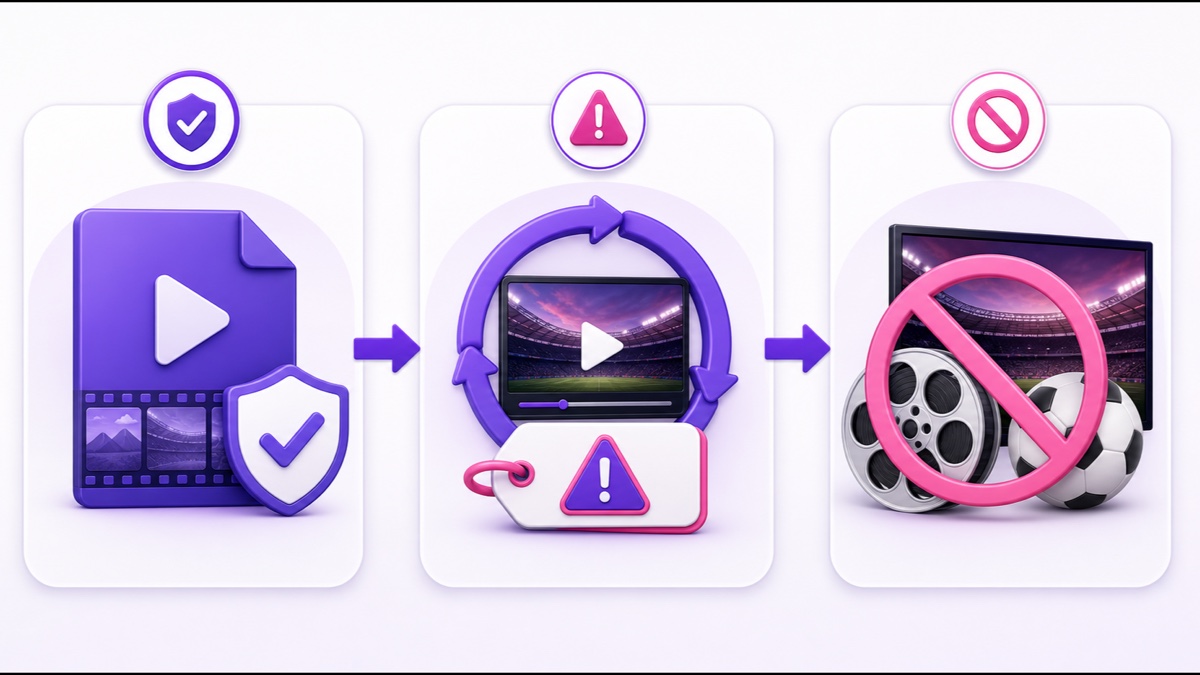
Deceptive framing: last year's rally, match, darshan, news footage, or market update should not be described as happening now. Use an on-screen disclosure where a platform requires it, and match the title, description, category, and thumbnail to what viewers will actually see.
Account-specific contracts: public community rules are only one layer. Partner, incentive, sports-rights, music-library, and creator contracts can contain exclusivity or distribution limits that never appear in a Help Centre.
The practical recommendation
Use YouTube as the primary home for a genuine 24/7 loop: it has the clearest encoder workflow, automatic quality ladder, search surfaces, and a documented ecosystem for prerecorded streaming. Reset long sessions deliberately if archives matter. Facebook can be a second destination only for programming that complies with Meta's rule against looping Live video; it is not a second home for the same endless clip.
Treat Kick, Rumble, and X as controlled experiments. Label prerecorded material even when a rule is undocumented, measure whether each platform brings useful viewers, and keep every destination on an independent encoder leg so one rejected key or ingest outage cannot stop the others. Recheck current simulcast terms using the platform-by-platform multistreaming policy guide.
StreamNeo publishes to YouTube only, so a Kick, Rumble or X leg needs a different tool; what it covers is the always-on YouTube channel beside them. When your footage and channel are ready, Start free — 24-hour trial, no card.
FAQ
Can I run a 24/7 loop on Kick?
Kick accepts a standard secure RTMP push, but its public documentation did not expressly approve or ban unattended prerecorded loops as of 26 July 2026. Disclose that the stream is prerecorded, check the current guidelines, and get support confirmation before making Kick central to the project.
Does X support pre-recorded live streams?
X Media Studio Producer accepts an encoder feed, and an immediately started broadcast has no stated duration limit. Access requires a verified subscription, long streams carry replay and loading warnings, and X does not publish a specific approval or label rule for repeating prerecorded broadcasts.
Which platform is best for an always-on channel?
YouTube is the strongest primary choice because it combines documented encoder support, automatic transcoding, search discovery, and useful archives for sessions under 12 hours. Use other platforms as secondary tests only after their current rules and your own contracts check out.