A YouTube live stream does not automatically stop just because its timer reaches 12 hours. That number belongs to YouTube’s archiving rules, not a published cutoff for the live broadcast itself.
This distinction matters if you are building an always-on lofi radio, devotional channel, study stream, or product feed. The signal can keep running while the replay behaves very differently. Here is how to plan both without trusting the folklore that one rule covers everything.
The short answer: 12 hours is not a broadcast cutoff
How long can a YouTube live stream run? YouTube does not publish a general maximum duration for an encoder-based continuous broadcast. In fact, Google’s Live Streaming API documentation uses an ongoing 24/7 broadcast as a normal example. That is strong evidence that continuous streaming is a supported pattern, not an accidental loophole.
But “no published cap” does not mean “guaranteed to run forever.” Your broadcast still depends on a healthy encoder connection, a valid stream key, a channel in good standing, content you have the right to use, and YouTube’s infrastructure. Treat 24/7 as an operating model that needs recovery, not as a promise that one session will be immortal.
The useful rule: a YouTube broadcast may continue beyond 12 hours, but you should not rely on YouTube to preserve the whole session as a replay.
If you are still preparing the channel, verify the eligibility and setup basics in YouTube 24/7 live stream requirements before designing an always-on schedule.
What the 12-hour limit actually controls
YouTube’s current archive guidance says a stream under 12 hours can be automatically archived. It also warns that a stream exceeding 12 hours may not be captured at all. The wording is important: this is not a promise that the first 12 hours of a longer stream will be saved. The entire archive may be unavailable.
| Thing | What the 12-hour rule means | What to plan |
|---|---|---|
| Live broadcast | No published automatic stop at 12 hours | Keep the encoder healthy and monitor delivery |
| Automatic replay | Documented for streams under 12 hours; a longer stream may not be captured | Record separately or restart in archive-sized sessions |
| Viewer DVR | Rewind can be limited or unavailable on streams longer than 12 hours | Do not promise access to the full live history |
| Highlights | Can be created while the stream is live | Clip important moments before they disappear |
If replay value matters, use one of two workflows. Either make a local or cloud recording independent of YouTube, or end and restart the live broadcast in sessions safely shorter than 12 hours. Many teams choose an 8- to 11-hour cycle so a slow handover or human delay does not push the session over the archive boundary. YouTube itself recommends keeping a local archive as backup.
DVR is separate again. With DVR enabled, viewers can pause and rewind during a live stream. YouTube says those capabilities may be limited or unavailable after a stream grows beyond 12 hours, with lower limits on some devices. A viewer joining an old 24/7 stream should therefore expect a recent rewind window, not access back to day one.
What actually interrupts a long YouTube stream
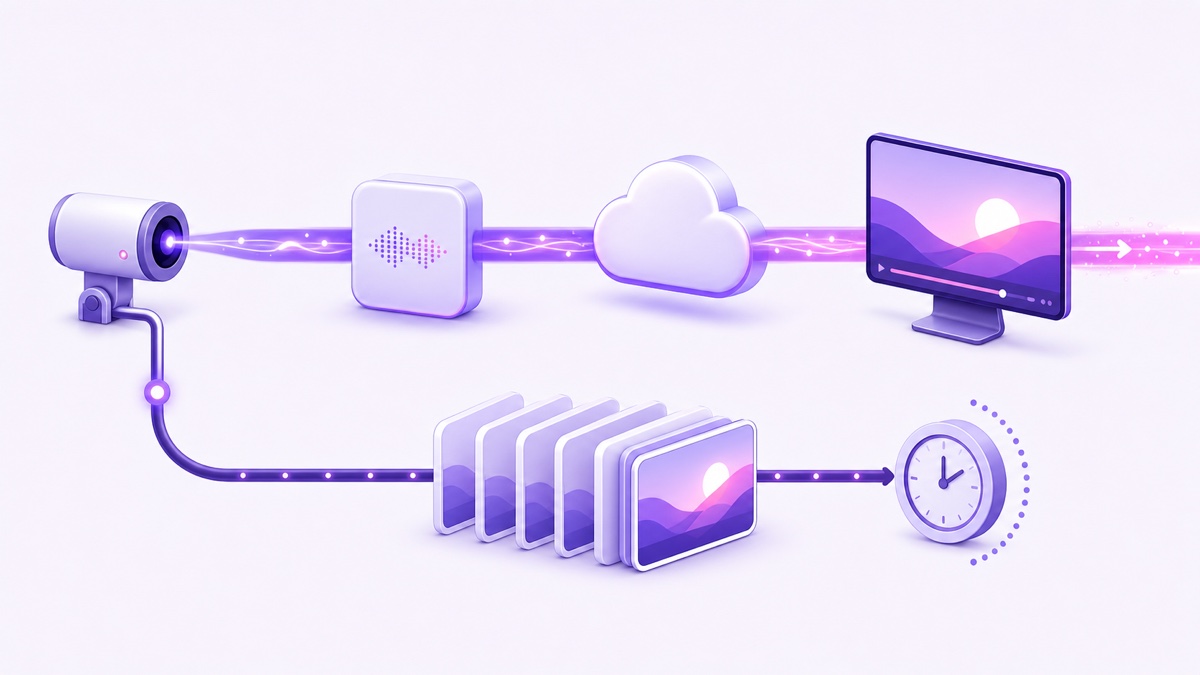
Most unexpected endings are not caused by the clock. They come from one of four layers, and each needs a different response.
- Encoder side: the computer sleeps, OBS closes, a VPS process crashes, an uploaded file ends, or the encoder stops producing valid H.264 video and AAC audio.
- Network and power: home broadband drops, a router reboots, power fails, DNS has trouble, or the route to YouTube’s ingest server becomes unstable.
- Platform side: YouTube can have an ingest interruption, maintenance event, or temporary processing fault. No cloud provider or platform can honestly promise that this will never happen.
- Policy and rights: YouTube scans live streams for third-party material. A match can replace the picture, interrupt the stream, or terminate it if the issue continues. Channel restrictions and Community Guidelines actions can also disable live access.
For rights problems, do not assume that buying a song or downloading a “copyright-free” track gives you live-broadcast rights. Keep licence records and read the practical guide to copyright strikes on 24/7 loops before launch.
Monitoring should observe both halves of the path. Check whether your encoder is sending bytes, then confirm YouTube is actually serving video to a viewer. YouTube Studio → Create → Go live shows stream health and ingestion errors, while an external playback check catches cases where the encoder looks healthy but the public page does not.
For StreamNeo, continuous delivery and automatic recovery are normal parts of the service: the source runs in the cloud, and the system attempts to restore delivery when a recoverable interruption occurs. That removes dependence on your laptop, but it does not turn YouTube, the internet, or channel policy into guaranteed infrastructure.
Reconnect versus restart: they are not the same event
A reconnect means the encoder briefly loses its route to YouTube and starts sending again while the existing broadcast remains open. Viewers may see buffering or a temporary interruption, but the same watch page, video ID, chat, and concurrent audience can survive.
A restart means the broadcast has actually ended and a new broadcast begins. A new event normally has a new video ID and watch URL, its concurrent viewer count starts fresh, and the previous chat belongs to the ended session. Reusing the same stream key or copying previous settings does not make two broadcasts the same video.
YouTube does not document one universal public grace period that guarantees how long every disconnected broadcast stays recoverable. The result depends on the broadcast state, auto-start and auto-stop settings, the length of the outage, and YouTube’s current handling. Build around state checks instead of a magic “reconnect within X minutes” number.
- Detect missing output or failed public playback immediately.
- Retry the encoder connection with short backoff, such as 5, 15, then 30 seconds, rather than creating a new event on the first failed packet.
- Confirm in Live Control Room whether the existing broadcast is still live and receiving data.
- If YouTube has completed the broadcast, create or activate the prepared replacement and update any embeds or scheduled links.
- Record the cause and recovery time so repeat failures become fixable patterns.
The best recovery is fast enough to preserve the existing broadcast when possible, yet smart enough not to hammer YouTube with endless failed reconnects. See how 24/7 live stream auto-restart should work for the monitoring and retry design in more detail.
Deliberate restarts: who uses them and why
There are two reasonable schools. The continuous-session approach protects one stable URL, ongoing chat, embedded players, and accumulated concurrent viewers. It suits ambient or devotional streams where the live presence matters more than full replays.
The scheduled-session approach restarts before the archive threshold. It produces manageable VODs, makes editing easier, and gives each day or shift a clean replay. It suits classes, market updates, podcasts, and other formats where viewers return to a specific past segment.
The cost of scheduled restarts is real. The handover can create a visible gap, viewers may need to reload or follow a new URL, chat continuity ends, and current concurrents reset. Frequent events may also complicate notifications and channel management. Restarting merely to “refresh the algorithm” has no guaranteed benefit, so do it for a clear operational or editorial reason.
If you choose cycles, prepare the next broadcast before ending the current one. Copy the validated settings, keep the next title and thumbnail ready, schedule the switch for a low-traffic minute, and place the new link in chat or your channel surfaces where practical. Test the handover as unlisted before you trust it overnight.
Facebook has a different duration rule
Do not copy the YouTube plan directly to Facebook. Meta’s current Facebook Live format guidance lists a maximum of 8 hours per stream for computer, mobile, and external software or API broadcasts. Facebook therefore requires deliberate cycles for a true 24/7 presence; YouTube does not publish the same forced eight-hour stop.
For a multi-platform workflow, isolate destination state. A scheduled Facebook restart should not unnecessarily tear down a healthy YouTube broadcast. Prepare Facebook’s next event and link strategy independently, and expect its replay lifecycle to differ too. The full setup is covered in how to stream pre-recorded video as live on Facebook.
Your practical 24/7 planning card
Before pressing Go live, decide what “continuous” actually needs to mean for your channel. A stable public page, a complete archive, and zero visible interruption are three different goals; one workflow rarely maximises all three.
- Replay: Do you need a complete VOD, daily archives, or no replay at all?
- Recording: Where will an independent copy be stored, and how much storage will one week consume?
- Clips: Who creates highlights, and how quickly must time-sensitive moments be saved?
- Restart policy: Will you run continuously, restart under 12 hours, or use a hybrid schedule?
- Viewer continuity: Is preserving one watch URL more important than tidy replay files?
- Detection: What checks the encoder output, YouTube stream health, and public playback?
- Recovery: How many reconnect attempts happen before a new broadcast is created?
- Ownership: Who receives the overnight alert, and who can access YouTube Studio safely?
- Rights: Can you document permission for every video, image, voice, and music track in the loop?
A sensible default for an ambience channel is continuous delivery plus independent source backups and active monitoring. A sensible default for replay-heavy programming is scheduled sessions under 12 hours plus a tested handover. Your content model should choose the restart policy—not a rumour about YouTube’s timer.
Start free — 24-hour trial, no card. Run your pre-recorded loop from the cloud and test the recovery behaviour with an unlisted broadcast before going public.
More from the journal: 24/7 Live Stream Settings in YouTube Studio: Every Toggle Explained · Can You Run a 24/7 Live Stream on TikTok? What Is Actually Possible · Multiple Broadcasts, One Channel: Managing Concurrent 24/7 Streams
FAQ
Does YouTube stop streams after 12 hours?
No. YouTube does not publish a general rule that stops an encoder broadcast at 12 hours. Its documented 12-hour warning concerns automatic archiving: a stream longer than 12 hours may not be captured at all. The live signal can continue, subject to encoder health, platform conditions, rights, and channel status.
Do long streams save automatically?
Do not count on it. YouTube documents automatic archiving for streams under 12 hours and warns that longer streams may not be captured. If the replay matters, record independently, create live highlights, or restart in sessions safely below the archive threshold.
Why did my stream restart overnight?
The usual cause is an encoder, network, power, or ingest interruption—not a 12-hour shutdown rule. Check YouTube Studio’s stream health and broadcast status, then inspect your encoder logs around the same timestamp. A brief loss may reconnect to the same broadcast; a completed event requires a new one.