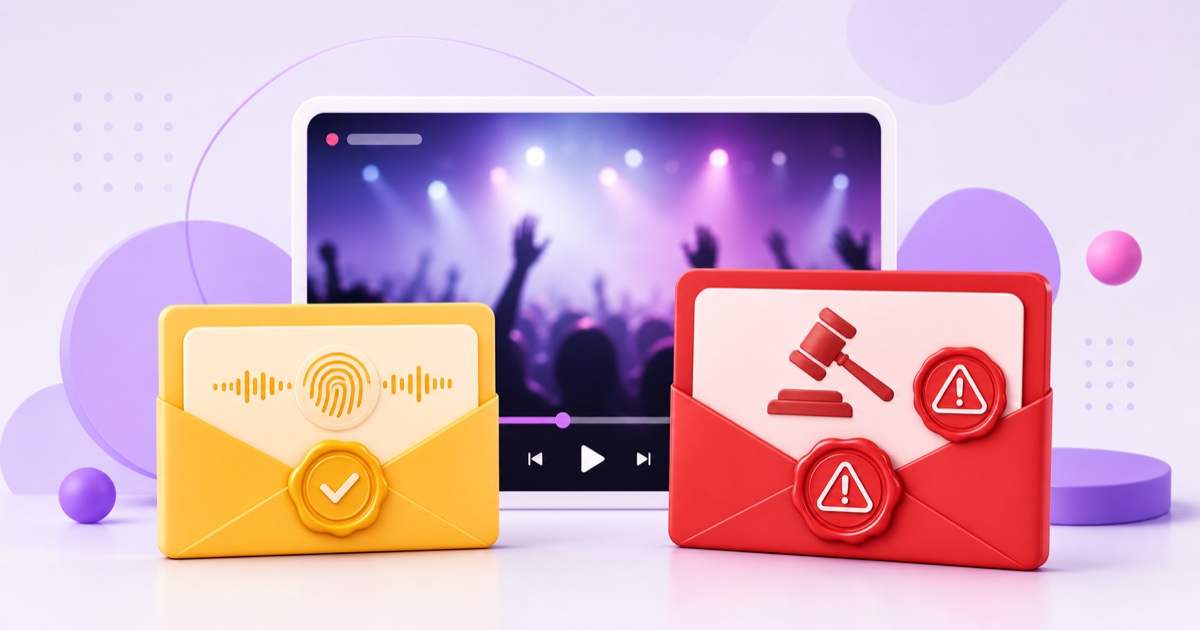
A copyright notice arriving during or after a live stream can make every warning look like a channel emergency. It is not. On YouTube, copyright claim vs strike is a difference between two separate systems, not two levels of the same punishment.
A Content ID claim usually changes what happens to one video or its revenue. A copyright strike means YouTube removed content after receiving a legal copyright removal request, and the strike affects your channel. Live streaming adds one wrinkle: YouTube can interrupt a live match before any Content ID claim appears on the archived video.
This guide explains the current YouTube process as of July 2026. It is practical platform information, not legal advice. If ownership, licensing, fair use, or a counter-notification is genuinely disputed, speak with a qualified lawyer in your jurisdiction.
Two systems, one table
In everyday creator talk, “claim” usually means a Content ID claim. YouTube sometimes uses “copyright claim” more broadly, so read the exact label in YouTube Studio and the email rather than relying on someone else's shorthand.
| Question | Content ID claim | Copyright strike |
|---|---|---|
| What starts it? | YouTube's automated Content ID system matches audio or video against a rights holder's reference files. | A copyright owner or authorised representative sends a legal removal request that YouTube reviews. |
| What happens to the content? | The rights holder's policy may monetise, track, or block the matched video, sometimes by country. | YouTube removes the content. |
| Is it a channel penalty? | No. A claim by itself is not a copyright strike and does not penalise the channel. | Yes. The removal applies a strike to the channel. |
| What is different for live? | A live match can cause a warning, placeholder, interruption, or termination. A formal Content ID claim is created only after the stream ends if it is archived. | If an active live stream is removed for copyright, live access is restricted for 7 days; another copyright strike makes that restriction 14 days. |
| What are the normal responses? | Leave the valid claim, remove or replace the matched material, or dispute only with genuine grounds. | Complete Copyright School and wait for expiry, obtain a retraction, or submit a valid counter-notification. |
| Worst channel-level outcome? | A claim alone is not a channel penalty, but an invalid dispute can lead the owner to request a takedown. | Three active copyright strikes in 90 days make the channel subject to termination. |
The distinction is simple: Content ID manages a match; a takedown removes content and creates a strike. YouTube's own overview confirms that Content ID claims can block, monetise, or track a video, while a valid removal request results in removal and a strike.
Claims on live streams
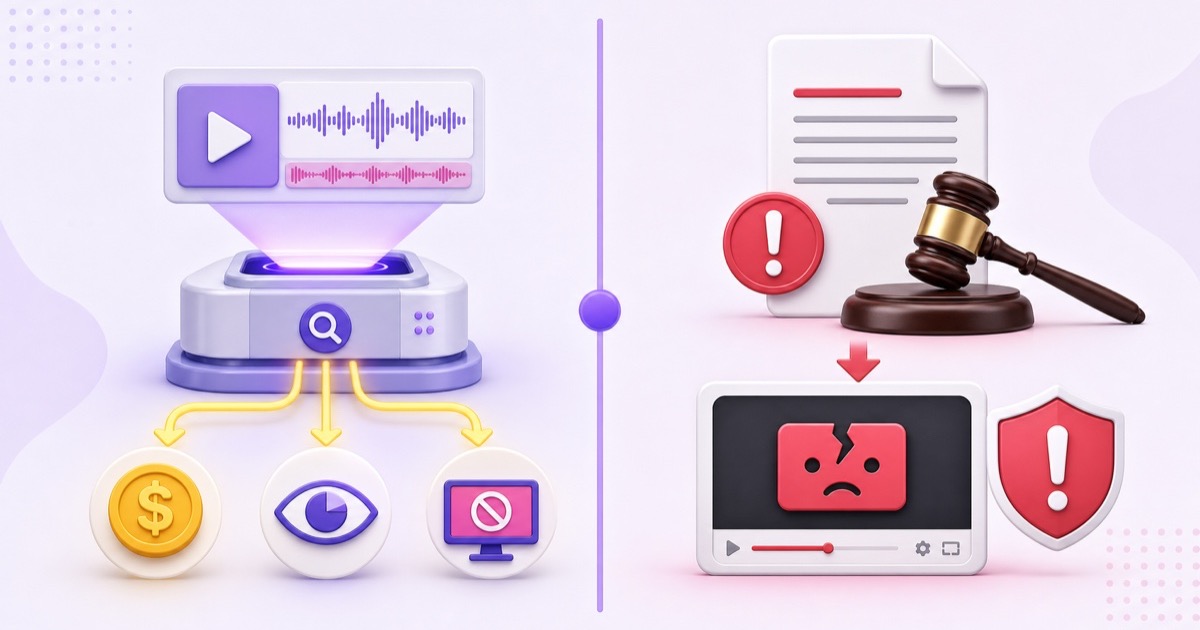
YouTube says all live streams are scanned for third-party material, including another copyrighted live broadcast. When the system identifies a match, it may replace the stream with a placeholder and warn you to stop sending the matched material. If you remove that material, the live stream may continue. If it remains, YouTube may temporarily interrupt or terminate the broadcast.
That real-time enforcement is easy to misname. According to YouTube's official copyright guidance for live streams, Content ID claims are made only after a live stream is completed and archived. In other words, the match can disrupt the live event now, while the archive may receive a Content ID claim later.
Once the archive is claimed, check YouTube Studio → Content → filter by Claims → hover over the restriction → See details. Record the claimant, matched timestamps, content type, policy, and affected territories. A monetise or track policy can leave a long video viewable; a block policy may make it unavailable everywhere or only in specified countries.
A licence does not always prevent an automated live match. If you have written live-streaming rights to third-party content, ask the rights holder to add your channel to its Content ID allowlist before going live. YouTube warns that a licensed broadcast can still be interrupted when the channel is not allowlisted, even if your territorial settings match the licence.
Strikes on live streams
A copyright strike is not an upgraded Content ID claim. It means content was removed because YouTube received a legal copyright removal request that appeared valid. YouTube emails the channel and shows the strike in Studio. Check YouTube Studio → Dashboard → Active copyright strikes, or Content → filter by Copyright → find the Removed video → See details.
For an active live stream removed for copyright, YouTube's current rule adds a 7-day live-streaming restriction on top of the strike. If the channel receives another copyright strike, the live restriction lasts 14 days. Those periods concern access to live features; they are separate from the life of the strike itself.
A strike expires after 90 days when the creator completes Copyright School and the channel has fewer than three copyright strikes. YouTube says Copyright School only has to be completed once. Three active strikes in a 90-day period make the account and associated channels subject to termination. The current periods and consequences are listed in YouTube's copyright strikes guide.
Do not diagnose the incident from a viewer screenshot alone. A live stream can also end because the encoder stopped sending data or because of a Community Guidelines action. Compare the email and Studio notice with your encoder timeline; the broader live-stream termination checklist helps separate those cause families.
Responding to a claim
Start with an honest rights check: did your stream contain the matched recording, composition, film clip, broadcast, stock asset, or background music? Paying for a consumer download, crediting the creator, or turning monetisation off does not by itself grant live-broadcast rights.
- Preserve the evidence. Save the notice, claimant name, timestamps, licence, invoice, permission email, and the exact source file used in the loop.
- Stop repeating the match. Update the source playlist before the next cycle. Editing only the archive will not remove the same material from the running loop.
- Choose the proportionate response. Leave a valid claim in place, remove the claimed material, or dispute only when you own the rights, hold a licence covering this use, have a genuine copyright-exception basis, or the match is an error.
For an archived stream, YouTube Studio may offer Take action → Trim out segment, Replace song, or Erase song. Successfully removing all claimed material can clear the claim. Save a backup first because edits made in YouTube Studio are not reversible after they are saved.
Never auto-dispute every notice. YouTube says giving credit, owning a copy, and choosing not to monetise are not valid dispute reasons. During a standard dispute, the claimant can release the claim, reinstate it, let it expire after the response window, or send a removal request. If that removal request appears valid, the video comes down and the channel receives a strike. Review YouTube's Content ID dispute rules before pressing Submit.
Responding to a strike
A strike has three legitimate resolution paths. Pick based on evidence, not panic.
- Complete Copyright School and wait. If the channel remains below three strikes, the strike can expire 90 days after it was applied.
- Request a retraction. Contact the person or organisation that submitted the removal request. Show concise proof if the removal was mistaken, and ask them to retract the request through YouTube's process. A friendly email alone does not clear the strike.
- Submit a counter-notification. Use this only when the removal resulted from a mistake or misidentification, or you have a defensible copyright-exception basis. This is a legal request, not a second support appeal.
A counter-notification requires real contact information and legal statements. YouTube forwards a valid counter-notification to the claimant, who then has 10 US business days to provide evidence of legal action to keep the content down. The process can expose your details to the claimant and carries real court risk. Read YouTube's counter-notification requirements and get legal advice if you are unsure.
Do not counter-notify merely because the strike is inconvenient, the clip was short, or other channels use similar material. Those facts do not establish permission or a copyright exception. If you did use unlicensed content, waiting while rebuilding the channel around owned material is safer than turning a clear infringement into a legal dispute.
Prevention for loop channels
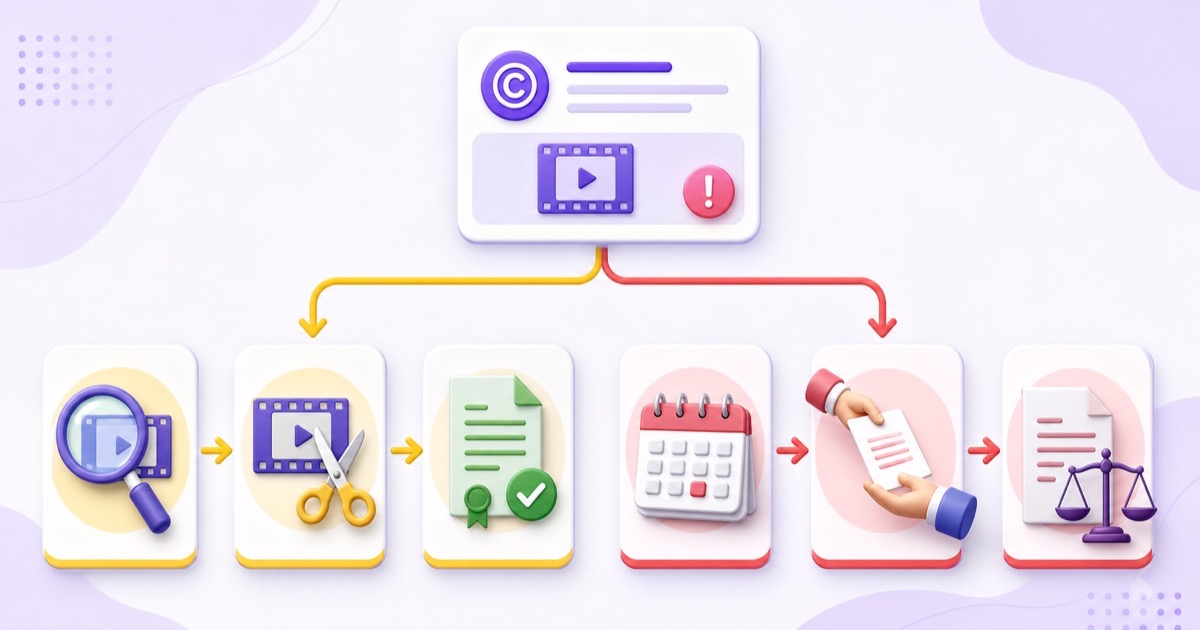
A loop magnifies a small rights mistake. The same unlicensed song or clip returns on every cycle, giving matching systems repeated opportunities to detect it. Run a rights audit before upload rather than treating claims as routine maintenance.
- List every video clip, still image, voice recording, music track, sound effect, and template asset in the playlist.
- Mark each item as created by you, public domain with the exact source verified, or licensed for live streaming. “Found online” and “credit included” are not rights categories.
- Store contracts, permission emails, invoices, licence terms, and expiry dates together. Confirm that the licence covers the platform, territories, live use, monetisation, and repeated playback you need.
- Ask relevant Content ID partners to allowlist your channel before launch. Keep the written approval beside the asset record.
- Remove anything whose ownership is unclear. An unlisted test can reveal technical problems, but unlisted visibility does not make copyrighted material exempt from scanning.
Use the full rights-first framework for 24/7 loops as your pre-flight checklist. If your planned library includes broadcast sports or entertainment, read why old cricket highlights remain protected and movie and TV loops need explicit rights.
StreamNeo is built for video you own or are authorised to stream; it does not turn third-party material into licensed content. Review the available plans, then start free — 24-hour trial, no card when your rights-cleared playlist is ready.
FAQ
Does a claim hurt my channel?
A Content ID claim alone is not a channel penalty and does not create a copyright strike. It can still affect the claimed archive's visibility or revenue. A valid copyright removal request is different: the content is removed and the channel gets a strike.
Can a claim stop my live stream?
A real-time copyright match can interrupt or terminate a live stream if the matched third-party material continues after YouTube's warning. Technically, the formal Content ID claim is created later, after the stream ends and is archived. Check Studio for the exact notice before deciding what happened.
How long do strikes last?
A YouTube copyright strike can expire after 90 days if Copyright School is completed and the channel has fewer than three strikes. Three active strikes in a 90-day period make the channel subject to termination. A live removal also restricts live access for 7 days, or 14 days after another copyright strike.