A quiet 24/7 stream can look alarming in YouTube Studio. Its average view duration may differ from your uploads, concurrent viewers may stay in single digits, and the live card occupies a prominent place on your channel. It is easy to turn those observations into a bigger conclusion: the stream must be damaging everything else.
The useful answer is more precise. Running a live stream is not an automatic channel penalty. Viewer response, content rights, honest packaging, originality, and basic maintenance still matter. This guide labels each claim MYTH, REAL, or UNKNOWN, because certainty is not helpful when YouTube has not published the underlying detail.
Why this fear exists
Creators usually notice correlation first. They start a continuous live, see a channel-level metric move, then notice that the next upload performs differently. The two events happened close together, but that does not prove one caused the other. Topic demand, thumbnail appeal, returning-viewer behaviour, seasonality, and the upload itself may also have changed.
The confusion grows because YouTube exposes both channel totals and content-specific reports. A blended channel overview answers “what happened across my channel?” It does not automatically answer “did this live reduce the distribution of that upload?” To test the second question, you need format filters, comparable date ranges, traffic sources, and several pieces of content—not one before-and-after screenshot.
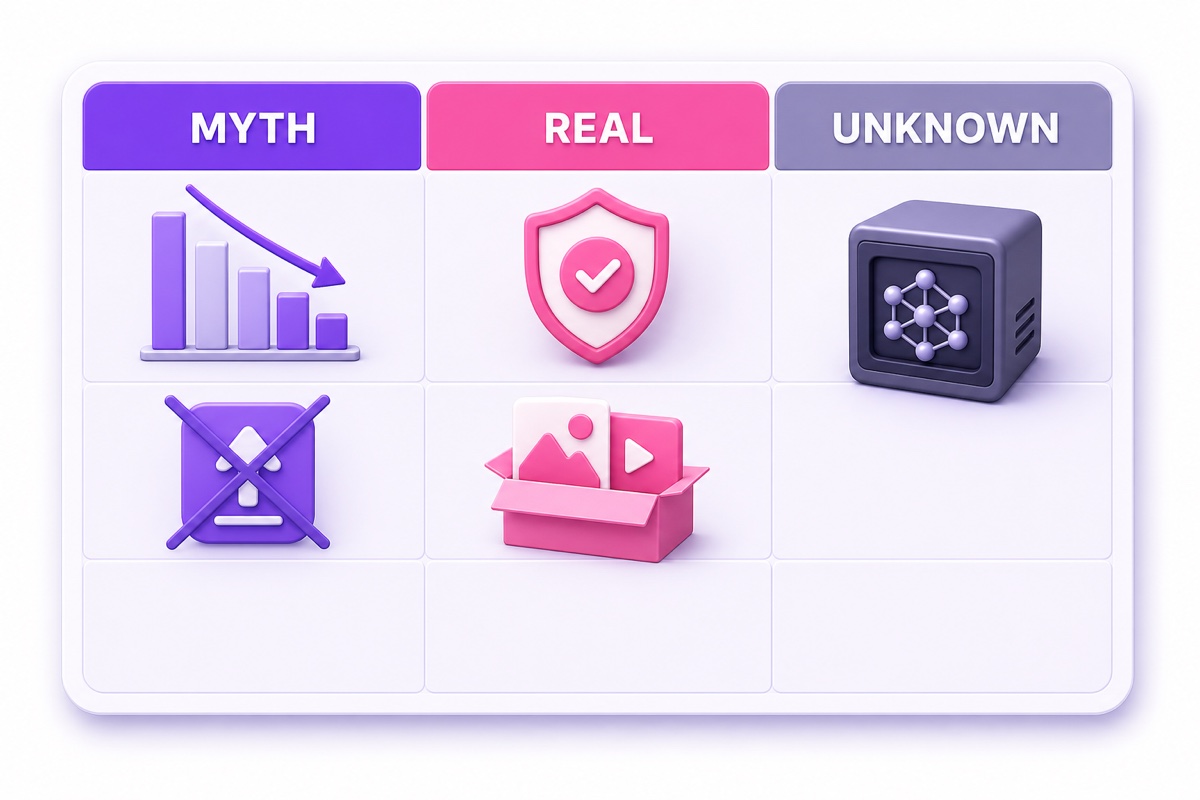
Evidence rule: MYTH means current official guidance contradicts the claim or the claim treats correlation as a mechanism. REAL means a documented policy or observable channel effect exists. UNKNOWN means YouTube does not publish enough detail to make the confident claim.
For a deeper look at what YouTube does and does not disclose, read how the YouTube algorithm treats live streams.
Claim: “Live tanks my average view duration”
Verdict: MYTH as an automatic cross-format penalty. A live stream has its own average view duration, and that number can be lower or higher than your edited videos. But YouTube Studio lets you inspect live performance separately. Go to YouTube Studio → Analytics → Content → Live to see live-specific views, impressions, click-through rate, average view duration, and top streams. At video level, a completed live also has its own analytics.
YouTube’s official Content tab documentation describes separate views for Videos, Shorts, Live, and Posts. Its analytics guidance also says creators should compare content of the same type, because audiences behave differently across formats. That is a strong reason not to judge a 24/7 radio stream against a six-minute tutorial using one blended average.
Use this practical comparison instead:
- Set a fixed window, such as the previous 28 or 90 days.
- Open the Live chip and record impressions, click-through rate, average view duration, returning viewers, and traffic sources.
- Open the Videos chip and evaluate uploads against your usual upload baseline.
- In Advanced mode, compare individual uploads before and after the live started, controlling for topic and packaging as far as possible.
A channel overview can still shift because the live adds many views and watch minutes to the total. That is arithmetic, not proof that YouTube reduced an upload’s reach.
Claim: “A quiet live hurts my uploads’ reach”
Verdict: MYTH as a built-in punishment; REAL as a possible audience and presentation problem. YouTube’s current recommendation guidance says that trying livestreams, Shorts, or VODs does not inherently confuse the algorithm or damage overall performance. It says each piece of content is evaluated individually, while recommendations try to match topics and formats to viewers who prefer them.
The same official recommendation guidance includes an important qualification: long-term channel performance can be affected when viewers repeatedly stop watching a channel’s recommendations. That is not a secret “24/7 penalty.” It is viewer response. If subscribers came for concise camera tutorials and the channel suddenly pushes a generic music loop, many may ignore it because the promise no longer fits.
Channel presentation matters too. A stale thumbnail, vague title, dead chat, or “LIVE NOW” claim on obviously dated footage can make the whole brand feel neglected. The live card may be the first thing a new visitor sees. Give it the same editorial care as an upload: a truthful title, a clear viewer benefit, a current thumbnail, and a description that explains what is live and what is pre-recorded.
If the stream serves a very different audience, consider a separate channel. Make that decision from viewer overlap and brand clarity, not from fear that the live format itself carries a penalty.
Claim: “24/7 loops get flagged as spam”
Verdict: MYTH for the format alone; REAL when the execution is deceptive, stolen, manipulative, or inauthentic. YouTube’s spam policy prohibits misleading metadata, artificial engagement, repetitive promotional behaviour, scams, and other attempts to manipulate viewers or the platform. It does not identify continuous broadcasting or looping as a prohibited format by itself.
That does not make every loop safe. A title such as “LIVE Delhi traffic right now” over last year’s recording is deceptive. A playlist of music copied from other channels creates copyright and reused-content risk. A misleading celebrity thumbnail or bought viewers adds separate policy problems. The safer pattern is explicit: “24/7 bhajan radio — pre-recorded original performances” or “continuous rain ambience from our own recordings.”
Monetization has a second, stricter test. YouTube’s channel monetization policies say content should be original and authentic, and not mass-produced, generic, repetitive, or minimally varied. Reviewers may consider the channel’s main theme, newest and most-viewed content, metadata, and the content producing the largest share of watch time. Owning a file settles only part of the question; it does not guarantee that an extremely repetitive channel will qualify for monetization.
Build visible creator value into the stream: original recordings, purposeful curation, substantial variation, accurate context, useful chapter or schedule information, and a channel page that makes your authorship clear. Read the full policy distinction in is 24/7 looped streaming against YouTube policy?.
What an always-on stream genuinely does
A continuous stream creates a standing destination that viewers can enter whenever the use case fits. That can be useful for devotional listening before work, late-night study music, a round-the-clock product demo, or an ambience channel serving several time zones. It can also create recurring chat and a subscriber touchpoint. None of those benefits promises discovery or growth.
Public live viewing can contribute valid public watch hours toward YouTube Partner Program thresholds, but the conditions matter. YouTube’s YPP eligibility documentation excludes livestreams that are unlisted, deleted, or not converted to video on demand. Very long streams may not archive automatically, so do not assume every hour shown in general analytics will become a valid YPP hour. See the practical breakdown of 24/7 streams and public watch hours.
Reliability is hygiene, not an algorithm hack. A failed encoder, expired stream key, or silent black screen damages the viewer experience even if it causes no mysterious channel penalty. Sensible recovery and truthful status information are part of running the format responsibly; this live stream auto-restart guide explains what recovery should actually do.
The real risks worth managing
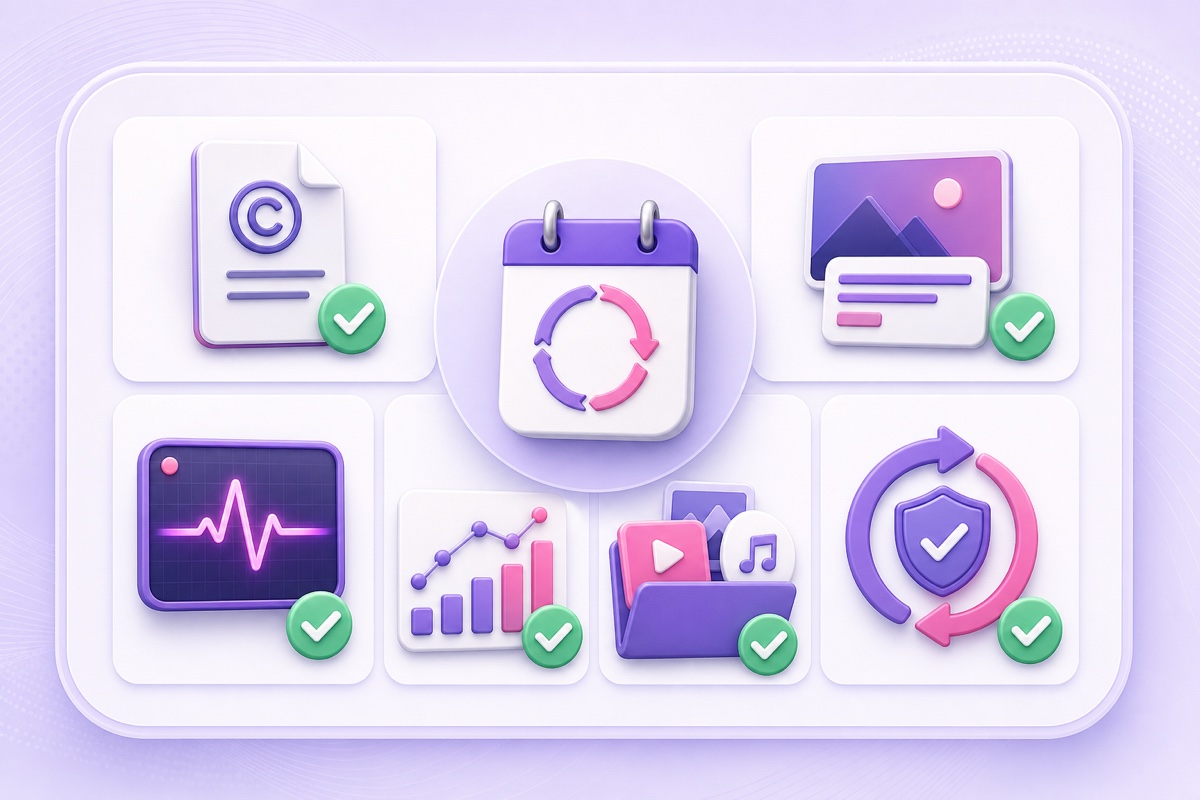
The biggest risks are ordinary and controllable. They are also more important than forum theories about one hidden channel score. Run this review every quarter, and after any major change to the loop.
- Recheck rights. Keep licenses, original project files, invoices, contributor permissions, and recording dates. Confirm that music, stock footage, fonts, and artwork allow live broadcasting—not merely use in an uploaded edit.
- Audit every claim in the packaging. The title, thumbnail, description, and pinned chat should accurately distinguish real-time footage from a pre-recorded continuous stream. Remove expired dates, events, and promises.
- Refresh the viewer value. Replace tired segments, fix obvious loop seams, normalize audio, and add meaningful variation. Do not multiply nearly identical streams just to occupy more surfaces.
- Check audience fit. In YouTube Studio → Analytics → Content, compare Live and Videos separately. Then inspect viewer overlap, traffic sources, returning viewers, and subscriber gains. If the audiences are consistently unrelated, test clearer programming or channel separation.
- Inspect presentation as a visitor. Open the public channel page while signed out and on mobile. Check whether the live thumbnail dominates the page, whether its promise is obvious, and whether recent uploads remain easy to find.
- Verify YPP-relevant status. Confirm the stream is public, the archive exists when expected, and the content meets originality and monetization rules. General watch time and valid public watch hours are not always identical.
- Test recovery. Review alerts, reconnect behaviour, stream-key safety, and the file that plays after a restart. A 24/7 label creates an expectation of dependable availability, even though no system is failure-proof.
Keep a one-page record with the review date, changes made, and the next check. That gives you evidence when performance moves. Without a log, every dip invites a new myth.
The verdict table
| Claim | Verdict | Reason |
|---|---|---|
| A live stream’s average view duration automatically drags down uploads | MYTH | Studio provides format-specific Live and Videos views; a blended channel average is not proof of cross-format suppression. |
| A quiet live automatically reduces the reach of the next upload | MYTH | YouTube says experimenting across formats does not inherently harm overall channel performance. |
| Viewer response to repeated irrelevant recommendations can matter over time | REAL | Viewers who repeatedly skip a channel’s content may receive less of it; audience fit still matters. |
| Looping is classified as spam by default | MYTH | The spam policy targets manipulation and deception, not the mere existence of a loop. |
| Original ownership guarantees monetization | MYTH | Rights matter, but YPP also reviews originality, authenticity, repetition, and viewer value across the channel. |
| Rights and honest packaging are genuine channel risks | REAL | Copyright, reused-content, inauthentic-content, and deceptive-metadata problems can have direct consequences. |
| Every public live watch hour counts toward YPP | MYTH | Unlisted, deleted, and live streams not converted to VOD are excluded from valid public watch-hour thresholds. |
| The exact weight one 24/7 stream has in every future recommendation | UNKNOWN | YouTube explains broad signals, not a complete formula or a fixed cross-content weight. |
Bottom line: a well-run 24/7 stream does not carry an automatic channel penalty. The defensible strategy is to own the content, package it truthfully, monitor each format in the right analytics view, and maintain the stream like a real programming product. StreamNeo handles pre-recorded streaming in the cloud so the operational side stays consistent while you focus on those editorial choices. Start free — 24-hour trial, no card.
More from the journal: Keyframe Interval for 24/7 Streams: Why 2 Seconds Is Not Always Right · Stream Key Rotation on a 24/7 Channel: When It Breaks You and How to Plan It · Demonetisation on a 24/7 Channel: Every Trigger and the Recovery Path
FAQ
Will a 24/7 stream reduce my uploads’ views?
YouTube says experimenting with livestreams does not inherently harm overall channel performance, and it evaluates each piece of content individually. There is no published evidence of an automatic cross-format punishment. Your uploads can still be affected by their own topic, packaging, viewer response, and by a broader audience mismatch if subscribers repeatedly ignore unrelated content.
Can looping get my channel flagged?
Looping itself is not listed as spam. Deceptive metadata, copied material, artificial engagement, copyright violations, and mass-produced or repetitive content with little original value can create policy or monetization problems. Use content you own or are licensed to broadcast, label pre-recorded material honestly, and make the channel’s creator value clear.
Does live watch time count toward monetization?
Valid watch time from qualifying public long-form content can count, but YouTube excludes livestreams that are unlisted, deleted, or not converted to VOD from YPP public watch-hour thresholds. Check the Earn tab rather than assuming every hour visible in general analytics is eligible.