Start with evidence, not algorithm folklore
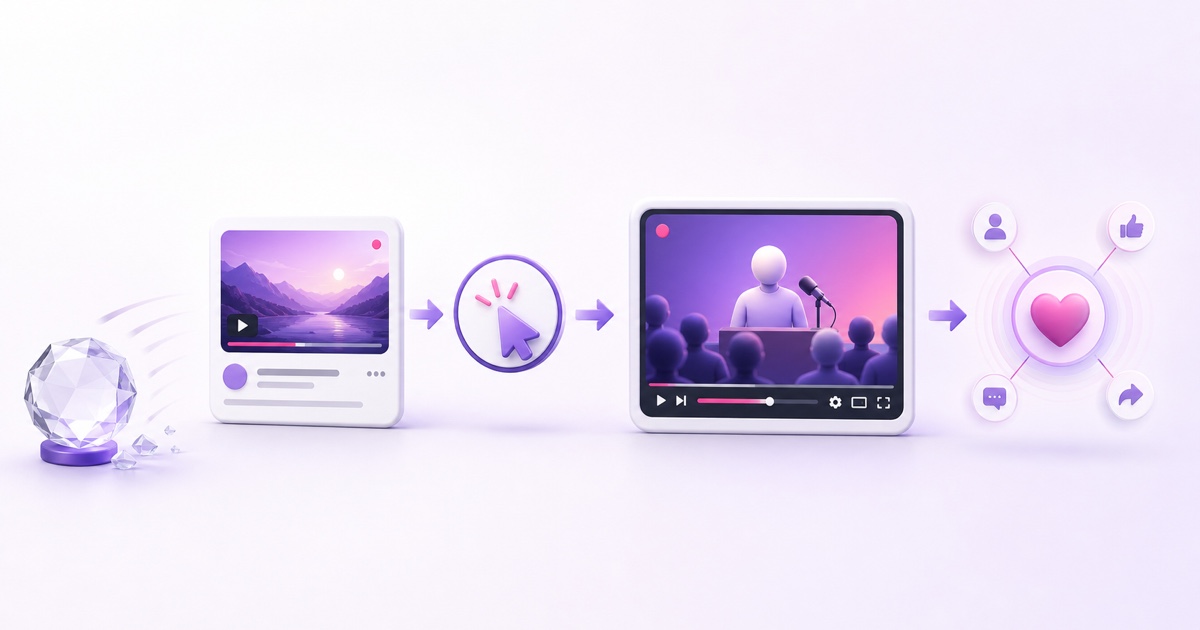
Most advice about the YouTube algorithm and live streams mixes three different things: what YouTube publishes, what a creator can measure, and what somebody noticed once on one channel. Treating all three as fact is how harmless patterns become imaginary rules.
This guide uses two labels. [Documented] means the claim is supported by a current official YouTube source. [Inferred] means it is a reasonable interpretation of visible behaviour or creator data, but YouTube has not confirmed it as a ranking mechanism. If a claim has neither evidence nor a label, it is algorithm astrology.
The useful mental model: YouTube is trying to match each viewer with content they are likely to choose, watch, and value. A live stream is another content format competing for that viewer’s attention; it is not a secret shortcut around that matching process.
[Documented] YouTube says its recommendation system has two broad goals: help each viewer find videos they want to watch and improve long-term viewer satisfaction. It also says recommendations are personalized and content is assessed through viewer response. YouTube does not publish the weights, thresholds, or a special live-stream formula. See YouTube’s own explanation of its recommendation system.
Where a live stream can surface [Documented]
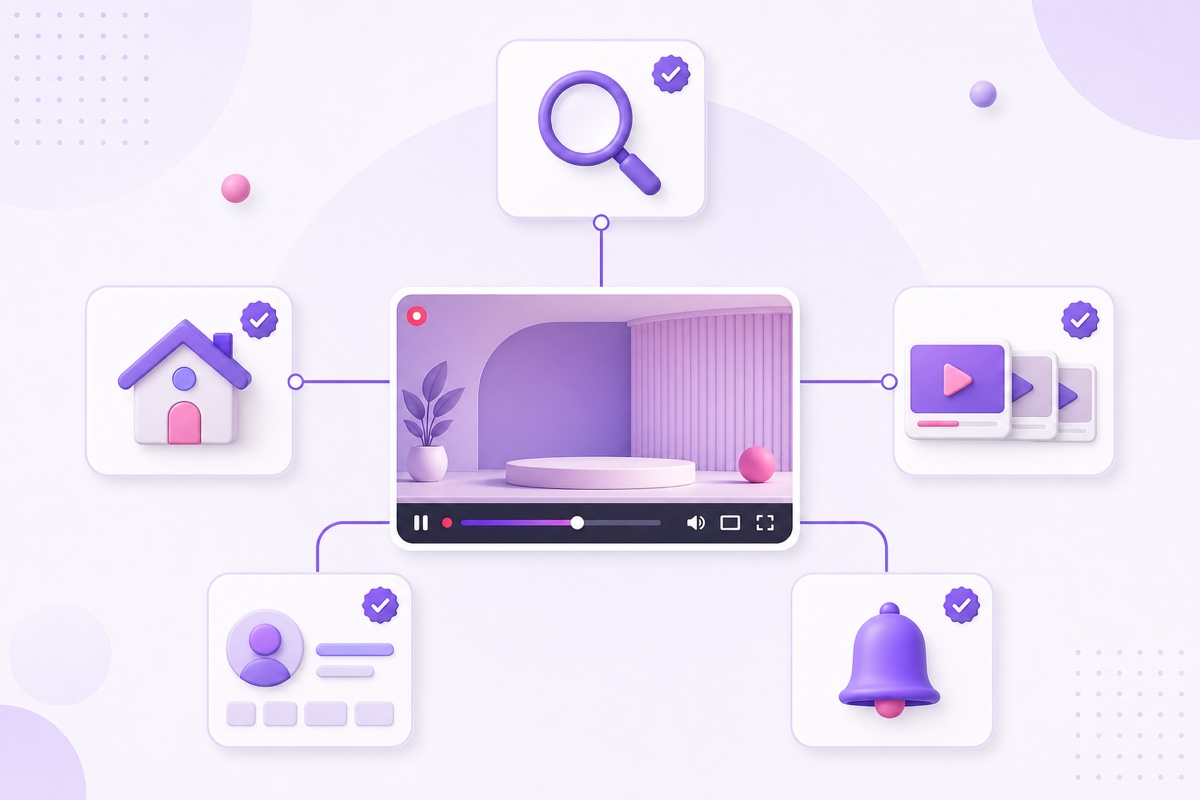
You do not need to guess the available discovery routes. YouTube’s current Analytics documentation lists how viewers find live streams: browse features, YouTube Search, Suggested videos, channel pages, notifications, direct or unknown sources, and other routes. “Browse features” includes Home, Subscriptions, Watch Later, and Explore. The same document defines Suggested as placements next to or after other videos. See Understand your YouTube content performance.
| Surface | What is documented | What the creator controls |
|---|---|---|
| YouTube Search | Live streams can receive traffic from search results. An active broadcast is visually distinguished as live in the product. | A relevant title and description, an accurate thumbnail, and content that satisfies the query. |
| Home and browse | Live traffic can come from browse features, including Home and Subscriptions. | Clear packaging and a stream that earns a positive response when shown. There is no guaranteed “live shelf.” |
| Suggested videos | A live stream can be suggested next to or after another video. | Topic fit, honest packaging, and a viewing experience people continue watching. |
| Channel page | Channel pages are a reported traffic source for live streams. | A coherent channel promise and an easy-to-recognize live stream. |
| Notifications | Eligible subscribers can receive a live notification once the public stream is detected as live. | Correct visibility, reliable encoder delivery, and restrained notification use. |
[Documented] Notifications are conditional, not a blast to every subscriber. For encoder streams, YouTube says notifications go to eligible subscribers after the stream is public and YouTube detects live ingestion. “All notifications” viewers also need account and device notifications enabled. YouTube’s notification troubleshooting guide explains those conditions and the per-channel daily notification limit.
[Documented] Vertical live has an additional discovery route: the scrollable live experience in the Shorts feed. Horizontal streams do not appear there unless the creator uses YouTube’s supported dual horizontal-and-vertical setup. This is a format-specific surface, not proof that vertical live receives a general ranking bonus. See Get started with live streaming.
The signals that matter [Documented, general]
YouTube’s current creator guidance groups content performance into three buckets: appeal, engagement, and satisfaction. Appeal asks whether a viewer chooses the content when it is offered. Engagement asks whether that viewer keeps watching. Satisfaction asks whether the experience was worthwhile. The official explanation is in Understand your content performance for recommendations.
For live streams, YouTube exposes a practical version of that funnel in Analytics: impressions, impressions click-through rate, views, and average view duration. Its live-specific guidance tells creators to use CTR to judge how appealing the title and thumbnail are, and average view duration to see how audience interest changes over time. See the live Content tab Analytics guide.
[Documented] Search has an additional relevance job. YouTube says Search considers how well the title, tags, description, and video content match a query, alongside engagement and quality signals. Watch time for a particular query can help indicate relevance. That does not mean keyword repetition wins; it means the stream needs to answer the intent behind the phrase. See How YouTube Search works.
CTR is therefore a diagnostic, not a target to maximize in isolation. A strong thumbnail may earn the click, but the content still has to deliver the promise. Average view duration is useful, but it also needs context: an ambience listener, a devotional viewer, and somebody checking breaking news arrive with different intentions. For a precise reading of live metrics, use this guide to concurrent viewers vs views.
[Documented] YouTube discusses watch history, search history, clicks, watch time, likes, dislikes, feedback, and satisfaction as inputs to personalized discovery. It does not provide creators with a simple “session behaviour score” or tell them how much any one action weighs. Use the observable funnel; do not invent the hidden arithmetic.
Live-specific dynamics: separate facts from inference
Concurrent viewers as social proof
[Inferred] A visible concurrent-viewer count can act as social proof for a person deciding whether to enter a live stream. A busy chat can make the event feel active too. But there is no official statement that a particular concurrent-viewer number directly unlocks more recommendations. Treat concurrency as an outcome of discovery and retention, not a lever you can safely manipulate.
The stream-start window and notification wave
[Documented] YouTube says publish time is especially relevant for Live and Premiere formats, and its Audience report can show when your viewers are on YouTube. It also documents that live notifications are sent only after a public encoder stream is detected as live. Those facts support scheduling for audience availability and checking ingestion before promotion.
[Inferred] The first wave of subscribers may create useful early performance data because those viewers can click, watch, chat, or leave. It is tempting to call that a “boost,” but YouTube does not document a fixed testing window, a minimum crowd, or a guaranteed expansion stage for live. Plan a clean start because viewers matter, not because a countdown hack supposedly wakes the algorithm.
Metadata fatigue on a long-running stream
[Inferred] A 24/7 stream may show the same title and thumbnail to overlapping audiences for days. As the most interested viewers act and the stream reaches less-familiar people, CTR can soften. The thumbnail may also stop feeling current even though the underlying broadcast is healthy. That is an audience-and-packaging explanation, not proof that YouTube applies an “old stream” penalty.
[Documented] YouTube says changing a title or thumbnail can shift performance because viewers respond differently to the new presentation; the system reacts to those responses, not to the edit itself. Refresh only when the data supports it. Use the practical rules in Live Stream SEO, then improve the video itself with these on-screen tactics.
What clearly hurts [Documented]
Clickbait mismatch hurts the viewing response. YouTube’s CTR guidance says clickbait often produces high CTR but low average view duration and is less likely to be recommended. If the thumbnail promises a live temple darshan but the loop opens on an unrelated talk, the click is not a win. The viewer’s quick exit is the second half of the result. See YouTube’s impressions and CTR FAQ.
Deceptive metadata is also a policy issue. YouTube prohibits titles, thumbnails, or descriptions that make viewers believe they will see something the content does not contain. That is more serious than an optimization mistake; enforcement can include content removal, warnings, strikes, monetization suspension, or channel termination depending on the violation. Read the official spam and deceptive practices policy.
Reused-content review is a separate question. [Documented] YouTube defines reused content inside its channel monetization policies and says that policy is separate from copyright enforcement. The public recommendation documentation does not identify “reused content” as a named ranking signal. Do not merge monetization eligibility, copyright, and discovery into one imaginary penalty. For the practical boundary, read what YouTube allows for 24/7 looped streams.
A practical weekly ritual
The useful review is deliberately boring. Open YouTube Studio → Analytics → Content → Live for the channel view. For one stream, use YouTube Studio → Content → Live → select the stream → Analytics. Keep the date range and comparison window consistent so a normal weekday mix does not masquerade as an algorithm event.
- Record reach. Note impressions and the major traffic sources: browse, Search, Suggested, channel pages, notifications, and external. Ask which surface changed, not merely whether total views moved.
- Read appeal in context. Review CTR by source where the report provides enough data. Search viewers have active intent; Home viewers are choosing among many options. A blended CTR can hide that difference.
- Read engagement. Check average view duration, watch time, and the concurrent-viewer curve. Look for repeated weak periods or a content segment that causes departures. Do not diagnose from one noisy hour.
- Make one metadata decision. If impressions are arriving but CTR has weakened against the stream’s own comparable history, test one honest title or thumbnail change. Log the date and exact change.
- Make one content decision. If people click but leave quickly, the packaging may be doing its job while the loop is not. Improve the opening, remove a weak segment, or refresh the programme before changing the thumbnail again.
- Review after a full comparable window. Keep the change only if the relevant source and downstream viewing response improve together. Otherwise revert the idea in your next planned edit; do not stack five more changes on top.

This ritual forces every theory to meet the channel’s own evidence. It also separates reach from attention. If monetization is the goal, connect those decisions to how 24/7 streams earn watch hours instead of celebrating impressions alone.
The honest close
[Documented] YouTube explains the goals and broad signals of its systems. [Inferred] Creators can form useful hypotheses from their traffic sources and retention patterns. Nobody outside YouTube knows the current weights, and those weights would not produce the same result for every viewer anyway.
The durable strategy is less exciting than an algorithm secret: use a clear title, make an honest thumbnail, deliver the promised content quickly, and study what viewers actually do. That is not gaming the machine. It is giving the matching system better evidence that the right audience values the stream.
When your programme is ready to run continuously, StreamNeo can keep the pre-recorded stream live without tying up your computer. Start free — 24-hour trial, no card.
FAQ
Does YouTube promote live streams more than videos?
No documented source promises a blanket live-stream preference. YouTube’s official search and discovery guidance says its system does not favour a particular video format; ranking depends on performance and viewer personalization. Live does have distinct surfaces and timing features, including live notifications and the vertical live feed, but availability is not the same as a universal boost.
Do concurrent viewers affect recommendations?
Possibly, but that is [Inferred], not documented as a direct rule. Concurrent viewers show that people are present at the same time and may create visible social proof. YouTube has not published a threshold or confirmed that the count itself raises ranking. Improve the reasons people enter and stay rather than trying to manufacture the number.
Should I restart my stream to “reset” the algorithm?
There is no documented basis for an algorithm reset. Restarting can interrupt current viewers, create a new start sequence, trigger operational risk, and affect the continuity of the watch page or archive. Restart for a real technical, content, or scheduling reason—not folklore. Review the practical constraints in how long a YouTube live stream can run.