An English practice live stream can do something a scheduled class cannot: meet a learner at 6 a.m. before a shift, during an afternoon commute, or after the household goes quiet. The useful version is not a random playlist of grammar lectures. It is a sequence of short listening drills that still makes sense when someone arrives in the middle.
For a spoken-English trainer in India, that creates a practical second classroom. Your recorded lessons keep demonstrating your teaching while you handle live batches, one-to-one students, or course support. The plan below shows how to build that classroom without making promises such as “fluent in 30 days” that no honest trainer can guarantee.
Why listening practice fits 24/7
Listening improves through exposure, attention, and repeated attempts. Those needs match a continuous channel unusually well. A learner can hear a dialogue, miss a phrase, then meet it again on the next rotation. Repetition is not a technical compromise here; used deliberately, it is part of the lesson.
The channel should solve small, concrete jobs. One commuter may practise polite requests. A retail worker may rehearse customer greetings. A college student may work through interview answers. A homemaker may listen while finishing routine tasks. Keep the audio clear enough to follow without watching, but make the screen useful whenever the learner looks up.
Treat the stream as a practice room, not a complete course. It provides volume, revision, and a low-pressure place to repeat aloud. Diagnosis, feedback, and a planned learning path still belong in your classes or course. If your audience also studies in timed focus blocks, the structure in this 24/7 study-with-me channel playbook offers useful ideas for predictable sessions and breaks.
Simple test: if a learner joins at any random minute, can they understand the task within ten seconds? If not, the segment depends too much on what came before.
Clear the rights before you loop anything
Your own script, lesson recording, slide design, and voice are the cleanest foundation. Keep the project files and recording dates. If a freelancer records dialogue, get a written agreement covering YouTube, live rebroadcasting, commercial use, edits, and an ongoing loop—not only a one-time classroom presentation.
Run every external element through this four-part check:
- AI or text-to-speech voice: read the provider’s current commercial terms for the exact plan and feature you used. Terms differ even inside one product. For example, ElevenLabs says its free plan lacks a commercial licence while paid-plan output generally includes one, subject to its conditions. Save the invoice, plan name, terms link, and generation date with your lesson files.
- Synthetic-content disclosure: a voice licence does not answer YouTube’s disclosure question. YouTube’s current guidance requires the AI-use disclosure for realistic AI-generated or meaningfully altered content and gives narrower exceptions for some minor uses, including cloning your own voice. Review YouTube’s AI disclosure guidance for the actual lesson. If the audio could make viewers believe a real person said something they did not say, use YouTube Studio’s AI-use setting. A plain description note such as “Narration uses a synthetic voice” is also good learner-facing transparency.
- Film and song clips: teaching intent does not automatically clear a movie scene, series dialogue, or hit song. YouTube notes that movies, online videos, sound recordings, and compositions are protected works; even an exception such as fair use or fair dealing is fact-specific. The safe default is to write and record your own sample dialogues. Read YouTube’s copyright overview before relying on an exception.
- Stock images and footage: verify the source licence rather than trusting the word “free” in a search result. Keep the asset URL and a copy of the licence. For example, the Pexels licence permits broad use but still lists restrictions, including limits around implied endorsements and unaltered resale.
Do the audit before rendering a two-hour master. Replacing one doubtful image or voice line in a segment is easy; rebuilding an entire rotation after a claim is not.
Design self-contained two-to-five-minute segments
A strong unit lasts two to five minutes and follows the same visible rhythm: dialogue, meaning, vocabulary, then repeat-after-me practice. The format stays familiar while the substance changes. That lowers orientation time without turning the channel into mass-produced filler.
- Open with the situation. Show a large label or illustration: “At the pharmacy,” “Introducing yourself,” or “Asking for directions.” Add an A1, A2, or B1 difficulty badge and a small progress marker such as “Dialogue 1 of 3.”
- Play the natural dialogue. Use two clearly different voices or one trainer performing both roles with enough separation. Avoid background music under first-listen speech; learners need clean consonants more than atmosphere.
- Break down three to five useful phrases. Put the target phrase on screen, explain it in simple English, and add a Hindi meaning only when it genuinely helps your audience. Do not turn every slide into a bilingual wall of text.
- Build in response time. Say the line, leave a visible two-to-four-second gap, then repeat it. Silence is part of the exercise, not dead air.
- Close the unit. Restate the situation and tell a mid-join learner what starts next. A one-second visual divider prevents the end of one lesson from feeling like the start of another sentence.
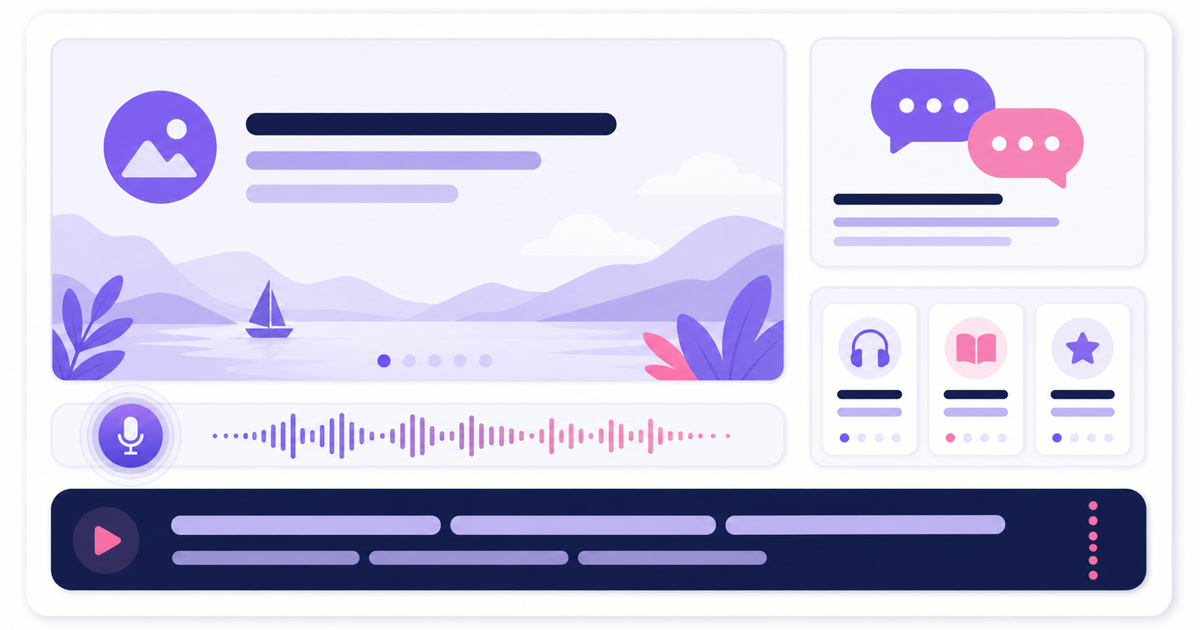
Burn every spoken English line into the video itself. YouTube’s live automatic-caption guidance says live auto-captions are English-only, enabled per stream, tied to normal latency, and subject to rollout and speech-recognition errors. Accents, overlapping speakers, and background noise can also reduce accuracy. Platform captions are useful when available, but they are not a dependable lesson layer.
Use large high-contrast subtitles with no more than two short lines at once. Highlight the phrase currently being spoken. Keep text away from the bottom-right controls and test the final export on a budget phone, not only a laptop. If the line is hard to read at arm’s length, make it shorter or larger.
Use the loop for spaced revision, not endless sameness
Start with a two-hour set. At an average of four minutes per unit, that is roughly 30 segments—enough to cover greetings, daily routines, workplace English, travel situations, and a few pronunciation drills. Group them into labelled blocks so a viewer can recognise the level and topic immediately.
Do not arrange near-identical lessons back to back. A useful sequence alternates demands: listen to a dialogue, repeat a phrase, spot an error, answer a prompt, then hear a mini-story. The teaching template remains stable, but each unit needs distinct educational value. That also aligns better with YouTube’s expectation that monetized content be original and materially varied rather than repetitive, low-value template output.
Refresh one fifth of the rotation each week. In a 30-segment set, replace six: retire weak or outdated lessons, add four new topic units, and revise two that lost viewers or caused repeated questions. After five weeks, the channel feels familiar to regulars but the complete library has moved forward.

Track the set in a simple sheet with segment ID, level, topic, duration, publish date, subtitle check, voice licence, and last refresh. Keep files in the same technical format so transitions do not stutter. When you are ready to assemble multiple lessons, follow this looping playlist guide for ordering and seam checks.
Record twenty segments in one trainer session
Production becomes manageable when decisions happen once. Prepare one slide master, one subtitle style, one microphone position, and one script template. Then batch by task rather than completing one lesson from start to finish before beginning the next.
- Write 20 situations and choose one level for each.
- Draft every dialogue, vocabulary note, and learner pause.
- Read the scripts aloud once; shorten anything that sounds written rather than spoken.
- Record all lead-voice lines, then all second-speaker lines, keeping the same microphone distance.
- Edit and subtitle in groups of five. Export every file with matching resolution, frame rate, codec, and audio settings.
- Watch the first and last ten seconds of every export, then play the full rotation once before going public.
A basic StreamNeo workflow is: Dashboard → Videos → Upload Video; then Streams → select your slot → enable YouTube → paste the stream key → Choose Videos → Go Live Now. You get the key from YouTube Studio → Create → Go live → Stream. Name the files with sortable IDs such as A2-WORK-011, not “final-new-2.mp4.” The ID makes learner questions and weekly replacements much easier to trace.
For the weekly swap, upload the new six files, open the live slot, update the YouTube video selection, and choose Update Playlist. Do the change while you are available to watch the stream, then check the public page on mobile for ten minutes. If you want a planned start instead of an immediate launch, use this guide to schedule a live stream from uploaded video.
Use chat as an asynchronous practice room
Chat works best when the prompt is specific enough to answer in one or two lines. “Practise English” is vague. “Introduce yourself in three sentences,” “Write one polite request using could,” or “Describe today’s weather without using good” gives learners a real move.
Pin one prompt for the current block and repeat it visually at segment boundaries. During your working hours, acknowledge good attempts and correct only the target point; rewriting every sentence can make beginners stop participating. Publish three rules in the description: be kind, practise the lesson topic, and do not share phone numbers or personal details.
You do not need a moderator awake all night. Use YouTube’s blocked-word and moderation controls, review held messages when you return, and phrase prompts so they still work without a live teacher response. Never imply that the channel offers continuous personal supervision if it does not.
Turn practice viewers into paying learners
The stream should prove how you teach before it asks for a sale. Give away a complete micro-lesson, not a teaser that withholds the answer. At the final five to ten seconds of a segment, show one calm next step: the batch start date, course name, or a link cue. Keep the full course link near the top of the YouTube description and use a pinned chat message when you are actively moderating.
Match the offer to the lesson. An A1 greetings block can lead to a beginner foundation batch; a B1 interview block can lead to interview practice. Add UTM tags to the course link and track clicks, enquiries, trial-class bookings, and paid joins by weekly rotation. Watch time alone cannot tell you whether the channel is filling classes.
Do not promise fluency by a deadline, guaranteed jobs, or an accent transformation. Promise what you control: the syllabus, session count, feedback method, practice library, and support window. If monetization is also part of the plan, read the practical rules in Can you monetize a 24/7 looped stream?; original educational value matters more than the fact that a file loops.
A useful first rotation can be simple: clear speech, readable subtitles, 30 focused segments, and six fresh lessons ready for next week. StreamNeo handles the repeating broadcast while you keep teaching. Start free — 24-hour trial, no card.
FAQ
Can I use an AI voice for lessons?
Yes, if the exact TTS provider and plan allow your commercial use and you follow YouTube’s current AI disclosure rules. Save proof of the licence, avoid cloning another person without clear rights and consent, and tell learners when narration is synthetic.
How long should each segment be?
Aim for two to five minutes. Each segment should state the situation, teach one small objective, include learner response time, and close cleanly so someone joining mid-loop can orient quickly.
Will the same loop bore learners?
Repetition supports revision when the exercises have real variety. Alternate dialogue, recall, pronunciation, error-spotting, and response prompts, then refresh about one fifth of the rotation every week instead of replacing everything at once.