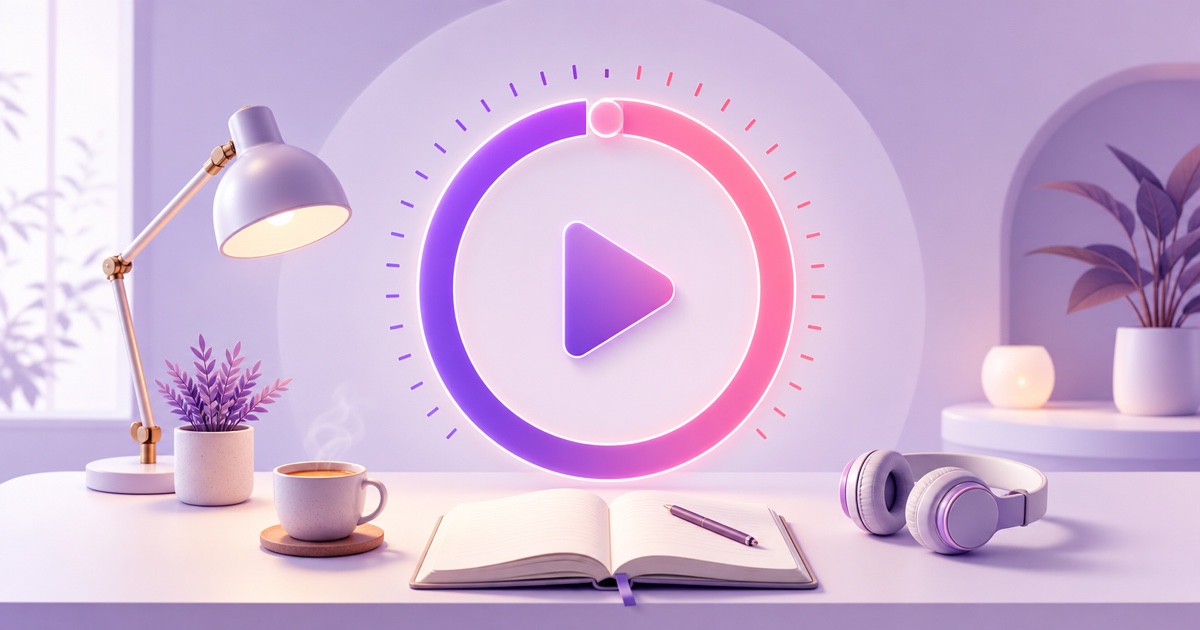
A good study with me live stream feels less like a show and more like a quiet library table that is always available.A viewer arrives, writes a goal in chat, studies through one timed block, and leaves with a small piece of work completed.
That simple promise is especially useful for UPSC, JEE, NEET, CA, SSC, and university students whose schedules do not fit a single daily broadcast.You do not need to sit on camera all day.You need an honest, well-made study session that can loop without confusing the people joining it.
This playbook covers the video, timer, audio rights, chat culture, publishing setup, and the first improvements to make after launch.
Why study streams work around the clock
Exam preparation rarely happens on one shared timetable.One aspirant may begin at 5 a.m.before college; another may open the same stream at 1 a.m.after a shift.An always-on room removes the need to wait for a creator to go live.
The core product is co-presence.A steady desk scene, a visible countdown, and a few focused people in chat can make a solitary session feel accountable without demanding conversation.That is why the visual should stay calm and predictable.Sudden scene changes, loud alerts, and constant host commentary work against the reason viewers came.
India's exam-prep culture gives the format many natural angles, but it is better to serve one clear routine than every student at once.A channel built around long UPSC reading blocks can feel different from a late-night JEE problem-solving room.Pick the audience first; let the desk setup, session length, title, and moderation rules follow.
Traffic will also move with exam calendars, school hours, and revision periods.Treat those patterns as planning signals, not promises.Keep the room dependable during the weeks your audience studies hardest, then compare results with quieter months.
The format mechanics
Pomodoro timings are conventions, not scientific laws.The familiar 25-minute focus and 5-minute break format suits viewers who want frequent resets.A 50-minute focus and 10-minute break format suits deeper reading, mock-test review, or long problem sets.Test both before deciding which rhythm becomes your channel's identity.
| Format | Best fit | 60-minute base video |
|---|---|---|
| 25/5 | Short tasks, new viewers, frequent check-ins | Two complete focus-and-break cycles |
| 50/10 | Deep reading and longer problem sets | One complete focus-and-break cycle |
Bake the countdown into the exported video.A browser timer or live overlay can freeze after a restart, disappear when a window closes, or drift away from the recorded scene.A rendered timer remains synchronized with the desk footage because it is part of every frame.
For a clean 25/5 loop, build a 60-minute timeline: focus for 25 minutes, break for 5, then repeat once.Use the end of the second break as the reset point.Keep the first and last frames visually compatible, avoid a spoken welcome that repeats every hour, and use a soft cue rather than a jarring alarm.
Be transparent about what happens next: the timer repeats when the video loops.The stream is not one continuous 24-hour clock.Viewers join for a session, so make every cycle boundary a natural entry point and explain the loop in the description or pinned message.

Rights and copyright
Lo-fi in the background does not become free to stream because it is quiet.Use music you composed, commissioned with suitable rights, or licensed for continuous livestreaming and monetization if you plan to earn from the channel.A subscription that covers ordinary social videos may not cover an always-on broadcast, so read the actual license.
Keep the receipt, license text, track list, and date of download together.If a marketplace or music library changes its terms later, that record helps you show what permission applied when you obtained the track.The rights checklist in the 24/7 lo-fi radio guide is useful here because a study stream has the same music-rights responsibility as a radio-style channel.
Your own desk footage is the safest visual foundation, provided it does not reveal private documents, copyrighted book pages in readable detail, or someone who did not consent to appear.Timer graphics and editor templates have licenses too.Verify that each asset permits commercial online video and repeated livestream use; do not assume that buying a template transfers ownership.
Silence is a valid creative choice.A library-mode version with room tone, page turns, or very low ambient sound removes the music decision and may serve viewers who find lo-fi distracting.Record or license those ambient sounds with the same care.
Record the base video
A real desk usually feels more inviting than a sterile timer screen.You do not need an elaborate studio: a stable phone, a lamp, a tidy work surface, and one or two subtle actions are enough.A page turn, handwritten note, or cup of chai gives the scene life without pulling attention from the viewer's work.
- Choose one session promise. Decide on 25/5 or 50/10, music or silence, and the exam or study mood.Do not mix several timer systems in the first video.
- Lock the frame. Mount the phone horizontally, connect power, lock focus and exposure if the camera app allows it, and keep notifications out of the recording.Leave clear space for a large timer that remains readable on a mobile screen.
- Record more than a static plate. Capture natural movement across the full session.Avoid clocks in the frame because their time will expose the loop and may disagree with the countdown.
- Edit the complete cycle. Add the timer, restrained focus/break labels, and an audio cue at each transition.Keep volume changes gentle.During the break, a small prompt such as stretch, hydrate, or note your next task is enough.
- Export a dependable file. MP4 with H.264 video and AAC audio is a practical default.The 24/7 streaming format guide explains the container and codec choices in plain language.
- Test the join. Play the end directly into the beginning several times.Listen for audio clicks, watch for a lighting jump, and confirm that the countdown resets only at the planned boundary.
Do one private viewing on a phone before uploading.If the timer is hard to read at normal brightness or the break cue is too loud through earphones, fix the master file rather than asking viewers to tolerate it forever.
Chat as the study hall
Chat should support accountability, not become a second distraction.Give viewers two simple actions: post the task they will finish before the timer ends, then share a short check-out during the break.That creates participation without turning focus blocks into conversation blocks.
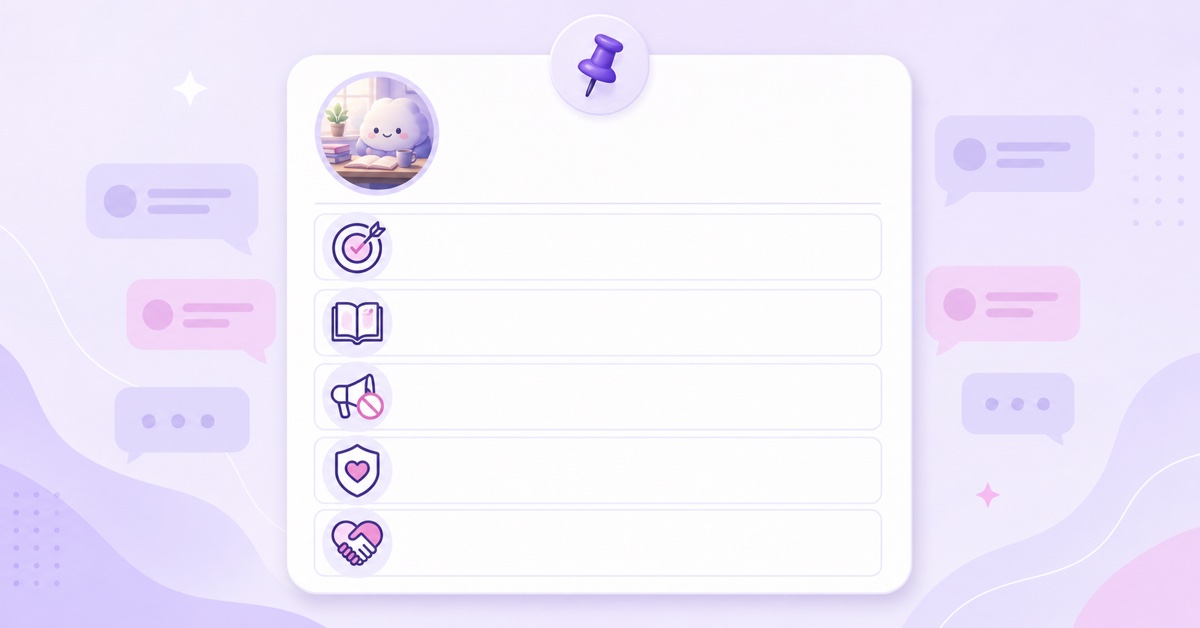
Pin rules that a tired student can understand in seconds.Ask people not to spam, promote channels, share personal contact details, or start long doubt-solving debates.Those discussions can move to a scheduled session or a separate community post.
Today's study room
1.Post one goal before the focus block.
2.Keep chat quiet until the break.
3.No spam, promotions, personal details, or answer-copying.
4.Be kind; report problems instead of arguing.
5.The timer repeats every hour.
Enable slow mode when messages begin moving too quickly, block obvious spam terms, and appoint a trusted moderator for peak hours if the community grows.You will not be awake for every session, so design rules that still work unattended.The guide to community features on always-on streams has more guidance for unattended chat.
Growth in the aspirant world
Make the title describe the exact room.A useful pattern is session format, exam, and year: Study with me 50/10 | UPSC 2027 | Quiet desk + lo-fi.Use only exam terms that genuinely match the content; adding every competitive exam creates a vague promise and weakens the room's identity.
Keep the timer format consistent long enough for regulars to build a habit.If you change from 25/5 to 50/10, label it clearly and compare it as a deliberate test.The thumbnail can show the desk mood and timer idea, while the title carries the practical detail.
Use community posts for streaks without encouraging toxic productivity.Ask what one task people completed, share a realistic plan for the next session, or run a poll on music versus library mode.Avoid glorifying sleep deprivation, extreme daily hour counts, or shame-based messages.The channel should make studying steadier, not make viewers feel inadequate.
Exam-season interest can justify a dedicated room or longer promotion, but keep a baseline experience outside peak weeks.A monthly visual refresh—different notebook, lamp colour, weather ambience, or seasonal desk—gives regulars something new while preserving the familiar timer.
Going live and iterating
First create the broadcast in YouTube Studio → Create → Go live → Stream.Add the title, description, thumbnail, audience setting, and visibility.Use an unlisted test before the public launch.Copy the stream URL and stream key only into the streaming service you trust; never show the key on screen or paste it into chat.
In StreamNeo, upload the tested MP4, set it to loop, add the YouTube destination details, and start the stream.A mobile-first creator can prepare the video on a phone and use the workflow in the phone-only 24/7 streaming guide.The cloud keeps sending the prepared file after the phone is disconnected, so your study device does not need to stay awake beside you.
For a short exam-season push, StreamNeo offers a ₹49/day option; for an always-on room, the ₹999/month option is the more natural fit.Check the current details on the pricing page before choosing.
Review the stream weekly rather than changing it after one quiet day.Check whether concurrent viewers or replay retention fall near the focus-to-break transition, whether chat becomes noisy during breaks, and whether mobile viewers can read the timer.Change one element at a time—audio level, cycle length, title, or break screen—so the result teaches you something.
Refresh the base video about once a month if the room has regular viewers, or sooner when a defect needs fixing.Keep the successful rhythm, but update the desk, season, or audio set so returning students notice care rather than disruption.
Start free — 24-hour trial, no card.
More from the journal: Exam Season and Study Channels: Planning for Predictable Traffic · How to Programme a 24-Hour YouTube Grid From a Small Library · Turning a Radio Show Archive Into a 24/7 Talk Channel
FAQ
Do viewers mind that it loops?
Usually, the useful unit is one study session rather than a continuous day.Make cycle boundaries clean, state that the timer repeats, and let new viewers join at any focus or break boundary without feeling that they missed an opening.
Music or silence?
Both have an audience.Start with the version you can produce with clear rights, then test silent segments or a separate library-mode stream later.Keep the timer and study rhythm consistent so the audio choice does not change the room's purpose.
How long should the base video be?
Sixty minutes is a comfortable minimum: it holds two complete 25/5 cycles or one 50/10 cycle.A longer file can add visual variety, but only if every transition and the final loop point remain clean.