A 24/7 stream title has an unusually long shift. It may sit in search, suggested videos, notifications, and browser tabs for months, so it needs to make sense to someone who discovers the channel at any hour.
The best live stream title ideas are not clever for cleverness’ sake. They tell a viewer what is playing, signal that the stream is always on, and make one useful promise. The formulas below provide structure; they do not guarantee rankings, clicks, or watch time.
What a 24/7 title must do
A normal event title can lean on a start time: “Join us at 8 p.m.” An always-on title has a different job. It must answer two questions immediately: what is this? and why should I play it now?
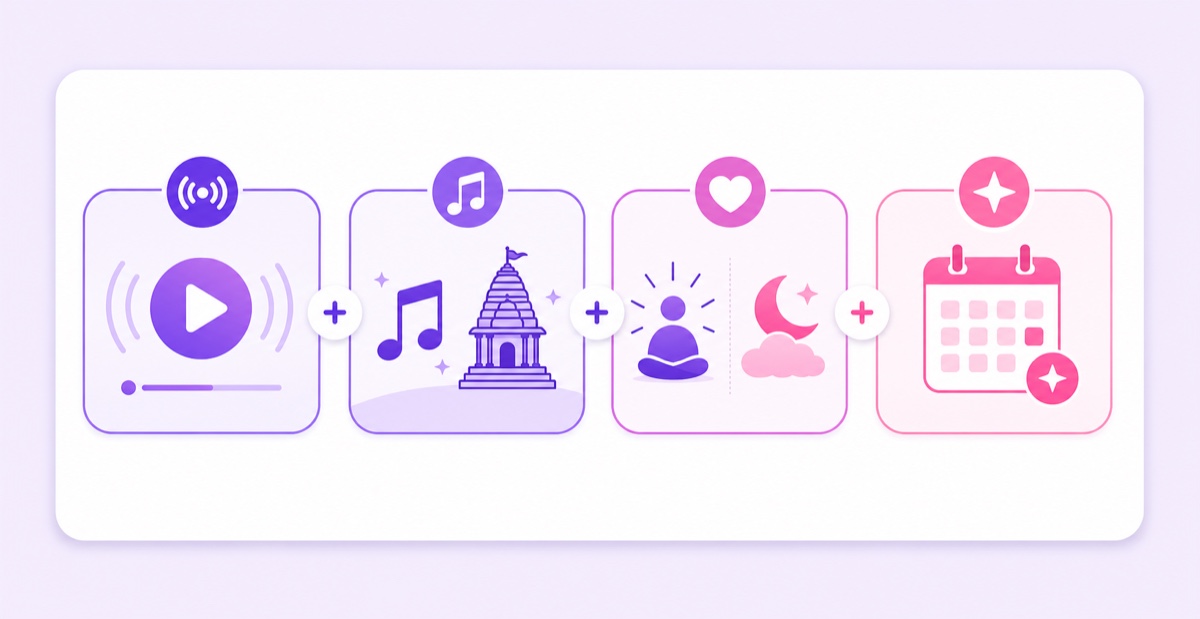
A reliable 24/7 stream title formula has four possible parts:
- Format signal: “24/7,” “24x7,” “LIVE,” or “Radio” tells viewers there is no event start to wait for.
- Niche: name the actual content, such as lofi hip hop, Hanuman Chalisa, brown noise, rain sounds, or business news.
- Promise: explain the listening use case—study, sleep, prayer, meditation, or continuous updates—without promising an outcome you cannot control.
- Freshness cue: add a season, festival, or genuinely current subject only when the stream content supports it.
The niche usually carries the search phrase. The promise helps the right person decide whether to click. The format signal prevents the odd expectation that a programme will begin later. Freshness is optional, not a decoration to staple onto every title.
Five-second test: If a new viewer can repeat the content type, the always-on format, and the reason to listen after one glance, the title is doing its job.
The formulas with examples
Start with one of these two patterns, then remove anything that does not earn its place:
- <Niche> Radio 24/7 — <benefit>
- <Content> LIVE 🔴 24x7 | <specific promise>
“Radio” fits a programmed music or spoken-word channel. “LIVE” is broader, while “24/7” or “24x7” makes the continuous format explicit. A vertical bar or dash can separate the searchable subject from the supporting promise without turning the title into a list of keywords.
| Niche | Example title | Why it is clear |
|---|---|---|
| Lofi | Lofi Hip Hop Radio 24/7 — Beats to Study, Focus & Relax | Leads with the music style, then states three plausible listening contexts. |
| Lofi | Study Music LIVE 🔴 24/7 — Calm Instrumentals for Deep Work | Starts with the use-case query and describes the sound rather than guaranteeing productivity. |
| Devotional | Hanuman Chalisa 24/7 | हनुमान चालीसा — Continuous Chant | Serves English- and Hindi-script searches while describing the actual loop. |
| Devotional | Sai Baba Bhajans LIVE 🔴 24x7 | साईं भजन | Uses the phrasing many Indian viewers recognise without padding the title. |
| Noise | Brown Noise 24/7 — Deep Sound for Sleep & Focus | Names the exact sound and the intended listening occasions. |
| Noise | Rain Sounds LIVE 🔴 24/7 — No Thunder, Dark Screen | Surfaces two details that can decide whether a sleep listener clicks. |
| News | India News LIVE 24x7 — Headlines & Continuous Updates | Works only for a genuinely monitored feed that stays current. |
| News | Market News LIVE — Business Headlines Throughout the Day | Sets a realistic cadence instead of claiming every item is breaking. |
The bilingual India pattern is especially useful when the audience naturally searches in more than one script. Put the strongest primary phrase first, then add the faithful equivalent: Hanuman Chalisa 24/7 | हनुमान चालीसा. Do not repeat every benefit in both languages; the result becomes hard to scan on a phone.
Treat these examples as a live stream title generator alternative, not as copy-and-paste commandments. Swap in the exact content and benefit your feed delivers. A “dark screen” claim belongs only on a stream that actually becomes dark, and “continuous updates” requires someone or a trustworthy system to keep the news current.
Keyword placement that matters
Front-load the phrase a real viewer would type. Mobile surfaces and recommendations may show only part of a long title, so “Lofi Hip Hop Radio 24/7” is stronger than “Welcome to our channel — your destination for Lofi Hip Hop Radio 24/7.” YouTube’s own title guidance recommends accurate, succinct titles because viewers may see only a portion.
For “24/7” versus “24x7,” there is no universal winner. Indian audiences use both forms. Open YouTube search, type the niche plus the first form, and note the autocomplete language; repeat with the second. Check the results your intended viewer would see, then choose one form for the title instead of squeezing both into it.
A quick keyword pass looks like this:
- Write the content phrase in plain language: “brown noise,” “Sai Baba bhajans,” or “lofi hip hop radio.”
- Add the continuous-format signal that matches the audience: “24/7,” “24x7,” or “LIVE.”
- Use the remaining space for one differentiator, such as “no thunder” or “instrumental,” not a chain of synonyms.
Keyword stuffing makes a title look like machine output: “LOFI LIVE STUDY MUSIC LOFI BEATS 24/7 STUDY RADIO FOCUS MUSIC.” It repeats the same idea without giving the viewer new information. For the wider relationship between titles, descriptions, tags, and thumbnails, use this live stream SEO guide.
Edit titles while live
You can correct or refresh a YouTube live title without restarting the encoder or breaking the watch page. For an encoder stream, open YouTube Studio → Create → Go live, select the current stream in Live Control Room, click Edit on the stream settings page, update the title under Details, and save. The official live stream settings documentation confirms that metadata is editable from this page.
After saving, open the public watch page in another browser tab and confirm the new text appears. This catches a typo or an unsaved change without touching the running feed. Interface labels can move, but the principle stays the same: edit the platform metadata, not the video or stream key.
Seasonal refreshes are legitimate when the programming changes with them. A devotional loop can add “Navratri Special” while it carries Navratri content. A study channel can mention exam season when its playlist is built for that moment. A Ramadan cue belongs on suitable programming during Ramadan, then should come off when the season ends.
Keep a small title log with the date, old wording, new wording, and reason for the change. Change one meaningful element at a time and give the result enough time to collect normal traffic; an always-on channel does not need daily title churn.
What never goes in a title
Do not claim “breaking,” “official,” “live camera,” or “new today” unless those words are literally true. A recorded city loop labelled as a current live camera is not clever packaging. It misrepresents the content viewers receive.
YouTube’s spam and deceptive practices policy prohibits malicious clickbait that uses a misleading title, thumbnail, or description to promise content the video does not deliver. The practical rule is simple: every title claim should be visible, audible, or verifiable in the stream. A mismatch can damage trust and may also trigger platform enforcement.
- Fake urgency: “WATCH BEFORE IT DISAPPEARS” is a poor fit for a stable 24/7 loop.
- ALL-CAPS walls: emphasis disappears when every word shouts.
- Emoji strings: 🔴 can help someone scan for a live item; 🔴🚨🔥✅💥 mostly consumes space and distracts from the subject.
- Guaranteed outcomes: music can be intended for focus or sleep, but a title should not promise perfect concentration, instant sleep, healing, or exam success.
If you use the red circle, use it once and only while the stream is genuinely live. Let the words carry the search meaning. The companion 24/7 stream thumbnail guide shows how the visual promise can support the title without repeating every word.
Titles across platforms
The video feed does not carry one permanent public title. YouTube and Facebook each store their own metadata, so the same outgoing video can have a different title on each destination. That lets you match language and idiom to the audience without rendering two video files.
For example, YouTube search might receive Hanuman Chalisa 24/7 | हनुमान चालीसा — Continuous Chant, while a Hindi-first Facebook audience sees हनुमान चालीसा निरंतर | शांति और भक्ति के लिए. This is audience fit, not an algorithm promise. Keep both descriptions accurate and update both when the content changes.
Maintain a simple metadata sheet with one row per destination: platform, current title, language, last review date, and seasonal expiry date. It prevents a Navratri title from remaining on Facebook after you have already corrected YouTube. The full setup is in the guide to streaming the same video to YouTube and Facebook with different titles.
With StreamNeo keeping the feed running, packaging remains the creator’s lever: you can refine the title and thumbnail without rebuilding the loop.
Start free — 24-hour trial, no card.
FAQ
Can I change my live title without restarting?
Yes. In YouTube Studio, open Create → Go live, select the active stream in Live Control Room, choose Edit, change the title under Details, and save. The encoder can keep sending video while you edit the platform metadata.
Should I write “24/7” or “24x7”?
Use the form your intended audience recognises. Check YouTube autocomplete with your niche plus each version, note the language of the resulting phrases, and pick one. Indian viewers commonly encounter both, so relevance matters more than forcing both forms into one title.
Do emojis help titles?
One 🔴 can make a genuinely live listing easier to scan. A string of emojis rarely adds meaning and pushes useful words farther back, especially on mobile. Use the symbol only if it earns its space.