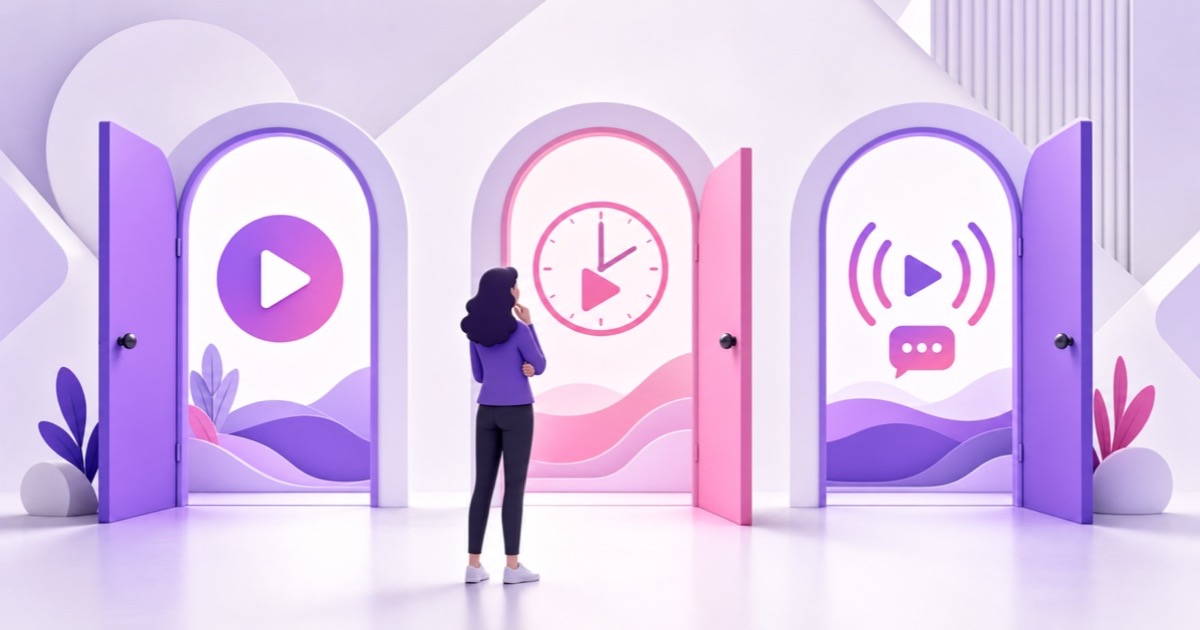
You have one finished video and three ways to publish it. A normal upload can keep answering the same search for months. A Premiere can turn its first showing into an appointment. A live stream can give viewers somewhere to drop in right now.
The useful question is not which button YouTube likes best. There is no dependable basis for claiming that one format receives an automatic algorithm boost. The better question is which viewer behaviour you need next: discovery, a shared moment, or sustained live presence.
This guide compares live vs Premiere vs Upload on YouTube for a small channel with limited editing time, a limited audience, and no team standing by around the clock.
The three formats, mechanically
Upload: an evergreen video asset
A normal upload is a video viewers can start, pause, skip through, and return to on their own schedule. Once it is public, it can appear in search, the Home feed, subscriptions, suggested videos, playlists, and external links. Its strongest advantage is that the same URL can keep matching viewer intent long after publishing day.
The basic path is YouTube Studio → Create → Upload videos → Details → Visibility → Public or Schedule. Your title, thumbnail, opening, and topic determine whether a stranger understands the promise quickly. For a small channel, that makes an upload a reusable search asset rather than a one-evening event.
Premiere: a scheduled debut of an upload
A Premiere uses an uploaded video, but gives its first public showing an event layer. In Studio, use Create → Upload videos → Visibility → Schedule → Set as Premiere. YouTube creates a public watch page that you can share before the start; viewers can set a reminder, comment, and use live chat when it is available.
At the scheduled time, a countdown runs and everyone watches the video advance together. Viewers may rewind, but they cannot jump ahead of the shared playback. Afterward, the video remains on the channel as a normal upload, chat replay can remain available, and the Premiere view count carries into the video. Those mechanics are documented in YouTube's Premiere guide.
Live: a real-time viewing session
A live stream is broadcast in real time, with concurrent-viewer metrics and live chat rather than a fixed debut of an uploaded file. The encoder route is YouTube Studio → Create → Go live → Stream; from there you configure the stream, connect an encoder, and send the feed.
While it is running, viewers see an active live experience and can enter at the current moment. You track concurrent viewers, average view duration, chat rate, and total watch time. YouTube later exposes live and on-demand reporting, so the live event and its archive can be evaluated separately without pretending they behave like identical products.
What each does for a small channel
Uploads build a library. Each focused video gives YouTube another clear topic to understand and gives a future viewer another answer to find. A tutorial such as “How to remove background noise in OBS” can solve the same problem next week or next year, provided the advice stays current. This compounding effect is why a new channel usually needs useful uploads before it needs elaborate event production.
Premieres concentrate attention you can already reach. The public page, countdown, reminder button, and live chat turn a release into a shared moment. That can deepen relationships with returning viewers, especially when the creator is present in chat. It does not create an audience from nothing: a Premiere with no distribution plan may simply add a countdown before a lightly watched upload.
Reminders are stronger than a vague hope that every subscriber sees the release. YouTube says a viewer who sets a Premiere reminder receives one around 30 minutes before it begins and another at the start. Ordinary subscriber notifications depend on the viewer's bell, account, and device settings, and YouTube limits each channel to three upload, live, and Premiere notifications in 24 hours. Treat notifications as an assist, not guaranteed reach.
Live creates time and presence. A useful stream can accumulate viewing minutes across many drop-in sessions and occupy a different consumption moment: study music while working, a devotional feed during morning prayer, or a live build during office hours. But a visitor who arrives halfway through a loop may not immediately understand the channel's value. Use the practical cues in turning 24/7 live viewers into subscribers instead of assuming watch time automatically becomes subscribers.
Be precise about monetisation watch hours. YouTube's current YPP guidance counts valid watch hours from public long-form videos, while excluding live streams that are unlisted, deleted, or not converted to video on demand. A Premiere becomes the regular uploaded video and keeps its views; a live stream also has live-specific metrics and, when eligible and archived publicly, an on-demand life. Visibility and archive status matter, so “all live hours count” is too broad.
The honest matrix
Think of these as tools with different jobs, not rivals fighting for one slot. “High” below means the format is structurally suited to that job; it is not a promise of results.
| Factor | Upload | Premiere | Live stream or loop |
|---|---|---|---|
| Discovery | Strongest long-term fit for specific search and suggested-video topics | Same underlying upload can appear in search and recommendations, plus a pre-release page | Useful for viewers seeking something happening now or an ambient feed; entry point is mid-stream |
| Community | Comments are asynchronous and easy to answer later | Strong shared-start moment with countdown, reminders, and live chat | Ongoing chat and presence, but active hosting or moderation takes staffing |
| Watch hours | Accumulates as people watch the public long-form video | Premiere viewing carries into the regular video after the event | Can accumulate across long sessions; YPP eligibility still depends on public and archive status |
| Creator effort | Production, packaging, and occasional comment replies | Upload effort plus scheduling, promotion, and ideally being present in chat | Setup, stream health, moderation, content refreshes, and archive management |
| Best use | Searchable authority and a durable content library | Launching a meaningful video to an audience that will show up together | Always-open ambience, recurring live programming, or long-form presence |
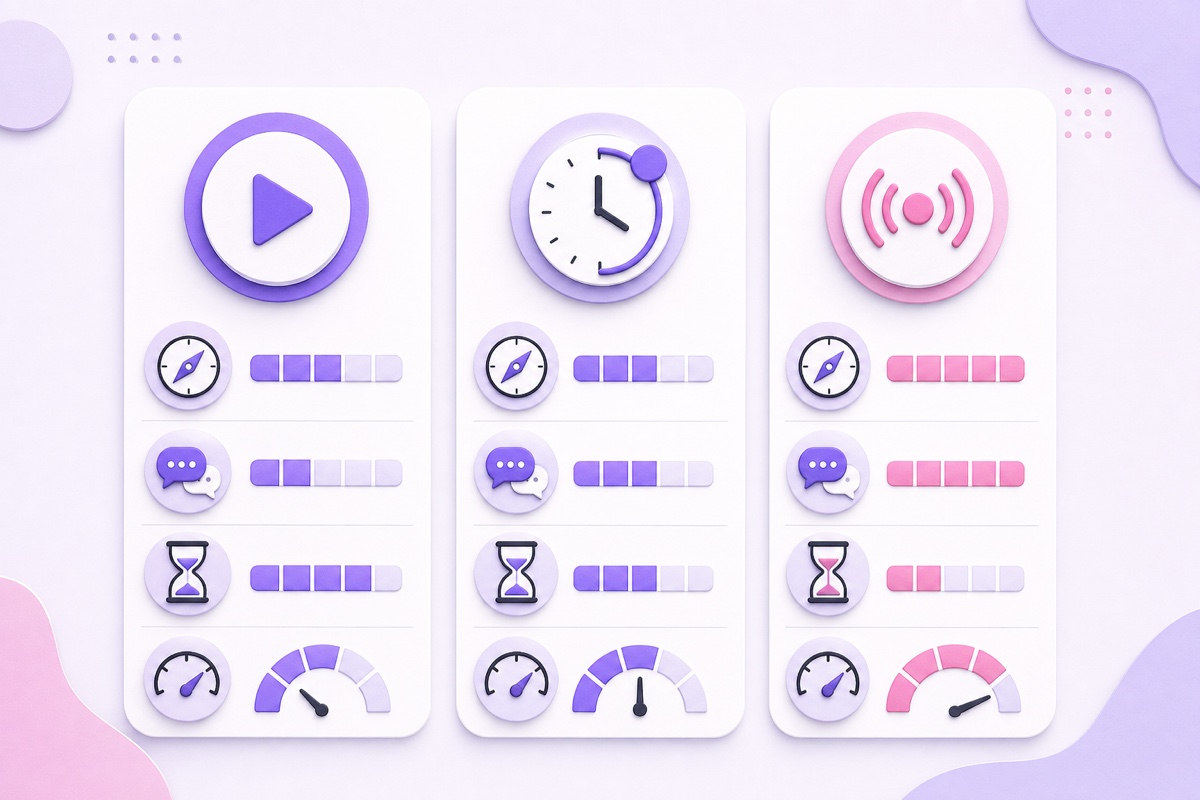
The matrix also exposes a common mistake: comparing a weak live loop with a strong tutorial, then blaming the format. Topic demand, packaging, viewer satisfaction, and consistency still matter. Choose the format after defining the job.
The weekly cadence that uses all three
A solo creator does not need three unrelated productions. One strong weekly video can supply the upload and Premiere legs, while a separate reusable library supplies the always-on leg.
- Monday: choose one searchable problem. Use audience comments, search suggestions, and Analytics research to write one specific promise. For an Indian devotional channel, that could be a meaning-and-pronunciation guide rather than another generic music compilation.
- Tuesday to Thursday: make the upload. Record, edit, and package the video. Give most of your attention to the idea, title, thumbnail, and first 30 seconds; these assets keep working after release day.
- Friday: schedule it as a Premiere. Publish the watch-page link early enough for regular viewers to see it, then announce the exact time. Be in chat if you can. If you cannot attend, use a normal scheduled upload instead—the communal promise is the point of a Premiere.
- All week: keep the loop useful. Run complementary evergreen material, not the new upload repeated immediately. A lofi channel might keep a long focus playlist live while publishing a short production breakdown. A teaching channel might loop revision prompts while releasing a detailed lesson.
- Weekend: review one dashboard. Compare the upload's traffic sources and retention, the Premiere's reminders and chat response, and the live stream's average view duration and peak concurrent viewers. Do not collapse them into one view-count contest.
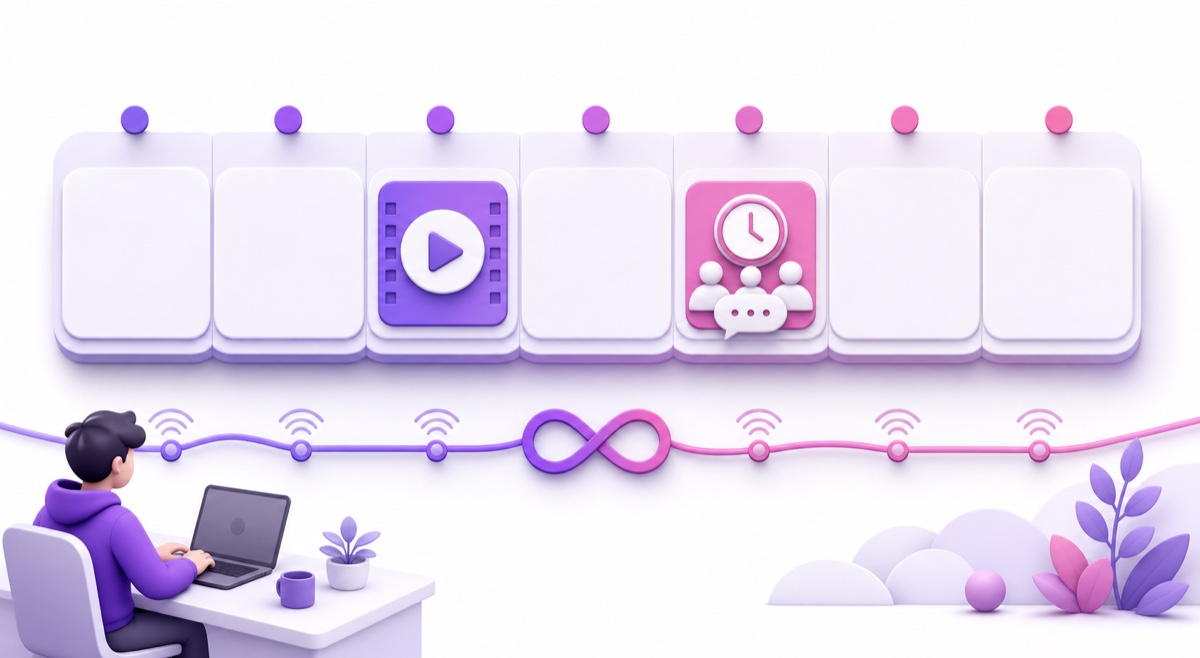
This is a template, not a quota. A research-heavy channel may publish every two weeks. A devotional channel may schedule a Premiere around a festival and refresh its loop more often. Protect the quality of the searchable asset before adding another event.
Where the loop fits without cannibalizing
The loop and the upload should solve different viewing moments. The upload is an appointment with a beginning, argument, and payoff. The loop is an open room: people enter when they need focus, ambience, prayer, revision, or company. Someone who wants a seven-minute answer is not necessarily the same person who wants a two-hour background session, even when both videos share a niche.
Make the relationship explicit. Put the relevant upload in the live description and a pinned chat message. Link the live room from the upload description, end screen, or pinned comment when it genuinely extends the experience. Organise both in clear playlists. For topic planning, use these 24/7 live stream ideas; for discoverability, apply the metadata discipline in the live-stream SEO guide.
Cannibalisation becomes more likely when both items make the same promise in the same way—for example, uploading the exact same 20-minute lesson while looping it continuously with an indistinguishable title and thumbnail. Differentiate the intent: “full explanation” for the upload, “always-on practice room” for the live feed.
With StreamNeo, the always-on leg becomes a one-tool job: upload a prepared video library, arrange the loop, and run it without keeping your own computer broadcasting. Start free — 24-hour trial, no card.
Choosing when you can only do one
If your schedule supports only one format, use this decision tree. Start with the outcome you are missing, not the format that looks most exciting.
- Need searchable authority? Choose regular uploads. You keep the workflow simple and spend your scarce hours on clear topics and strong packaging. Trade-off: community interaction is mostly asynchronous, and there is no shared release event unless you create one elsewhere.
- Have returning viewers but need community energy? Choose Premieres for your most meaningful releases. Schedule only when enough people know why and when to arrive, and be present in chat. Trade-off: promotion and attendance add effort, while the finished item is still an upload after the debut.
- Need an always-open presence and longer viewing opportunities? Choose a live programme or loop. This fits ambience, devotional, study, music, and recurring-work formats with a real reason to be available now. Trade-off: you inherit stream health, moderation, and refresh work, and visitors may need clearer subscription cues.
If you have no reliable audience yet and your niche is answer-driven, uploads are the safest starting point because they build a browsable library. If the niche is inherently ambient, a loop can begin earlier—but still publish enough focused videos to explain what the channel offers. For the watch-hour mechanics behind that choice, read how 24/7 streams earn watch hours.
Whichever branch you choose, keep the test clean for at least several releases. Measure the outcome that matches the job: search traffic and retention for uploads, reminders and live-chat participation for Premieres, or average view duration and concurrent viewers for live. Views alone cannot tell you whether the format succeeded.
FAQ
Are Premieres counted as live streams?
No. A Premiere is a scheduled debut of a pre-recorded upload with live-style features such as a countdown and chat. After the event, it remains a regular video, its Premiere views carry over, and chat replay can remain available. A true live stream is broadcast in real time and has separate live metrics such as concurrent viewers.
Which format grows subscribers fastest?
There is no universal fastest format. A focused upload or well-attended Premiere can present a clear value proposition and subscription moment; a live stream can build substantial viewing time and repeat presence but may receive viewers mid-session. Pair formats when possible, and judge subscriber conversion inside each format instead of assuming an algorithmic winner.
Can a small channel run all three?
Yes. Use one weekly video as the searchable upload, optionally debut that same file as a Premiere, and keep a complementary reusable loop live in the background. Start with the upload, add the Premiere only when you can create a real appointment, then add the loop when its setup and moderation will not weaken the core content.