
A recorded Sunday service can keep serving people after the room empties. The night-shift nurse may watch at breakfast, a family overseas may be six hours behind, and a housebound member may need the service when no volunteer is available to press Play.
The useful version of this idea is not a fake-live stunt. It is a clearly labelled church re-broadcast with a dependable schedule, permission for everything inside the recording, and a workflow ordinary volunteers can repeat. This guide shows how to stream a recorded church service as live without leaving a laptop running in the building.
Who a re-broadcast actually serves
Start with a pastoral reason, not a growth promise. A continuous or scheduled replay gives people a shared place to watch when a one-time upload is easy to miss. It also gives a visitor one current service to sample instead of asking them to choose from a long archive.
Write down the audience before choosing the schedule. If most delayed viewers are local shift workers, a Sunday evening and Monday morning re-broadcast may be enough. If your congregation includes diaspora families across several time zones, a continuous replay on YouTube can be simpler. A small church does not automatically need a 24/7 channel.
A good rule: re-broadcast to remove a real access barrier. Keep the original service date visible so convenience never becomes misrepresentation.
Rights and copyright come before the stream key
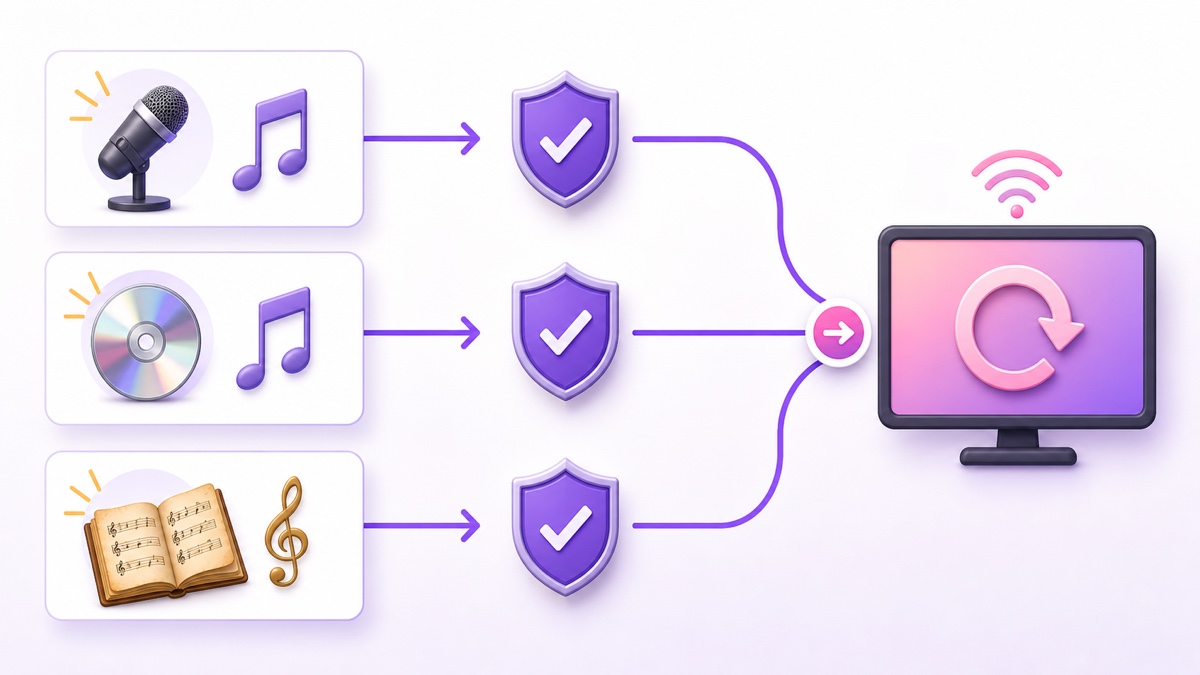
Worship music is the make-or-break issue. Owning the camera recording does not mean the church owns every song captured in it. A contemporary worship song has a protected composition, and a commercial backing track or artist recording adds a separate sound-recording right.
In territories where it is offered, the CCLI Streaming License extends the Church Copyright License for covered songs performed live by the church. CCLI describes Streaming Plus as the option that extends coverage to authorized master recordings, including artist tracks, backing tracks, and multitracks. Coverage is repertoire- and territory-specific, so confirm the exact song, recording, platform, and licence terms for your church rather than treating a licence name as blanket permission.
Reporting is part of the job. CCLI's current reporting guidance says ordinary Streaming License use is reported with the underlying Church Copyright License song use, while Streaming Plus use of master recordings and multitracks has additional stream reporting. A replay loop makes this easy to underestimate: every cycle plays those recordings again. Ask the licence provider how repeated online plays should be counted in your territory, keep the service set list, and record what actually ran.
Public-domain hymns need the same careful thinking. The old composition may be public domain while a modern arrangement, translation, typeset lyric slide, accompaniment track, or choir recording remains protected. If you did not create that newer material, verify its rights separately.
- Your musicians performing a covered song: check that the composition is in the licence repertoire and report its use.
- A backing track, multitrack, or artist recording: confirm master-recording coverage or obtain direct permission.
- A public-domain hymn: verify both the composition and the specific arrangement or recording.
- A guest performance: get written permission and confirm the music rights before publishing.
A licence may give you permission without preventing an automated platform claim. Keep licence details, song reports, invoices, set lists, and correspondence together so the volunteer handling a claim has evidence instead of guesswork. For a wider church-specific setup, see the worship streaming guide without a tech team.
Consent and privacy in the room
A streaming licence covers music, not people's privacy. Decide what will be recorded before Sunday and make the policy visible. The safest camera plan keeps the congregation out of frame unless your church has a clear consent process.
- Place a readable recording notice at every entrance and mention the recording during the welcome.
- Mark a camera-free seating area and tell ushers where it is.
- Frame the pulpit, stage, and musicians rather than sweeping across the congregation.
- Get explicit permission before using a testimony, baptism, prayer request, counselling story, or guest speaker's message in a replay.
- Use a written safeguarding policy for children. Do not rely on a general room notice as permission to feature a child.
- Name one person who can remove or replace a service promptly if consent is withdrawn or sensitive information slips through.
Local privacy and safeguarding requirements differ, so have your church leadership or adviser review the policy. The volunteer's practical test is simpler: if a person could reasonably be surprised to appear online repeatedly, pause and get permission.
Capture that sounds like church
Viewers will tolerate a locked camera before they tolerate muddy speech. Take audio from the mixing desk instead of relying on the camera microphone. Record a separate camera-mic track as emergency ambience, but make the desk mix the main source.
A room mix built for loudspeakers may be too dry online because the congregation and some instruments are already audible in the room. Make a short recording before the service, listen through ordinary phone earbuds, and add room or audience microphones only as needed. Keep speech intelligible and match the apparent level between worship and sermon so viewers are not riding the volume button.
One stable wide shot plus one pulpit camera is enough. Lock exposure, white balance, focus, and frame rate; automatic changes are distracting in a long replay. If there is no camera operator, a clean wide shot is better than an unattended camera pointed at an empty lectern for half the service.
- Record 60 seconds of music and 60 seconds of speech.
- Check both on a phone speaker, earbuds, and a television if available.
- Listen for hum, distortion, missing instruments, and sudden level jumps.
- Fix the signal path before Sunday instead of trying to repair clipped audio later.
Build a replay block that can be swapped every week
Keep the service order intact unless there is a clear pastoral or rights reason to edit. Trim the empty setup at the beginning, private conversations at the end, long technical gaps, and any segment without permission. Watch the entire export once; a two-minute spot check cannot catch a private prayer request near the closing.
Add a short opening card with the service date, speaker, series, and congregation name. Put a modest lower third on the picture that says replay or recorded service, not “live now.” Honest labelling protects trust and follows the same principle explained in the guide to pre-recorded live streams and fake-live claims.
| Block element | Volunteer action | Reason |
|---|---|---|
| Opening | Trim setup and add service date | Viewers know exactly what they joined |
| Music | Check the set list against licences | Every replay repeats the rights exposure |
| Message | Confirm speaker and testimony permission | Recording ownership is not consent |
| Closing | Remove private conversations and add next-service details | The replay ends cleanly and points forward |
Export every week to the same technical profile so files remain interchangeable: MP4, H.264 video, AAC audio, constant frame rate, and consistent resolution and sample rate. The detailed 24/7 streaming video-format guide explains the compatibility checks. Before upload, play the final ten seconds followed by the first ten; a harsh audio cut becomes obvious when the block repeats.
Label and schedule it honestly
Use a title such as Sunday service — continuous replay — 19 July 2026. Put the original service date, speaker, series, song credits, licence wording, and the next in-person or genuinely live service time in the description. Pin a chat message that repeats the date and next live time.
If the file loops continuously, say so. If it runs only at set hours, publish those hours with a time zone: “Replay at 7:00 p.m. IST” is useful; “tonight” is not useful to a family in another country. When you replace the block, update the title, description, thumbnail, and pinned message as one checklist item.
A lower-third replay label is especially important for viewers who arrive through an embed or recommendation and never read the description. Do not use urgency such as “happening now” for last Sunday's service. The point is access, not theatrical ambiguity.
Choose the right home for the replay
YouTube is the cleanest primary home for a continuous church replay because it supports search, a stable live watch page, archives, chat controls, and website embedding. Keep the normal dated service upload or archive as well; the continuous watch page is an additional doorway, not your only record.
Facebook needs a different plan. Meta's published Facebook Live policies require pre-recorded material to be clearly marked and say Facebook Live should not be used for looping videos. Do not send an endless Sunday-service loop to Facebook Live. Use a clearly labelled, finite scheduled re-broadcast or a normal video post, and re-check the current rules before each new format. A Facebook Page post can still serve the congregation that shares links through WhatsApp without forcing a policy-risky loop.
Your church website should hold the canonical player, a one-line explanation of what is showing, the next service time, and contact or prayer links. Use the channel-based embed so a restarted YouTube broadcast does not leave an old video ID on the homepage; the YouTube live embed guide gives the code and responsive layout.
Run it with volunteers, not heroes
Use a two-person rota: an operator prepares and swaps the weekly file; a checker verifies the public result from another device. Each person should be able to cover the other, and passwords or stream keys should live in the church's approved credential system rather than a volunteer's personal notes.
Keep a one-page runbook with four verbs: upload, swap, verify, glance. Upload the approved file. Swap it into the broadcast. Verify the title, replay label, audio, and first transition from a logged-out phone. Glance at the public page and platform health panel daily. Add an escalation line naming who may restart the stream, replace a bad file, or take it offline.
The volunteer-friendly part of StreamNeo is straightforward: once the approved file is uploaded, nothing in the church building has to stay switched on. A cloud-run replay also means the Sunday laptop and internet connection are not carrying the whole week. Start free — 24-hour trial, no card.
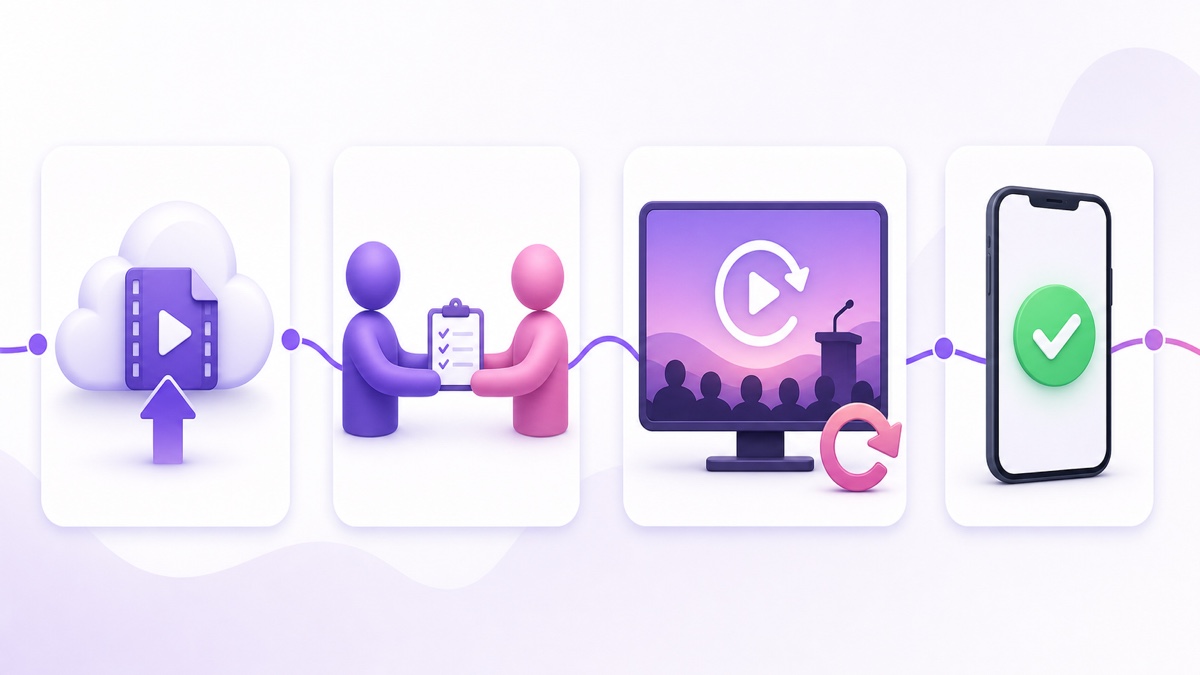
After the first month, review the workflow rather than chasing vanity numbers. Ask whether the intended people can find the service, whether rights records are complete, whether volunteers can swap it without the original operator, and whether pastoral contact details are easy to reach. Those answers tell you whether the re-broadcast is doing its job.
FAQ
Do we need a licence to stream worship songs?
For copyrighted songs, normally yes: you need a streaming licence or direct permission that covers your territory, repertoire, and actual use. Church-performed songs and commercial backing or artist recordings may require different coverage, and reporting duties apply. Verify every song and recording with your licence provider.
Can we call a recorded service “live”?
Do not imply that the recorded event is happening now. Label the picture and metadata as replay, include the original service date, and state whether the channel is a continuous replay or a scheduled re-broadcast. You can use live-streaming technology without misdescribing the content.
How do we handle people who do not want to be filmed?
Post recording notices at entrances, offer a camera-free seating area, frame the platform instead of the congregation, and obtain explicit permission for featured testimonies or guest messages. Use a written safeguarding policy for children and appoint someone who can remove a recording quickly when needed.