A fake live stream is usually neither technically fake nor automatically against YouTube’s rules. It is a recorded video played by an encoder and delivered through the same live-stream pipe used by a camera. The real risk begins when the title, thumbnail, description, or programme tells viewers that an old recording is happening now.
That distinction matters. An honestly labelled 24/7 replay of your own devotional programme is one thing; last year’s flood footage presented as breaking news is another. This guide separates the plumbing from the promise so you can judge a pre-recorded live stream without vague warnings.
There is nothing fake about the technology
A live platform receives a timed sequence of encoded video and audio. A camera can create that sequence, but so can OBS Media Source, FFmpeg, a hardware playout system, or a cloud encoder reading an MP4 file. The basic route is always source → encoder → RTMP/RTMPS ingest → live watch page.
The ingest connection does not include a field declaring “camera” or “file.” YouTube may still scan the feed for copyrighted matches, and its policies still apply to everything shown, but pre-recording is not a special transport category. That is why the current YouTube encoder guide can list a verified encoder specifically described as supporting 24/7 live streaming of pre-recorded videos.
The useful question is therefore not “Is the feed fake?” Ask two sharper questions: Do you have the rights to broadcast it, and does the presentation accurately describe what viewers will see?
YouTube already has a pre-recorded-as-live format
YouTube Premieres are the clearest example. You upload a completed video, choose an instant or scheduled Premiere, and YouTube creates a public watch page. At the chosen time, viewers see a countdown, watch the video together, and use live chat; afterwards, the same video remains as a regular upload.
A Premiere is not identical to a continuous encoder stream. It plays once, viewers cannot skip ahead of the current playhead, and it becomes a normal upload when finished. A scheduled encoder broadcast is a separate workflow: you create the event in YouTube Studio → Create → Go live → Manage, then send the feed at the scheduled time.
Still, Premieres make one principle obvious: a recorded source and a shared real-time viewing experience can coexist. Choose among Live, Premiere, and upload based on whether you need a continuous channel, a one-time debut, or on-demand viewing. The trade-offs are compared in Live vs Premiere vs upload.
Where YouTube actually draws the line
YouTube’s current Spam policy applies to content and metadata, including titles, descriptions, and thumbnails. Its core instruction is concise:
“We also prohibit misleading viewers to boost content engagement.”
The policy does not create a blanket ban on sending a recording through an encoder. It targets misleading presentation, scams, artificial engagement, automated mass production, and other platform manipulation. Meanwhile, normal Community Guidelines and copyright rules apply to the actual programme.
Examples make the boundary clearer. A recording of a 2025 storm titled “Cyclone landing now — live emergency footage” is deceptive in 2026. An old press conference packaged as today’s breaking announcement creates the same problem. A fabricated cryptocurrency giveaway presented as a live celebrity event adds scam and impersonation risks on top.
The safe pattern is simple: describe the subject truthfully, avoid fabricated urgency, and disclose the recorded context whenever a reasonable viewer could mistake it for a current event. This is practical policy guidance, not a promise about any individual enforcement decision.
Three honest labels cost you nothing
You do not need to turn every title into a legal notice. One short, visible phrase can remove the false “happening now” implication:
- 24/7 continuous replay for a repeating channel.
- Replay for an earlier programme shown again.
- Recorded on 14 July 2026 when the date changes how viewers understand the footage.
You can also place one plain sentence near the top of the description: “This continuous stream replays our recorded sessions; chat is monitored at scheduled times.” The current YouTube spam policy does not state a universal pre-recorded-disclosure format, but accurate context is cheap insurance against misleading metadata.
| Misleading title | Honest rewrite |
|---|---|
| LIVE: Temple aarti happening now | Evening aarti — 24/7 continuous replay |
| BREAKING: Founder announces new plan live | Founder Q&A replay — recorded 18 July 2026 |
In the aarti example, viewers still get a live watch page and continuous devotional programming. They simply are not told that the pictured ritual is occurring at that instant. For the full India-specific rights and presentation pattern, see the recorded temple darshan guide.
Facebook is stricter about loops
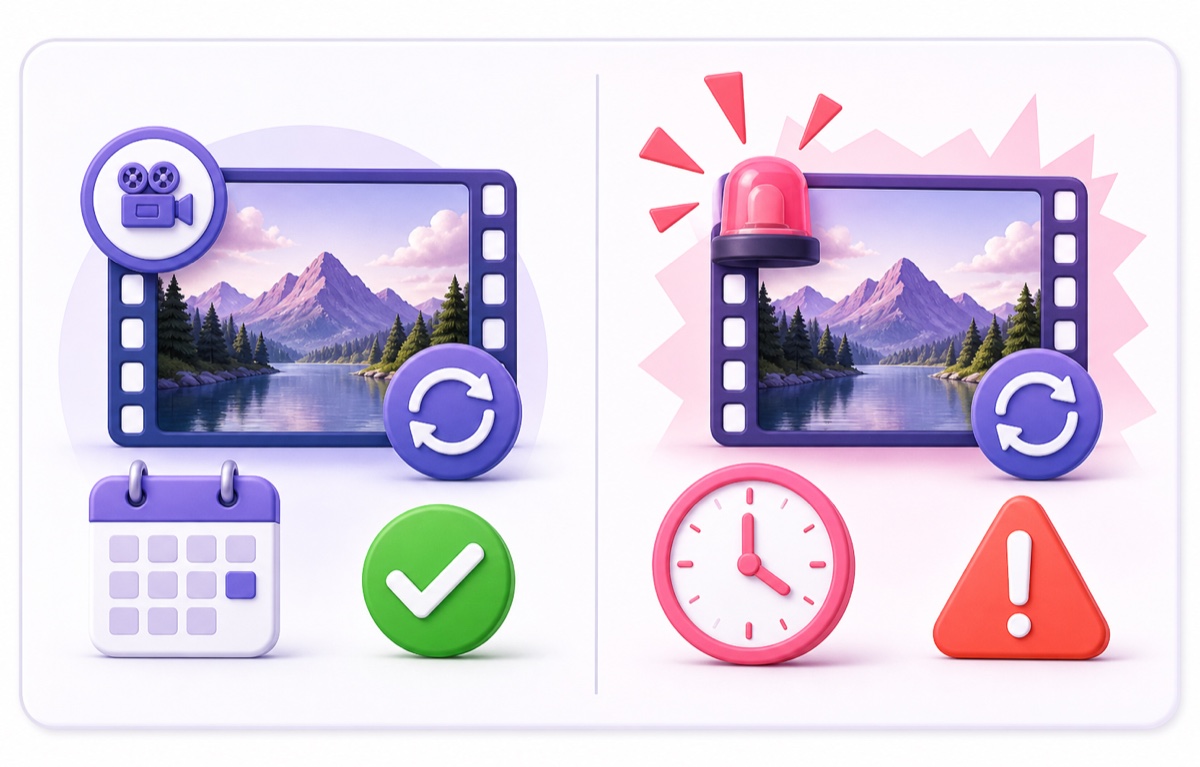
Do not copy a YouTube loop to Facebook and assume the rules match. Meta’s current Facebook Live Policies say that pre-recorded material in a Live broadcast must be clearly marked as pre-recorded. The same page separately says Facebook Live should not be used for looping videos, static images, or poll-only videos, and gives a continuously repeated 20-minute clip as an example.
That is stronger than YouTube’s position. An honest label fixes the disclosure issue, but it does not turn a pure repeating clip into an acceptable Facebook Live format. If your programme is just one finished video, publish or schedule it as an ordinary video instead. If you send a genuine continuous programme containing recorded segments, mark those segments and keep the overall broadcast from becoming the prohibited loop described in Meta’s rule.
In short: a disclosure is required for pre-recorded Facebook Live content, and a pure loop is the wrong format there.
Twitch has an explicit rerun workflow
Twitch allows non-live content on a channel, but its current On-Demand Content guide is more prescriptive about labelling. For a rerun sent from an encoder, Twitch tells creators to select the Rerun checkbox in Edit Stream Info, put [Rerun] at the start of the title, and add the same marker to the Go Live notification.
That is not a hidden recommendation: it is the first-party rerun workflow Twitch currently documents. Twitch’s guide calls reruns non-live content and explains that failing to label them can damage community trust because viewers otherwise expect a live streamer. The current page documents reruns; it does not support relying on an old “Premiere” feature claim.
Facebook has the harsher rule for pure loops, while Twitch has the more explicit multi-part rerun label. If Twitch is one of your destinations, follow its exact rerun steps and read the full pre-recorded Twitch setup guide before pushing the file.
What an honest setup looks like end to end
- Start with rights. Use footage, graphics, voice, and music you created or have permission to live-stream repeatedly. A standard music subscription or upload licence may not cover continuous broadcasting.
- Prepare a truthful title. Use “continuous,” “replay,” or the recording date where needed. Do not imply a person is currently present if they are not.
- Add one description note. State that the programme is recorded and repeating. If chat coverage is limited, say when someone actually responds.
- Use the platform’s correct format. YouTube can receive an encoder-driven replay; Facebook should not receive a pure loop; Twitch reruns need its documented labels.
- Test before going public. On YouTube, create an Unlisted event in Studio → Create → Go live → Stream, connect the encoder, and watch an entire loop transition.
- Remove manufactured pressure. Do not add fake countdowns, fabricated viewer totals, fictional “limited spots,” or giveaways nobody can win.
An always-on chat also needs expectations. If nobody is watching messages at 4 a.m., do not promise instant replies; state moderation hours and configure automated safeguards. The practical controls are covered in the always-on chat moderation guide.
The four ways loop channels actually fail
1. Copyright. YouTube scans live streams for third-party material. Its live copyright guide says a matching feed may be replaced, interrupted, or terminated. Your own footage can still contain music, sports, TV, stock, or guest material you are not cleared to rebroadcast.
2. Deceptive metadata. A truthful recording becomes risky when a title, thumbnail, or description falsely claims a current event, real-time presence, endorsement, or prize. Fix the promise, not merely the encoder settings.
3. Spam-farm patterns. YouTube’s spam policy prohibits automated or synthetic mass production used to flood the platform with similar content. One useful continuous programme is not the same as a network of minimally changed channels manufactured only to manipulate reach.
4. Monetisation review. Existence on YouTube and eligibility for revenue are different decisions. Current YouTube channel monetisation policies require original, authentic content and reject mass-produced or repetitive channels that add little value. A channel may remain online yet fail or lose monetisation review.
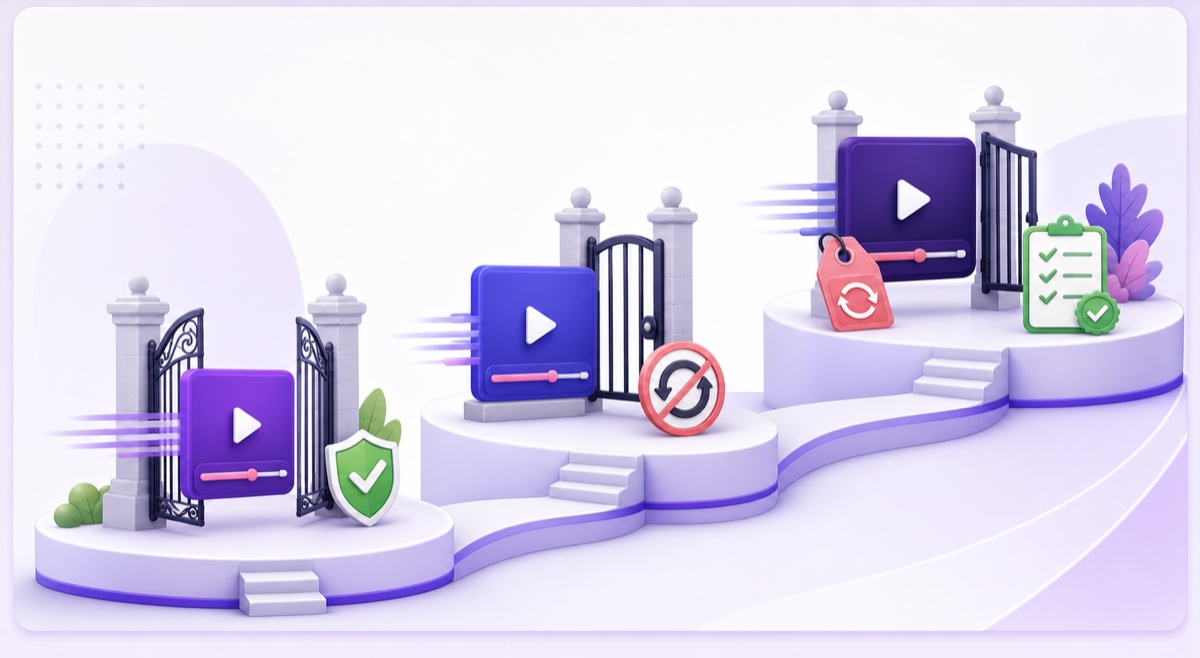
Only the second door directly turns on whether viewers are being deceived by the “live” presentation. Copyright is about rights, spam enforcement is about abusive patterns, and monetisation is a separate quality and originality review. For the deeper policy map, read what YouTube allows for 24/7 loops and the monetisation guide.
If you are rebroadcasting your own content honestly, StreamNeo provides the cloud encoder so the loop does not depend on your laptop. Start free — 24-hour trial, no card. You can also review current pricing before creating a stream.
More from the journal: 24/7 YouTube Streaming: The Complete 2026 Guide · Can You Run a 24/7 Live Stream on TikTok? What Is Actually Possible · Multiple Broadcasts, One Channel: Managing Concurrent 24/7 Streams · Playlists, Chapters and the Watch Page: Making a 24/7 Loop Discoverable
FAQ
Is streaming a pre-recorded video as live against YouTube’s rules?
Not by itself. YouTube’s current encoder documentation even lists a verified encoder described for 24/7 pre-recorded streams. The content must still follow Community Guidelines and copyright rules, and the metadata must not mislead viewers about what they are watching.
Do I have to say it is pre-recorded?
YouTube’s current spam policy does not prescribe a universal label for every recorded feed. Even so, “replay,” “24/7 continuous,” or “recorded on [date]” removes a major misunderstanding at almost no cost and is the safer publishing pattern.
Is it the same on Facebook and Twitch?
No. Meta requires pre-recorded portions of Facebook Live broadcasts to be marked and says Facebook Live should not be used for looping videos. Twitch’s current rerun instructions call for its Rerun checkbox plus [Rerun] in both the stream title and Go Live notification.