
A temple darshan live stream can keep a sacred place accessible when distance, health, age, or timing makes a visit difficult. But a technically live broadcast made from recorded footage needs two things before it needs a camera: the temple’s written permission and a clear promise to viewers that the images are recorded.
This playbook is for a temple committee member, priest’s family, or authorised volunteer. It covers the consent conversation, a simple recording setup, a varied loop, safe donation handling, and a practical path to running approved footage around the clock.
Who a 24/7 darshan stream serves
Start with seva, not reach. A round-the-clock stream can serve a homebound elder who follows daily darshan, a devotee recovering from illness, or a family abroad whose evening falls during the temple’s closed hours. It also gives people a quiet point of connection outside crowded festival days.
A loop is useful precisely because it removes the timezone problem. An NRI family in London or New Jersey does not need the temple to reopen for their local evening; they can watch an approved recording when it suits them. That convenience does not make the recording current, however, so accessibility and honesty must travel together.
Decide the service promise before filming. Is this a general darshan loop, a daily morning recording uploaded later, or a festival replay available for a fixed period? A narrow, truthful promise makes the channel easier for both the trust and devotees to understand.
Rights and permission are the foundation
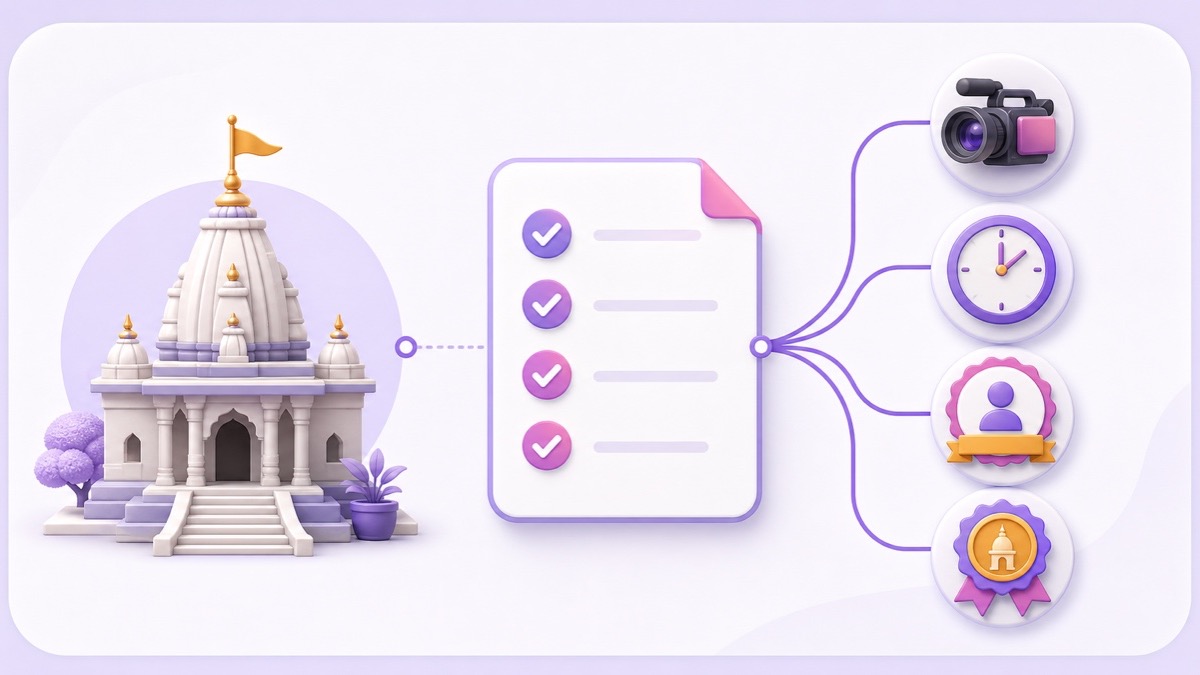
Get written permission from the temple trust or management before filming or streaming anything. A priest’s verbal encouragement or a volunteer’s access to the premises may not be authority to approve a public broadcast. Many temples restrict photography of the deity or inner areas, and some already have an exclusive media arrangement.
Ask who can sign on behalf of the trust, then record the decision in a letter or email. The conversation should settle:
- Scope: which areas, deity views, rituals, decorations, people, and ambient audio may be recorded—and what must never appear.
- Timing: permitted filming windows, festival exceptions, the approval period, and when the arrangement will be reviewed.
- Use: the approved channel and platforms, whether editing and 24/7 looping are allowed, the required temple name and credit, and who may retain the raw files.
- Money and control: whether monetisation is permitted, whether official donations may be mentioned, and who can request a correction or withdrawal.
Permission from the temple also does not automatically clear every element in the recording. A contracted singer, visiting performer, recorded bhajan, or copyrighted background music may have separate rights. Capture natural ambience where approved, and confirm rights for any performance that will remain in the loop. The related devotional channel rights guide explains why owning a composition and owning a specific recording are different.
Do not capture another temple channel’s YouTube feed and relay it from your account—even if your purpose is devotional and you add credit. YouTube says live streams are scanned for third-party content and a matched broadcast may be interrupted or terminated. Its official live-stream copyright guidance also warns that licensed material can be interrupted if the channel has not been allowlisted by the rights holder. Use footage your authorised team recorded, with every necessary permission documented.
Simple rule: no written temple approval, no filming; no rights to a recording, no streaming it.
Label recorded darshan honestly
A 24/7 encoder can be live while the pictures it sends are recorded. Tell viewers both facts. Never suggest that a previously captured shringar, aarti, or crowd is happening at the temple at that moment.
Use a title such as “Shri [Temple Name] Darshan • 24/7 Recorded Loop”. Put a first-line disclosure in the description: “Previously recorded with permission; this is not a real-time temple camera.” Add a persistent, readable “Recorded darshan • loop” overlay in the video itself. If relevant, state the recording month or festival without implying that it is today.
Avoid thumbnails or descriptions that say “right now,” “today’s aarti,” or “direct from mandir” unless the footage is truly real-time and the wording is authorised. YouTube’s spam and deceptive practices policy prohibits metadata designed to mislead viewers. Clear labelling also protects the trust that makes a devotional channel worth returning to. For a broader policy view, read what YouTube allows on 24/7 loops.
Film darshan well with simple gear
An approved phone on a stable tripod is enough to begin. Clean the lens, switch off notifications, lock focus and exposure after framing, and record horizontally at a consistent resolution and frame rate. A steady wide view is more respectful and easier to watch than constant zooming or handheld movement.
Ask the temple representative to approve the frame before the ritual starts. Keep restricted areas out, avoid identifiable devotees unless their appearance is covered, and leave a clear movement path around the tripod. Do a short test for clipped aarti audio, fan hum, harsh loudspeaker distortion, flickering lights, and overexposed flames.
Record useful variants instead of one endlessly repeated shot: the permitted morning shringar, a quiet doorway or exterior, an approved aarti segment, and an evening view. Let natural bells and aarti audio breathe where the rights are clear. Avoid adding unrelated commercial music just to fill silence.
Before packing up, capture ten seconds of stillness at the beginning and end of each view. Those handles make clean transitions easier. Back up the original files, label them with the recording date and permission reference, and keep the signed approval with the project folder.
Build a respectful, reliable darshan loop
A useful base programme can run for 30–90 minutes. Arrange approved blocks in a calm order: opening temple view, morning darshan, a quiet interval, an aarti segment, and an evening view. Place rituals at natural programme points, but do not tie a recorded block to the wall clock in a way that makes it appear current.
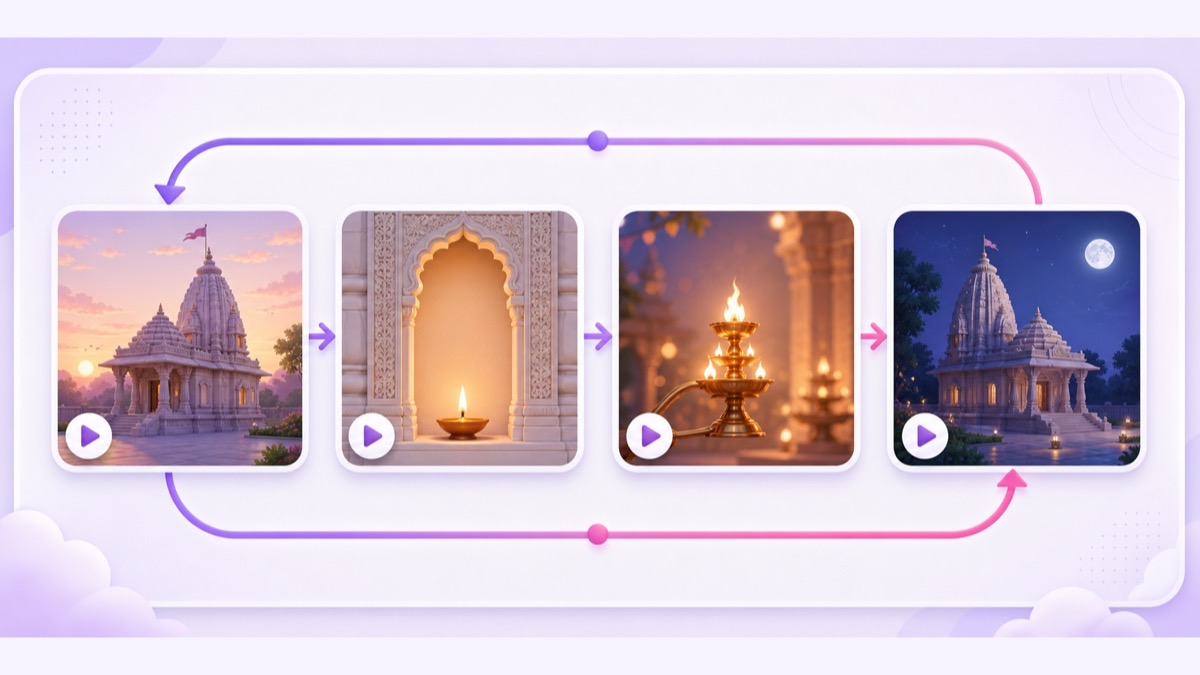
Export every file with matched resolution, frame rate, video codec, audio sample rate, and channel layout. Normalise obvious volume jumps, trim black frames, and test the final block returning to the first. The step-by-step looping playlist guide covers smooth multi-video sequencing.
To create the destination, open YouTube Studio → Create → Go live → Stream. Set the exact title, disclosure, thumbnail, category, and visibility, then copy the stream key without sharing it publicly. Start with an unlisted test and watch on a second phone: check the label, audio, transitions, and stream health before switching to public.
For an unattended setup, upload only the approved recordings to StreamNeo, arrange the loop, add the destination stream key, and start the stream. The cloud loop keeps running without leaving a volunteer’s PC switched on at the temple. Compare the available plans only after the trust has approved the ongoing workflow and responsibility.
Review the public page daily during the first week. Confirm that the overlay remains readable on a phone, the description still shows the disclosure before “Show more,” and no copyright warning or audio problem has appeared. Keep one committee contact and one technical contact responsible for changes.
Serve devotees beyond the video
Use the description as a verified information panel. Include the official temple name, location, visiting hours, dress or access guidance, official website, and a contact approved by the trust. Clearly separate real temple opening and aarti times from the recorded programme.
Show donation details only when the trust has authorised both the wording and the payment destination. Link only to the trust’s official website, verified account, or approved QR/UPI rail. Do not route temple donations through a volunteer’s personal UPI ID, and do not improvise a fundraiser because viewers ask in chat.
Pin a message that repeats “recorded darshan,” links official visitor information, and warns viewers to ignore payment requests posted by other accounts. Assign moderators, block impersonators and donation spam quickly, and keep chat rules simple: respect the space, no personal solicitation, no miracle claims, and no sharing private phone numbers.
If the channel will include chanting or scheduled aarti programmes, keep the formats distinct. The aarti and mantra streaming guide covers repetition, recording seams, and the trade-off around ad interruptions.
Grow in a way that fits a temple
Growth should extend access, not turn darshan into clickbait. Use the temple’s recognised name, city, language, and the honest format in the title. Make the thumbnail readable on a small phone: one approved temple image, high contrast, and very few words. Large Devanagari plus a short English or Hinglish line can help both local and NRI devotees when the trust approves it.
Create festival editions only from newly approved footage. Confirm filming scope again for crowded occasions, update the recorded date, and restore the regular loop after the festival period. A yearly permission letter should not be assumed to cover every special ritual or visiting performer.
A Facebook Page simulcast can help families who already follow the temple there; use the same disclosure and official donation controls on both destinations. The guide to streaming the same video to YouTube and Facebook explains the destination setup. Share one stable stream link through the temple’s official WhatsApp groups and noticeboard rather than repeatedly forwarding from personal accounts.
The strongest growth signal is trust: accurate information, calm moderation, authorised pictures, and a programme that changes when the temple genuinely has something new to share. That standard matters more than a temporary spike in viewers.
Start free — 24-hour trial, no card.
FAQ
Do I need the temple’s permission?
Yes. Get written permission from the temple trust or authorised management before filming or streaming. It should cover the view, rituals, timings, platforms, credit, monetisation or donations, and the approval period. Confirm separate rights for music or visiting performances captured in the recording.
Can I call it “live darshan”?
The broadcast transport may be live, but recorded footage must be labelled honestly. Use “24/7 recorded darshan” in the title, put the disclosure at the top of the description, and keep a readable recorded-loop label on screen. Do not imply that a recorded ritual is happening now.
Can I re-broadcast a temple’s existing YouTube feed?
No. That feed is someone else’s copyrighted stream, and credit or devotional intent does not grant re-broadcast rights. Record your own footage only after written temple approval, or obtain a specific licence from the rights holder and follow YouTube’s allowlisting guidance.