A podcast archive can keep working after its first week in the feed. Turn selected episodes into a programmed YouTube live stream and a new listener can drop in at any hour, hear a useful five-minute stretch, and decide whether the show deserves a subscription.
This is not a reason to dump every MP3 into one endless shuffle. A good podcast radio channel has cleared rights, consistent visuals, deliberate programming, and a clear path back to the original episodes. Here is how to build that station from a catalog you already own.
Why a back catalog makes a radio station
Podcast episodes are naturally modular. Each interview, story, lesson, or debate has a beginning and end, so several episodes can become a broadcast block without cutting the conversation into fragments. A listener joining halfway through behaves much like someone tuning into FM radio: they sample what is playing, stay if it is relevant, and identify the show afterward.
The live format gives old work another doorway. Searchers may find the broadcast title, channel visitors see that something is on now, and existing subscribers have a shared place to listen and chat. That mechanism can improve discovery, but it does not guarantee more views or downloads. The topic, packaging, rights, and listening experience still decide whether anyone stays.
Start with the part of the archive that still helps today. Ten excellent evergreen episodes are more useful than forty episodes containing expired offers, broken links, or old news. Before adding an episode, ask three questions: Is the advice still accurate? Would a first-time listener understand it without the original release context? Would we be comfortable presenting it today?
Clear the rights before you rebroadcast
Your voice and your original recording are only the beginning of the rights check. A podcast episode may also contain music, a guest performance, licensed clips, artwork, or audio supplied by a partner. Livestreaming that complete mix is a new use to confirm, not an automatic extension of every podcast license.
- Intro, outro, and bed music: read the license you actually bought. Look for coverage of YouTube, monetized use, livestreaming, continuous broadcasting, and Content ID. If the terms only mention podcast distribution or ordinary uploaded videos, ask the licensor in writing or replace the track.
- Guests and co-hosts: check that the release or contributor agreement covers distribution and rebroadcast on video and live platforms. If the language is vague, a short written confirmation is better than an assumption.
- Clips and samples: a film clip, news excerpt, song sample, or archival recording follows the same copyright rules inside a live loop as it did in the original episode. Repetition does not make an uncertain use safer.
- Show art and fonts: confirm that commissioned art, stock assets, and typefaces permit commercial video use. Keep the license, invoice, and source files together.
Do not treat a successful podcast-platform upload as proof that YouTube livestream rights are cleared. Automated enforcement and rightsholder choices can differ by platform. Keep a simple rights sheet with one row per episode and columns for music, guest release, third-party clips, visual assets, and approval evidence. For the wider risk picture, read the honest guide to copyright claims on 24/7 loops.
Clean rule: if you cannot point to ownership or written permission for every recurring element, repair the episode before it enters the station.
Turn audio into video, simply
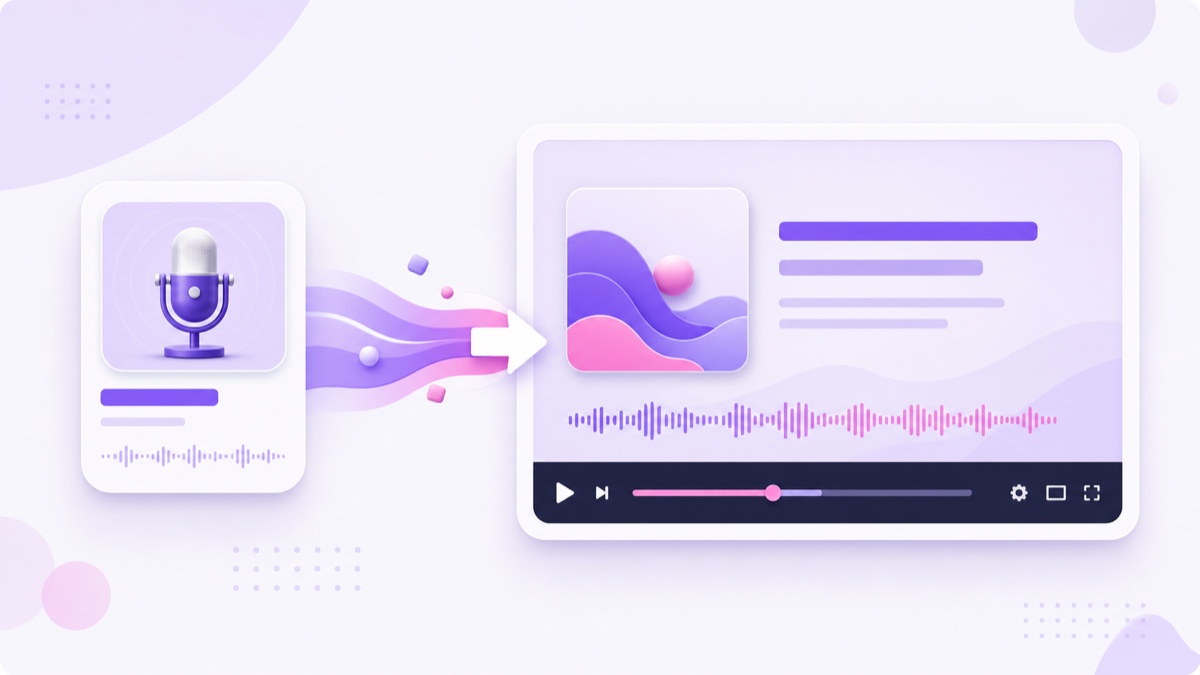
YouTube needs a video signal, so give every episode a restrained visual wrapper. A practical template contains square show art, the episode title, a subtle waveform or progress indicator, and enough contrast to remain readable on a phone. Movement should confirm that the stream is active without competing with the conversation.
- Build one master canvas. Use a 1920×1080 timeline in the editor you already know. Place the show art, reserve a wide title area, and add a low-motion waveform or progress bar.
- Normalize the listening experience. Match perceived loudness across episodes, remove unusually long pre-roll gaps, and listen for clipped intros or abrupt endings. Do not crush every guest into artificial loudness; the goal is consistency.
- Duplicate, then replace. Create one copy of the template per episode, change the title and audio, and update any guest image only when you have permission to use it.
- Export uniform files. MP4 with H.264 video and AAC audio is a dependable default. Keep resolution, frame rate, sample rate, and channel layout consistent across the batch so transitions do not trigger avoidable re-encoding problems.
- Inspect the seams. Play the final seconds of one file directly into the next. Remove duplicated intros, loud sponsor stings, dead air, or a sudden visual flash before publishing.
If you have dozens of episodes, render a pilot batch of ten rather than committing the whole archive. The workflow in the looping playlist guide shows how multiple uniform files can run with clean handoffs.
Program the station instead of dumping the archive
A random list ignores why people listen. Curate six to twelve hours of strong programming, then loop that block. The shorter rotation is easier to audit, gives each segment a purpose, and prevents weak archive material from appearing simply because it exists.
| Block | Purpose | Example length |
|---|---|---|
| Quick start | An accessible solo episode or short explainer | 30 minutes |
| Deep interview | A durable conversation with a clear topic | 60–90 minutes |
| Best-of pair | Two complementary archive episodes | 90–120 minutes |
| Themed block | Episodes grouped around one listener need | 2–3 hours |
| Newest episode slot | A predictable showcase for the latest release | Episode length |
Build around listener intent. A founder podcast could run sales conversations in the morning block, product stories in the afternoon, and hiring discussions later. A Hindi personal-finance show might separate beginner explainers from founder interviews so someone seeking basic guidance is not dropped into an advanced discussion without context.
Avoid placing five episodes with the same intro, ad, or call to action back-to-back. It sounds mechanical and can make old promotions feel current. Remove expired sponsorships when your agreement allows editing, or omit the episode if it cannot be presented accurately. Add an on-screen note and description disclosure when a date matters.
Choose a weekly ritual: review the newest episode, render its video, replace the oldest or weakest slot, and test the new transition. That small editorial decision is what keeps the station alive; automation should carry the signal, not decide the programming.
Build the radio-to-episodes flywheel
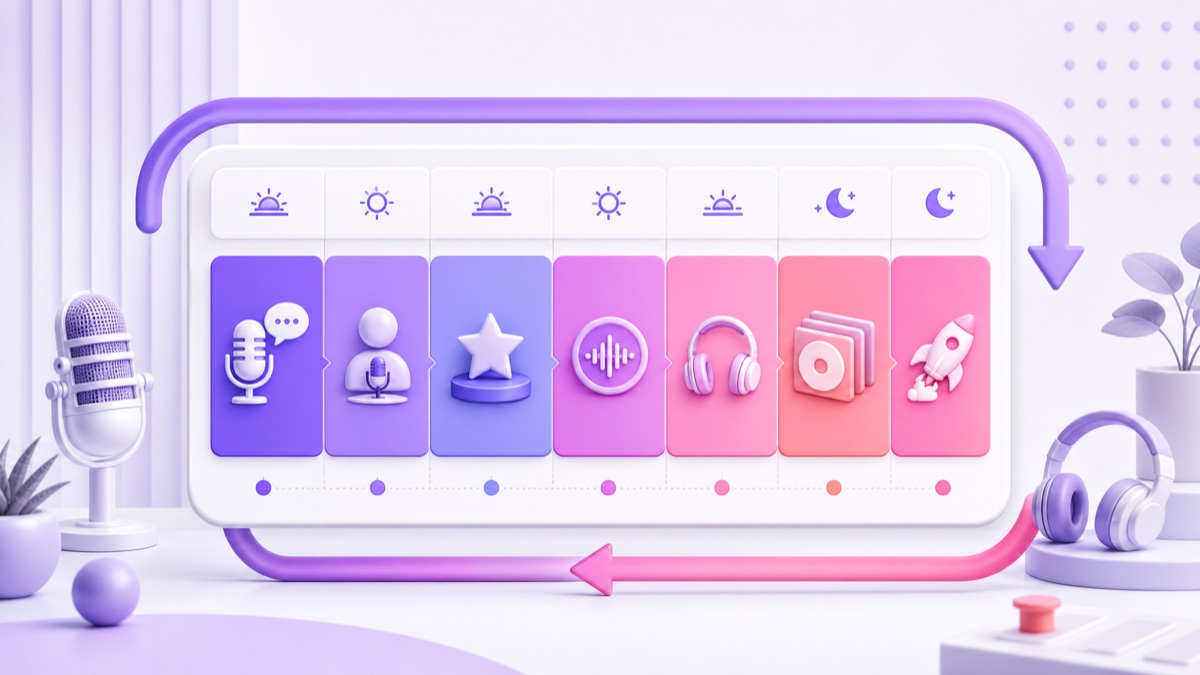
The live station is a discovery surface, not a replacement feed. Someone walking, working, or browsing YouTube may sample the radio casually; the same person may later choose the complete episode in a podcast app when they want chapters, show notes, or offline listening. Those are different moments, so cannibalization is not automatic.
Make the next step obvious. Keep a numbered index in the description with each episode title and its canonical listening link. Pin a chat message that names the episode currently playing, then update it when practical. Inside the video template, use a quiet line such as Full episode and resources in the description. Do not cover the guest or waveform with a permanent wall of links.
Use trackable links consistently. A source label such as youtube_live_radio in your analytics or UTM parameters separates radio referrals from ordinary channel traffic. Measure completed clicks, podcast follows, email signups, and comments asking about specific episodes. Concurrent viewers alone cannot tell you whether the station is feeding the show.
Keep the canonical episode pages current. If an old episode mentions a worksheet, guest website, or discount that no longer exists, update the linked notes or add a correction. The flywheel works only when the destination keeps the promise made by the broadcast.
YouTube podcast features and live radio do different jobs
You do not need to choose between a YouTube podcast and a live radio stream. According to YouTube's current podcast guidance, a podcast on YouTube is a playlist containing full-length episode videos. Eligible podcast playlists may receive podcast badges, YouTube Music availability, podcast discovery surfaces, search features, and podcast analytics.
For an audio-first show, YouTube's RSS ingestion is available in select countries and regions. It can create a static-show-art video for each chosen episode and upload new feed episodes automatically. You can also upload finished episode videos yourself, then use YouTube Studio → Content → Playlists → Options → Add podcast features for the full-episode playlist.
Those tools serve on-demand listeners. The live radio adds a current watch page, an active live state, and live chat where eligible. Keep the objects separate: use the podcast playlist for complete episode videos in the intended order, and use one live broadcast for the curated station. A clips playlist, promo Shorts, or continuous live channel should not be mixed into the full-episode podcast playlist.
They can still reinforce each other. Link the podcast playlist from the live description, feature the radio from the channel home page, and send radio listeners to the exact full episode they heard. Review podcast analytics and live analytics separately before judging the combined strategy.
Launch with ten episodes and a weekly insertion habit
Ten cleared, rendered episodes are enough for a serious first version. Before launch, run this checklist from top to bottom:
- Confirm the music license, guest permission, clips, show art, and sponsor status for every selected episode.
- Render all ten files from the same 1080p template and name them in programmed order.
- Watch each opening and ending, then test every file-to-file transition.
- Build a six-to-twelve-hour rotation with at least one best-of block and one slot reserved for the newest episode.
- Write the live description with the replay disclosure, episode index, canonical links, and one primary follow action.
- In YouTube Studio → Create → Go live → Stream, create the broadcast, add its title and thumbnail, choose the audience setting, and start with Unlisted.
- Copy the stream key only into the trusted sender. Treat it like a password; never paste it into chat, a shared document, or a screenshot.
- In StreamNeo, upload the ten MP4 files, arrange the playlist, connect the YouTube destination, and start the unlisted test. The prepared radio then runs from the cloud without leaving a PC awake.
- Listen on a phone over mobile data for at least one transition. Check voice level, title readability, description links, and the YouTube Live Control Room for stream-health warnings.
- Make the broadcast public only after the test passes. Put the next weekly insertion date on your calendar before announcing the station.
The full YouTube-side setup is covered in the pre-recorded video as live guide. If monetization is part of the plan, read the 24/7 loop monetization guide before assuming that long airtime alone creates eligibility or revenue.
Each week, render the new episode, verify its rights, place it in the featured slot, and remove one stale item if the rotation is getting bloated. StreamNeo lets you maintain that playlist from the dashboard while the radio keeps running, so the recurring job is editorial rather than keeping a streaming computer alive.
See the current options on the StreamNeo pricing page. When the ten-episode pilot is ready, start free — 24-hour trial, no card.
More from the journal: How to Build a 24/7 News Channel From Your Own Bulletins · Regional Language News Loops: Building for Bharat, Not Metro English · How to Reach 1,000 Subscribers With an Always-On YouTube Channel
FAQ
Will my podcast music license cover a livestream?
Maybe, but the podcast license itself is not enough evidence. Check the specific agreement for YouTube, livestreaming, continuous use, monetization, and Content ID terms. If coverage is unclear, ask the licensor in writing or replace the intro and bed music before broadcasting.
Do I need video for each episode?
Yes, YouTube receives a video signal, but you do not need to film every conversation again. Create one 1080p template with show art, the episode title, a restrained waveform, and a progress bar, then duplicate it and render one MP4 per episode. A batch of ten is manageable in an afternoon once the template is approved.
Will the radio eat my episode downloads?
It serves a different listening moment: casual YouTube sampling versus an intentional episode play in a feed or podcast app. Use the on-screen prompt, description index, pinned chat, and trackable links to send interested listeners to the canonical episode. Then compare referral clicks and follows instead of guessing from live views.