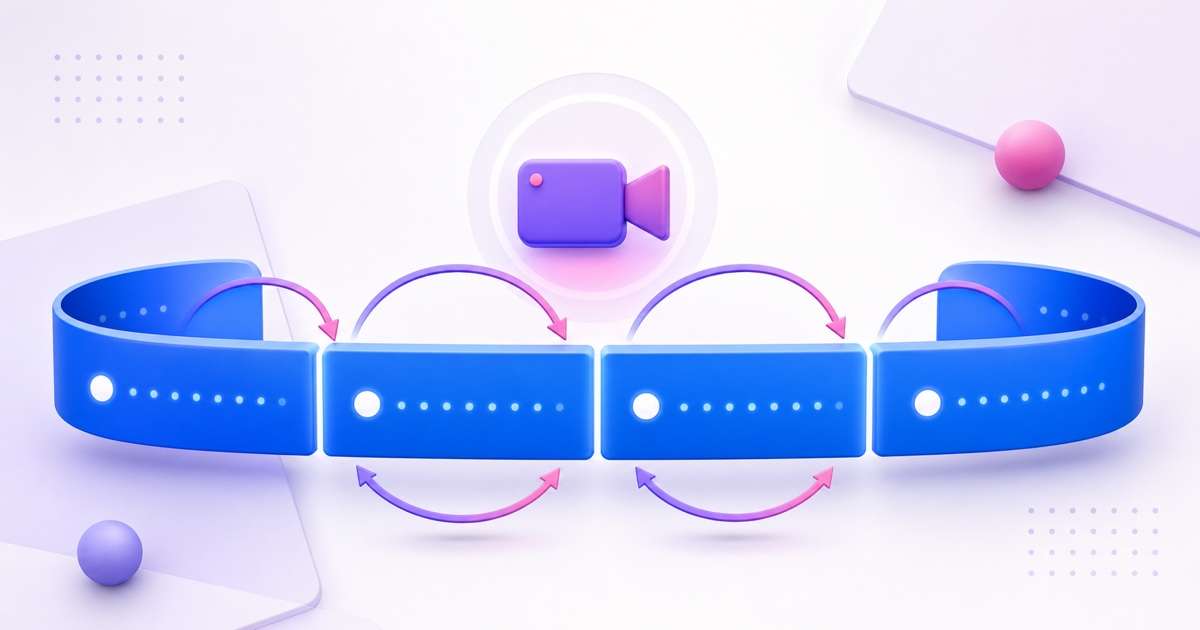
A Facebook Page can look live throughout the day, but one Facebook Live broadcast does not run forever. The continuous presence is built from separate broadcasts, each with its own post, comments, reactions, and viewer session.
That distinction matters before you promise a 24/7 devotional feed, radio-style show, class replay, or shop window. Plan for the platform boundary first; then choose an encoder or cloud service that can make each handoff predictable.
Fast answer: As of 26 July 2026, Meta lists an 8-hour maximum for a standard Facebook Live stream. Select approved premium partners, gaming creators, and media organisations may receive a longer limit, typically 12 hours. Everyone else should design a continuous Facebook presence as a series of cleanly restarted broadcasts.
The Facebook Live cap in 2026, stated precisely
Meta's current video format guidelines for Facebook Live set the standard maximum duration at 8 hours per stream. The same page says this limit applies to streams sent from computers, mobile devices, external streaming software, and the Live API.
The source does not publish a general higher limit just because the destination is a Page instead of a profile. It does describe an exception for selected premium partners, gaming creators, and media organisations, whose approved streams may typically run for up to 12 hours. Treat that as an account-specific approval, not a setting you can switch on.
- Most creators: plan around an 8-hour ceiling.
- Specifically approved accounts: use the duration shown for that account, which may be 12 hours.
- Pages, profiles, mobile, desktop, and external encoders: do not assume the publishing surface removes the standard cap.
- Third-party streaming tools: cannot override Meta's assigned duration.
If your dashboard or Live Producer shows a different assigned limit, follow the number Meta displays for that broadcast. Platform rules can change, so recheck the official specification before a long event rather than relying on an old forum answer about a four-, eight-, or twelve-hour limit.
What happens when you hit the time limit
At the assigned limit, Facebook ends that broadcast. The live video becomes a finished post on the profile, Page, group, or event where it was published. Meta's streaming-software instructions confirm that a video remains as a post after the stream ends.
Your next broadcast is a new live post. It gets a new post identity and starts a fresh live session, so concurrent viewers, live comments, and reactions do not carry into it as one uninterrupted room. The previous post may remain available as a replay under Meta's current retention rules, but it is no longer the active live destination.
This is different from the workflow many creators use on YouTube, where a reusable stream setup can preserve one watch-page URL across encoder restarts. If that stable URL is central to your channel, read the guide to restarting a YouTube stream without losing its watch page.
Do not wait for a forced ending and hope the encoder invents a replacement post. A graceful plan stops before the deadline, prepares the next Facebook Live destination, reconnects, and verifies that viewers can see the new post.
How continuous Facebook Live channels actually work
A “24/7 Facebook Live” Page is normally using broadcast cycling. One broadcast runs, ends cleanly, and is followed by another. The content can keep looping at the encoder, but Facebook still sees distinct live posts.
- Prepare the next broadcast. Create or schedule its live post, choose the audience and Page, and confirm the title.
- End the current broadcast before its cap. Leave a safety margin instead of aiming for the final second.
- Reconnect the encoder. Use the reusable key or the new key assigned to the prepared broadcast.
- Confirm the new post is live. Check from a second device and a viewer account, not only from the encoder screen.
- Update discovery points. Replace stale pinned links and direct moderators to the current post.
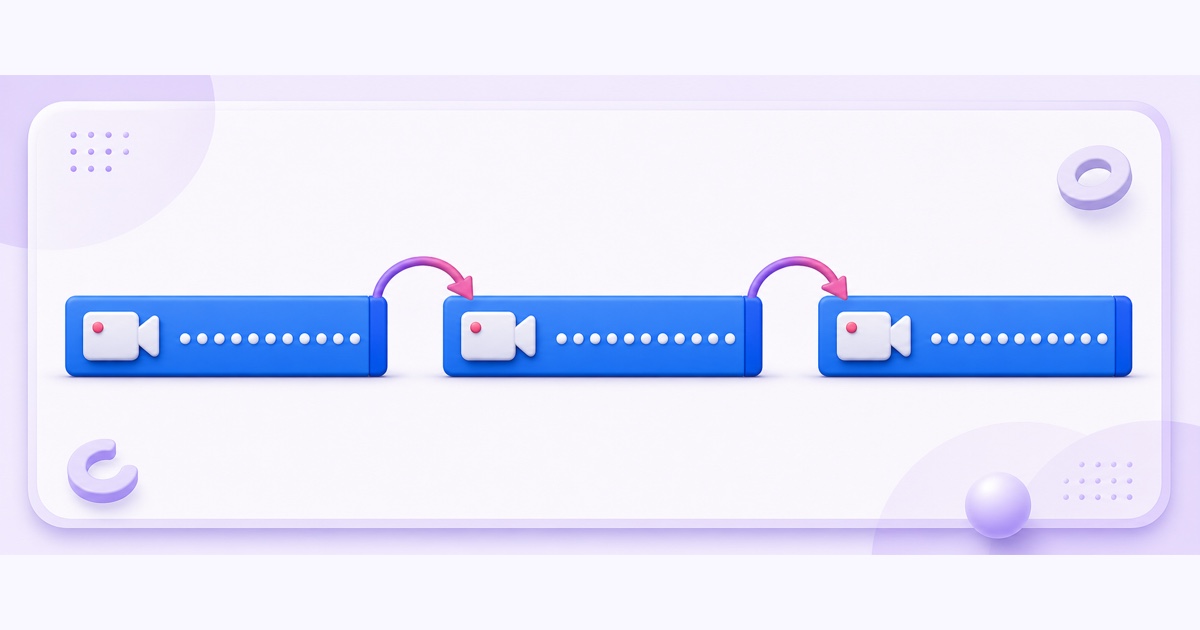
Good automation watches both sides of the handoff. It should know that the outgoing encoder stopped, that Facebook accepted the incoming stream, and that the replacement post is actually live. Reconnecting FFmpeg is not enough if no new Facebook live post has been created or armed.
The honest viewer experience includes a short gap. Some regulars will return through Page notifications or a pinned post; others will need to tap the new live post. Calling this an unbroken feed sets the wrong expectation. A better promise is a reliable, clearly scheduled series of live cycles.
If a broadcast ends well before the planned boundary, treat it as a fault rather than a duration cap. Work through the common reasons Facebook Live keeps stopping before changing the cycle schedule.
Design a reliable cycle schedule
Start with the actual cap assigned to your account, then subtract a safety buffer. For an 8-hour limit, a practical operating window might be 7 hours 50 minutes. That buffer gives your workflow time to finish the outgoing post rather than colliding with Meta's automatic ending.
A standard account needs at least three cycles to cover a full day. One example in India is 05:00–12:50 IST, 13:00–20:50 IST, and 21:00–04:50 IST. The exact times should follow your own Insights; choose boundaries where a brief interruption affects the fewest people.
Make every restart look intentional
- Publish the timetable: put the three daily windows in the Page bio, About section, or a recurring schedule post.
- Use honest titles: “Morning bhajans live | 05:00–12:50 IST” is clearer than pretending one post never ends.
- Add a handoff slate: the last 30–60 seconds can tell viewers that the next live post will appear on the Page shortly.
- Assign a moderator: during important cycles, have someone post the replacement link in the outgoing comments before ending.
For Page discovery, Meta allows posts and recent videos to be pinned in the Featured section. After each restart, pin or move the current live post to the front and remove the stale one. Labels vary between desktop and mobile, so train moderators on both surfaces.
Scheduled Facebook Live events can help with planned sessions. Meta explains that scheduling creates an announcement post and, at airtime, a separate live video post. For a high-frequency always-on Page, test the workflow privately first; several daily announcements may be noisier than one clear timetable and an actively maintained Featured section.
Crossposting controls and eligibility change by account and destination. Do not make them a dependency unless the option is present and tested for your Pages. When you need both platforms, independent destinations are easier to reason about; this guide shows how to stream the same video to YouTube and Facebook.
Use a stream key that survives the handoff
Facebook Live Producer offers a standard stream key and, under Advanced Settings, a persistent stream key. Meta says standard keys cannot be reused, while a persistent key can be used again for future streams. Meta allows that persistent key to feed just one live video at any moment.
That reusable key removes one fragile copy-and-paste step, but it does not remove the duration cap and does not create the next post by itself. You still need a prepared Facebook Live broadcast and a deliberate encoder handoff. Follow the complete Facebook stream key and RTMPS setup before testing cycles.
Use a repeatable naming system
Give each live post a useful audience-facing title and keep operational details in your own checklist. For example, the public title can be “24/7 study music — evening session”, while your internal record says “FB cycle B | 13:00 IST | persistent key | moderator: Asha”.
Never paste the key into a title, note shared with viewers, screenshot, or support message. Anyone holding it can send video to your destination. Store it only in Live Producer and your encoder or trusted cloud-streaming dashboard.
Facebook vs YouTube for always-on channels
The platforms can carry the same programme, but their always-on structures are different. Facebook is built around feed posts and repeated live discovery; YouTube is usually the stronger anchor when one long-lived watch URL matters.
| Decision | Facebook Live | YouTube Live |
|---|---|---|
| Continuous structure | Separate live posts in timed cycles | One reusable stream setup can retain a watch page |
| Viewer handoff | Audience opens the newest live post | Viewers can return to the familiar watch URL |
| Engagement | Comments and live viewers restart with each post | Watch-page continuity can survive encoder restarts |
| Best role | Feed reach, community touchpoints, scheduled sessions | Primary always-on destination and stable link |
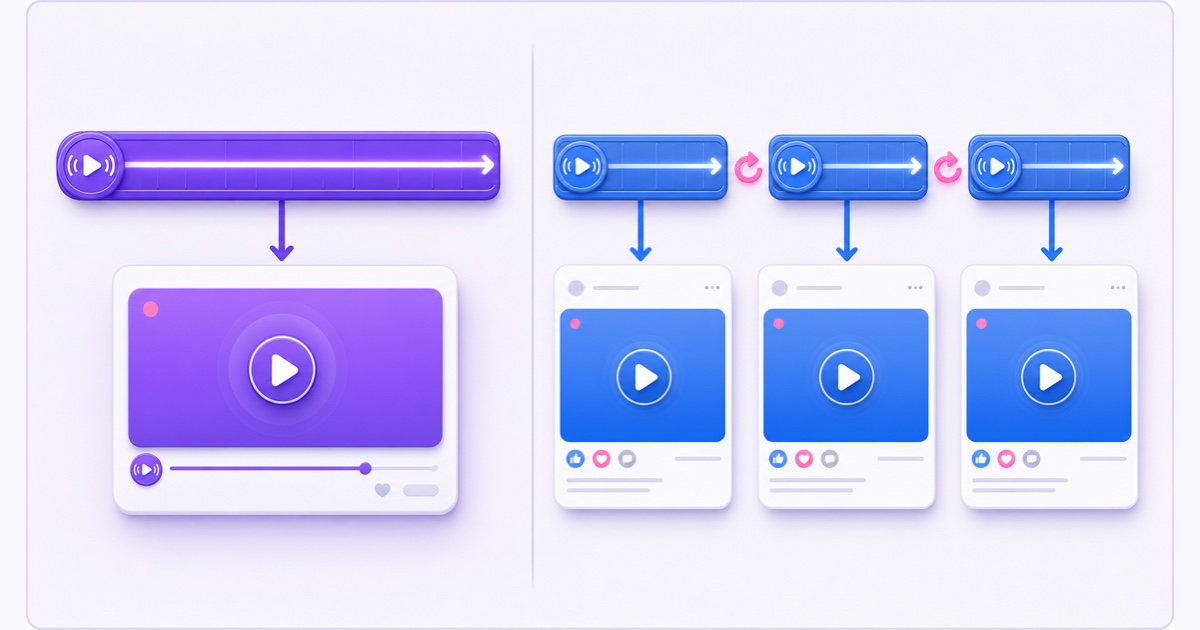
A practical split is to anchor the always-on channel on YouTube and run Facebook in honest, scheduled cycles for Page reach. That avoids forcing both platforms into the same model. If your audience lives mainly on Facebook, cycles can still work well; make the timetable and current-post link impossible to miss.
StreamNeo can take your owned prerecorded video and loop it from the cloud while your PC is off, but only to YouTube: it accepts a YouTube stream key and no Facebook key, so it does not remove Meta's limit or create a new Facebook live post at each 8-hour boundary. Prepare the Facebook side of every handoff and verify it in your own account before relying on an unattended schedule.
For the broader setup, use the complete Facebook 24/7 streaming guide. If an always-on YouTube channel is part of the same plan — the one destination StreamNeo publishes to — review StreamNeo pricing or start free — 24-hour trial, no card.
More from the journal: Why Your 24/7 Stream Buffers for Viewers but Not for You · The First 30 Days of a 24/7 YouTube Channel: A Day-by-Day Plan · YouTube Monetisation Requirements in 2026: The 24/7 Streamer’s Version
FAQ
How long can one Facebook Live run?
As of 26 July 2026, Meta lists an 8-hour maximum for a standard Facebook Live stream. Some specifically approved premium, gaming, and media accounts may have a longer assigned limit, typically 12 hours. When the assigned duration is reached, the broadcast ends.
Can I avoid the restart?
No encoder, stream key, or cloud service can extend the limit assigned by Meta. For a continuous Page presence, plan a clean end, create or arm the replacement live post, reconnect the encoder, and verify the new post.
Does each cycle lose my viewers?
The live post resets, so viewers are not carried into the new post as one continuous concurrent audience. Regulars can return through Page notifications, your Featured section, a published timetable, or a moderator's replacement link. Make the handoff obvious and consistent.