Your hard drive may already contain the raw material for an online studio: beginner classes, mobility sessions, strength workouts and short cool-downs. The problem is usually access. Students keep asking for the morning link, while you keep searching old chats and folders.
A continuous replay gives that library one dependable front door. Someone who practises at 5:30 a.m. can join the same channel as someone unwinding at 11 p.m. The setup can be simple, but only after you clear the music, consent and safety questions that become more important when a class repeats all day.
Why an always-on studio fits this niche
Fitness is driven by the viewer's routine, not the instructor's calendar. A 24/7 fitness channel on YouTube lets a student arrive when their home, work or family schedule permits. They do not need to reserve a slot or wait for you to press Go Live.
Joining halfway through is also normal in this format. A viewer may find a stretch already in progress, follow it for ten minutes and return for the next block. Make that behaviour easy: keep transitions calm, show the class type on screen and tell viewers when the next segment begins.
Think of the channel as a continuously open studio reception, not a replacement for your paid live teaching. Recorded classes offer a useful sample of your instruction. Scheduled sessions still provide correction, accountability and personal attention.
Clear rights before you clear a space on the schedule
Music is the first item to audit. A track that seemed harmless in one recorded Zoom class can trigger a claim when that recording is streamed publicly. In a loop, the same track returns every cycle, so the exposure is repeated rather than isolated.
Do not assume a music subscription, a purchased song or a platform's personal-use library covers a perpetual livestream. Check the licence for livestreaming, commercial use, territory and duration. If the permission is unclear, choose one of these routes:
- Re-record the class with music you created or properly cleared for continuous streaming.
- Mute and replace the music bed while keeping the instructor's voice intelligible and natural.
- Obtain the required licence and retain the invoice, terms and track list with your project files.
Use the practical checks in the guide to music you can legally stream 24/7 before exporting the block.
Then inspect the footage itself. Get written consent from any student who is recognisable. If the class was recorded at a studio, settle whether the instructor, studio or production partner owns the recording and branding. Named methods and branded sequences may have trademark rules too; describe your class accurately without implying an affiliation you do not have.
Safety copy is not optional
A fitness replay cannot see the viewer's injury, pregnancy, balance or training history. Put a short safety notice inside the video and a fuller version in the description. The on-screen version must remain readable on a phone and should appear at the start of every class, not only at the start of a two-hour file.
Practise within your limits. Stop if you feel pain, dizziness or unusual discomfort. If you are pregnant, injured or managing a health condition, seek appropriate professional guidance before taking part.
Adapt that wording to the activity and your qualified professional advice; it is not a substitute for safe programming. Avoid promises to cure a condition, guarantee weight loss or produce a medical result. Describe what the session contains—mobility, balance, strength or relaxation—without turning that description into a health claim.
This applies beyond the footage. YouTube says its medical misinformation policy covers videos, descriptions, comments and live streams. Review the title, description, pinned message and burned-in captions together, and answer injury questions in comments cautiously rather than diagnosing a stranger.
Structure the day as repeatable blocks
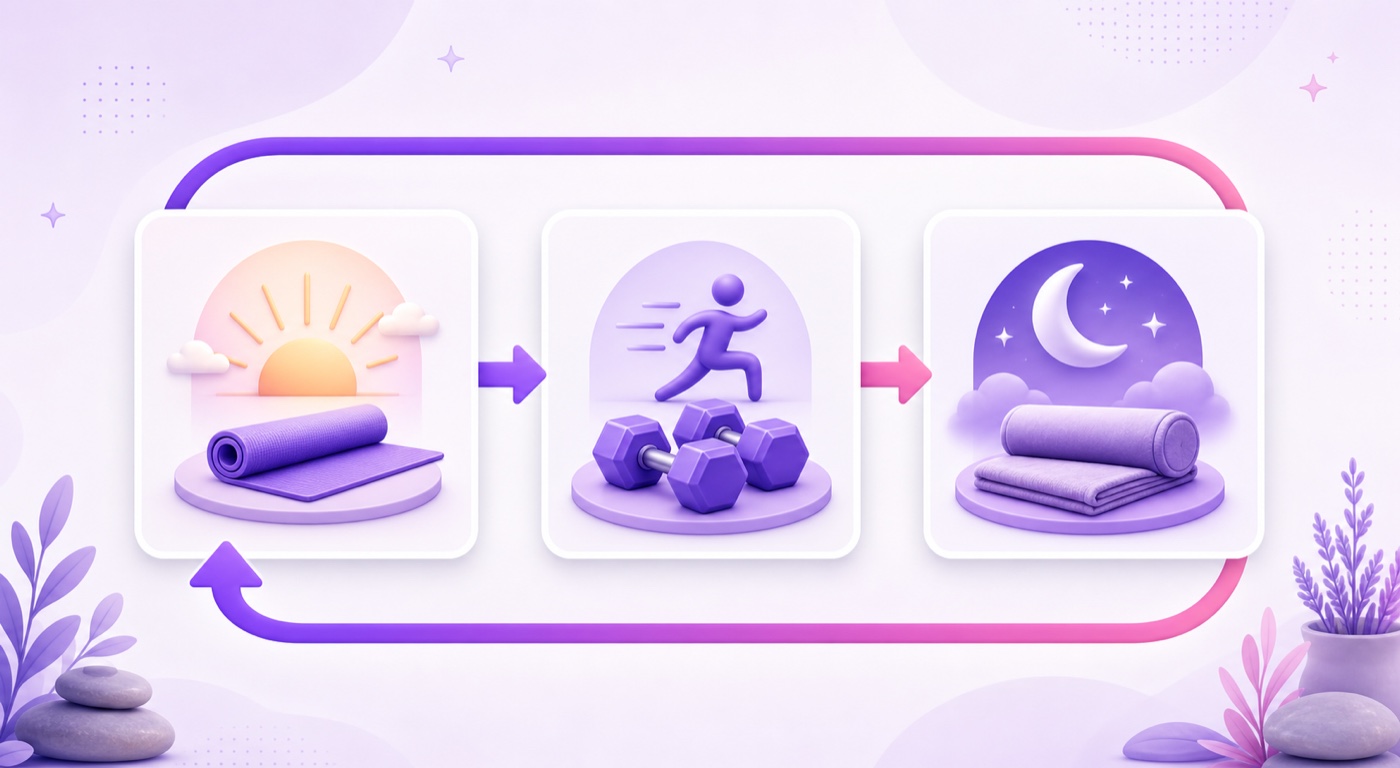
Start with three blocks that match real practice moments. For example, use a gentle 25-minute morning sequence, a 40-minute strength class and a 15-minute evening wind-down. Add five to ten seconds between them for the next class name, level and equipment list.
There is an important limitation: an ordinary video loop does not know the clock. Morning yoga will also play at night, and the wind-down will eventually appear at breakfast. You can accept that all blocks are available all day, render a full-day file in clock order, or use a scheduler that swaps files at set hours. The 24/7 stream scheduling guide explains the trade-off.
| Block | Example length | What to show before it starts |
|---|---|---|
| Gentle morning practice | 25 minutes | Beginner level, mat, modifications |
| Strength and mobility | 40 minutes | Level, equipment, rest guidance |
| Evening wind-down | 15 minutes | Low intensity, floor space, safety note |
Production that respects the practice
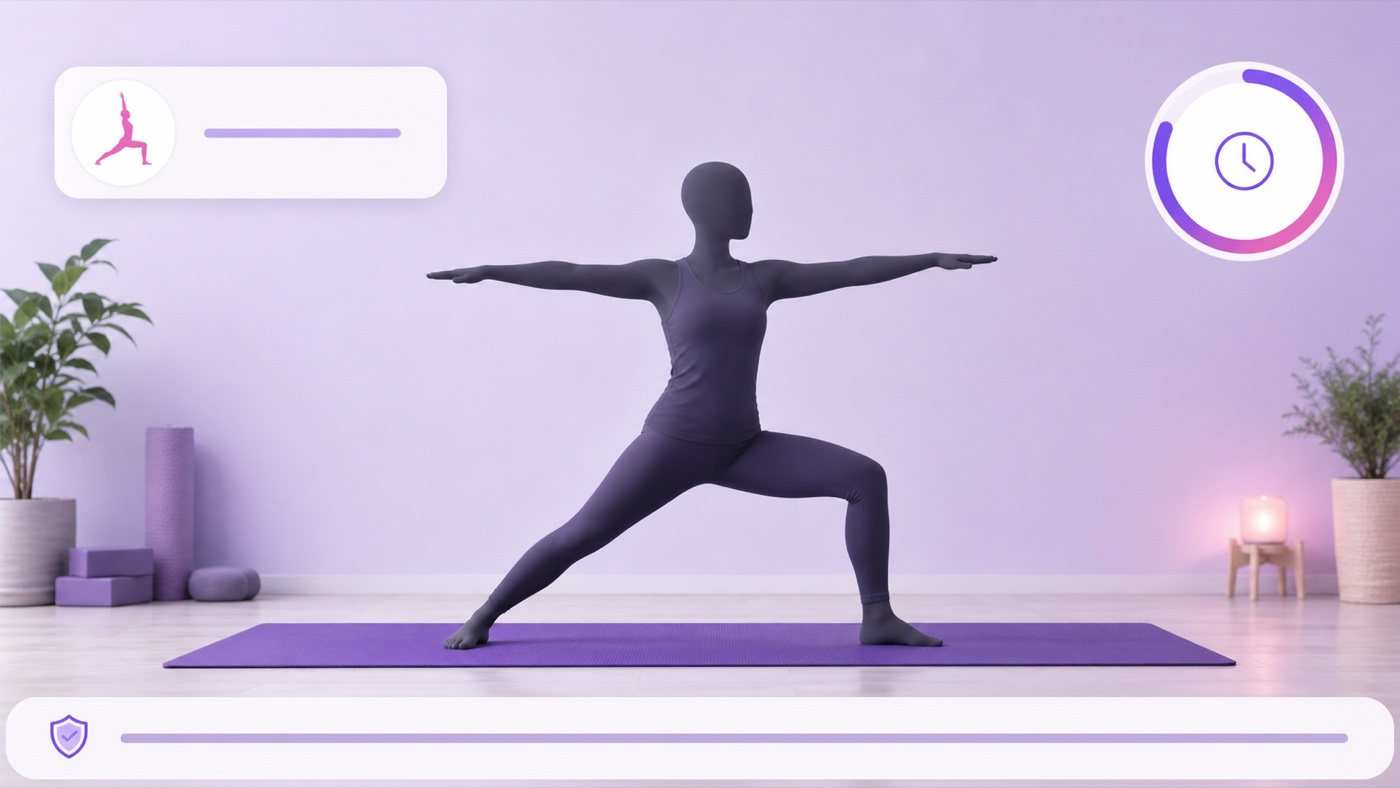
Frame for instruction, not drama. A locked wide shot should keep the full mat, hands and feet visible through every pose or movement. Test the deepest lunge, the widest arm reach and any floor transition before recording; a cropped ankle can hide the detail that keeps a viewer aligned.
Audio must work when the viewer glances away from the screen. A lavalier microphone on the instructor usually gives clearer cues than a room microphone. Say the movement, direction, breath or repetition before it happens, and keep music below the voice. Match the loudness across old classes so one segment does not suddenly become much louder than the previous one.
Standardise landscape resolution, frame rate and audio format before joining the recordings. That reduces visible jumps and playback problems. Burn pose names, timers and short modification cues into the exported video so a mid-join viewer has context. Follow the placement principles in the guide to overlays on a 24/7 loop, keeping labels away from the instructor's body and YouTube controls.
Write titles and descriptions for the person choosing a class
A useful title answers three questions immediately: what practice is this, who is it for and how long is it? Beginner Hatha yoga — 30 minutes — continuous replay is clearer than a vague promise about transformation. If the instruction is in Hindi, Tamil, Telugu, Bengali or another regional language, say so near the front.
Use the description for the sequence list, level, duration, equipment, safety notice and honest replay label. Include the original recording date when relevant. In YouTube Studio, create the destination through Create → Go live → Stream, add the title and description, then copy the stream key only into your streaming service. Treat that key like a password.
Plan a refreshed block for moments when more people deliberately look for a routine, such as International Day of Yoga or the new-year period. Refreshing means improving the library and packaging; it does not justify urgent health or body promises.
Turn watchers into students without overselling
The replay should make the next step obvious. Add a burned-in handle, a WhatsApp click-to-chat link in the description and a pinned message with the timetable for your instructor-led classes. State the format and ₹ price plainly—for example, live small-group class, Tuesday and Thursday, ₹1,200 per month—without pretending the replay offers personal supervision.
Keep one primary action rather than scattering five links. A viewer who liked the teaching can message for the timetable, join a paid class or visit a simple booking page. The always-on stream is the shop window; your responsive teaching and student experience are the service.
This funnel resembles an evergreen lead channel, so the follow-up ideas in the recorded-webinar playbook can also help you organise the message and next step.
Run the first month with a small routine
Do not launch your entire archive at once. Begin with a rights-cleared block you can watch from start to finish. Complete the go-always-live checklist, start the destination as unlisted, and verify picture, voice level, transitions, disclaimer readability and the return from the last class to the first.
- Every day: spend 30 seconds opening the live page on mobile. Confirm that video and audio are present and the title still matches the block.
- Twice a week: review comments. Remove spam, answer class questions and redirect injury or medical questions to appropriate professional help.
- Once a week: replace one weak or overplayed segment with a cleared, technically matched class.
- At week four: compare blocks using retention and comment quality. Keep what viewers actually follow; re-edit or retire confusing classes.
With StreamNeo, this week's block can be swapped as a file change from a phone, so a solo instructor does not need to leave a studio laptop running. Check the current StreamNeo plans against the stream duration and destinations you need.
Start free — 24-hour trial, no card. Build the first channel from one clean, rights-cleared block, then expand only after the loop feels safe and easy to follow.
FAQ
Can I stream my old recorded yoga classes as live?
Yes, if you own or hold permission for the footage, music and visible participants. Label the broadcast as a continuous replay rather than implying the instructor is present in real time, and recheck every old class before adding it.
What music can I use in a class loop?
Use music you created, music explicitly cleared for continuous commercial livestreaming, or tracks covered by a licence that fits this use. A claimed track returns every cycle, so remove or replace anything whose terms are uncertain.
Do I need a disclaimer?
Yes. Put a concise safety notice on screen and a fuller version in the description, including guidance for pain, injuries, pregnancy and relevant health conditions. A disclaimer does not make unsafe instruction acceptable, and you should avoid medical or weight-loss claims.