You are halfway through setting up a live stream when a box asks for an “RTMP URL.” Beside it is another box marked “stream key.” The names sound technical, but the idea behind them is simple: one value tells your video where to go, and the other proves which channel may receive it.
If you understand those two values, you understand most of what an encoder, OBS, or a cloud loop service needs to start a broadcast. Here is RTMP without the broadcast-engineering detour.
RTMP in one paragraph
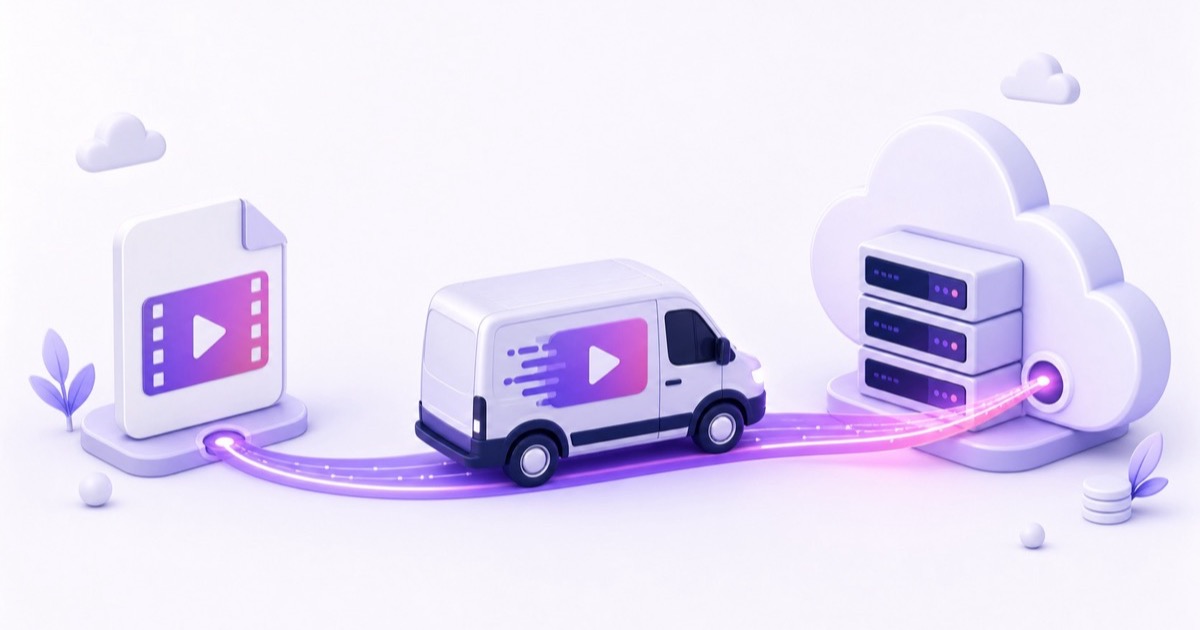
RTMP stands for Real-Time Messaging Protocol. Think of it as the delivery van that carries live video from your encoder up to a platform’s ingest server. The encoder may be OBS on a PC, a hardware camera, an app on your phone, FFmpeg on a server, or a cloud service pushing a looping file. The ingest server is the platform’s receiving door.
RTMP came from the Flash era and later became closely associated with Adobe. Browser-based Flash playback disappeared, but the upload workflow survived because it is widely implemented and easy for encoders and platforms to support. YouTube, Facebook, Twitch, and Kick all document encoder workflows built around an RTMP or RTMPS server URL plus a stream key.
RTMP is the route from your encoder to the platform. It is not the public link viewers open to watch your stream.
The two halves of every ingest
Every standard setup gives you two pieces:
- Server URL: the platform’s receiving address. It is usually shared by many creators and is not a password.
- Stream key: a secret credential that identifies your channel or broadcast. Anyone who gets it may be able to publish to your channel.
A tool with separate fields keeps the pieces separate. A command-line tool may ask for one joined destination, in which case the key goes after the server path, separated by a slash:
rtmp://a.rtmp.youtube.com/live2/YOUR-STREAM-KEY
Do not add the key to the URL when the software already has a dedicated Stream key box. That would duplicate it. If this is the exact YouTube address in front of you, the companion guide explains where to paste YouTube’s RTMP URL.
| Platform | Example server URL | What remains private |
|---|---|---|
| YouTube | rtmp://a.rtmp.youtube.com/live2 | Your YouTube stream key |
rtmps://live-api-s.facebook.com:443/rtmp/ | Your Facebook stream key | |
| Twitch | rtmp://ingest.global-contribute.live-video.net/app/ | Your Twitch stream key |
You may still see rtmp://live.twitch.tv/app/ in older tutorials. Twitch’s current official ingest endpoint list returns the global address above plus regional hosts. For example, its current Mumbai entry is rtmp://aps30.contribute.live-video.net/app/. Use the value shown by the platform or selected by your encoder rather than copying an old hostname blindly.
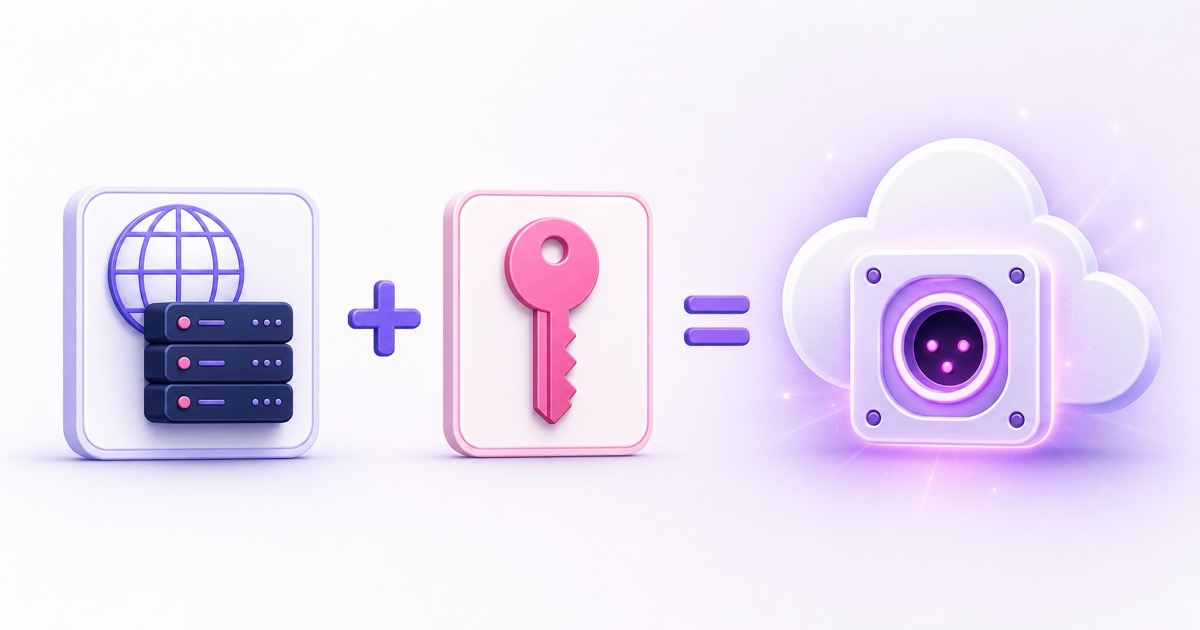
The key deserves the same care as a password. Do not put it in a screenshot, video tutorial, public shell history, or shared document. If it leaks, reset it in the platform dashboard and replace it everywhere your encoder is configured. For the exact Studio path, see how to get and protect a YouTube stream key.
RTMPS is RTMP in a seatbelt
RTMPS is RTMP carried inside TLS encryption. The video publishing model stays the same, but the connection between your encoder and the ingest server is protected against casual interception or tampering. It normally uses TCP port 443, the same port commonly used for secure websites.
Plain RTMP commonly uses TCP port 1935. Offices, colleges, hotels, and managed Wi-Fi networks sometimes block that port even when ordinary websites work. That explains the maddening case where the same laptop and settings connect over a Jio or Airtel hotspot but fail on office Wi-Fi. Switching networks is a useful diagnosis; switching to the platform’s RTMPS endpoint is often the durable fix.
For Facebook Live Producer, use the secure RTMPS URL Facebook supplies. Meta’s current help flow tells creators to enable a secure RTMPS connection when supported, while its Live Video API can expose both a plain stream_url and a secure_stream_url in some API workflows. So “Facebook understands no plain RTMP anywhere” is too broad, but the practical creator rule is firm: choose RTMPS on port 443, and do not build a current Facebook setup around a tool that cannot handle it. Our Facebook stream-key and RTMPS guide walks through the fields.
What the protocol actually carries
In the traditional social-platform workflow, RTMP carries compressed audio and video packets in an FLV-style stream. The safe, broadly compatible combination is H.264 video plus AAC audio. An .mp4 filename alone does not prove that the file contains those codecs; an MP4 can hold HEVC, AV1, or other formats.
This is why an encoder can open a file locally but fail when it tries to publish it. The video is valid, yet it is not valid for that ingest path. YouTube’s current encoder error documentation explicitly asks for H.264 video and AAC audio on this route. If your master is HEVC, convert it once to a compatible delivery file instead of repeatedly re-encoding it during every loop. The best video format for 24/7 streaming guide gives the preparation checklist.
The constraint belongs to the classic RTMP/FLV ingest combination and the platform’s acceptance rules, not to video files in general. Other ingest protocols and newer implementations can support other codecs.
What happens after ingest
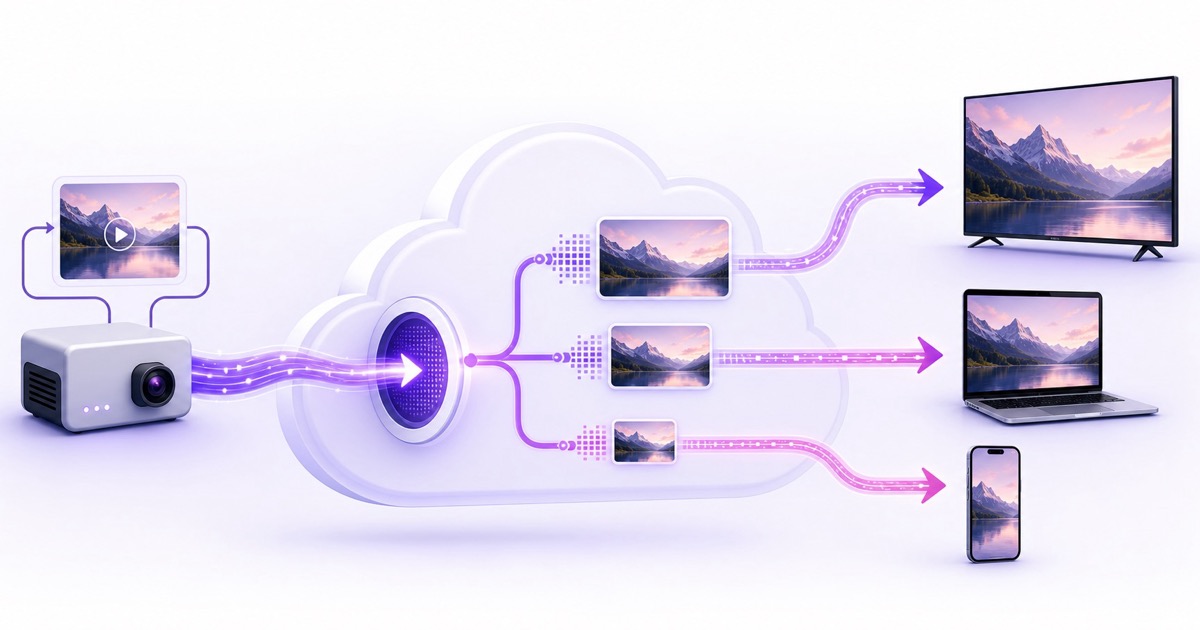
The RTMP trip ends at the platform. You send one live feed; the platform checks it, decodes it, and usually creates a transcode ladder: several versions at different resolutions and bitrates. A viewer on fibre may receive a high-quality rendition, while a viewer on mobile data may receive a smaller one.
Playback is normally delivered to viewers with HTTP-based streaming such as HLS or DASH, not with your incoming RTMP connection. Those formats split media into pieces that apps, browsers, TVs, and content-delivery networks can distribute efficiently. That is why a viewer does not need your stream key and never connects to port 1935.
Do not memorize a single delay number. Latency depends on the platform mode, network, buffering, player, and stream health. YouTube’s current latency guidance says most viewers see under 10 seconds in low-latency mode and under 5 seconds in ultra-low-latency mode; it does not promise one fixed delay for normal mode. A short ingest connection time does not mean viewers will see the frame at that same moment, because transcoding and playback buffering happen afterward.
Where 24/7 loops fit
RTMP does not know whether a frame came from a camera five milliseconds ago or from a video file exported last week. It receives timed packets in a continuous sequence. If a looping tool maintains clean timestamps and keeps publishing, the ingest server sees an ordinary continuous live feed.
A cloud loop service is simply a well-supervised RTMP publisher running in a datacenter instead of your bedroom. StreamNeo reads your prepared file, paces it in real time, publishes it to the platform, and handles the operational work that would otherwise live on a PC or VPS.
That technical equivalence is not a policy exemption. You still need the rights to every visual and sound you stream, and the broadcast must follow the destination’s rules. Whether and how to label recorded material is a separate question covered in the guide to pre-recorded live streams and platform policy.
Avoid publishing the same key from two active encoders. Most standard setups expect one publisher per key and reject the second as already active. An explicitly supported primary-and-backup ingest workflow is the exception; use the platform’s documented pair of endpoints rather than improvising two publishers.
The three RTMP errors you will actually meet
| What you see | What it usually means | First useful check |
|---|---|---|
| Failed to connect to server | The encoder cannot reach the hostname or port. The network may block 1935, DNS may be failing, or the URL may be wrong. | Copy the server URL again, try RTMPS/443 when offered, then test another network such as a phone hotspot. |
| Publish Rejected or invalid-key error | The server is reachable, but it will not authorize this publish. The key may be mistyped, expired, reset, or tied to a different event. | Paste a fresh key with no leading or trailing spaces. Confirm the scheduled broadcast is in the state expected by the platform. |
| Already publishing | Another encoder or stale session is using that destination. | Stop the other publisher and wait for the platform to release the session. Reset the key if you cannot identify it. |
The wording varies by encoder, so diagnose the stage rather than searching only the exact sentence. A connection failure happens before authentication. A publish rejection proves you reached the server but failed authorization. An already-publishing error means the key was accepted, but the channel is occupied.
For platform-specific messages and recovery steps, use the full stream-key invalid and Publish Rejected decoder. Never “fix” an authentication problem by sharing your real key in a forum post.
The alternatives, without the jargon
RTMP is not the newest protocol, only the most familiar ingest denominator. SRT is useful across unreliable networks because it can recover lost packets and is popular for contribution links between production systems. WHIP, based on WebRTC, targets standardized low-latency ingest. WebRTC itself powers interactive calls and experiences where sub-second communication matters.
Those strengths do not mean you need to redesign a simple YouTube or Facebook loop. A protocol matters only if both your sender and destination support the same workflow. For a prepared video going to a mainstream platform, the RTMP or RTMPS URL and key displayed in the dashboard remain the shortest path from file to live page.
Before you press Start, check four things: use the URL currently shown by the platform, keep the key secret, prefer RTMPS/443 when available, and send a compatible H.264/AAC feed. That small checklist prevents most first-run failures.
Ready to publish a prepared video without keeping your laptop awake? Start free — 24-hour trial, no card.
FAQ
What does RTMP stand for?
RTMP stands for Real-Time Messaging Protocol. In a live-streaming setup, it carries video and audio from your encoder to the platform’s ingest server. The public watch page is a different address, and viewers normally receive HLS or DASH playback rather than RTMP.
Is RTMP still used in 2026?
Yes. YouTube, Facebook, Twitch, and Kick still document encoder setup using an RTMP or secure RTMPS server URL and a stream key. Current endpoints can change—Twitch’s official list now uses global and regional contribute.live-video.net hosts—so copy the address from the platform rather than relying on an old tutorial.
What is the difference between RTMP and RTMPS?
RTMPS is RTMP wrapped in TLS encryption, usually on TCP port 443. Plain RTMP commonly uses TCP port 1935 and may be blocked on managed networks. For Facebook, use the secure RTMPS URL supplied by Live Producer; for other platforms, prefer RTMPS whenever your encoder and destination offer it.